Media Player
NOTE: The media player feature is not compatible with all chartplotter models.
NOTE: Not all features are available on all connected media players.
If you have a Fusion-Link
™
compatible stereo connected to the NMEA 2000 network or Garmin Marine Network,
you can control the stereo using the chartplotter. The chartplotter should automatically detect the media player
when it is first connected.
You can play media from sources connected to the media player and sources connected to the network.
Opening the Media Player
Before you can open the media player, you must connect a compatible device to the chartplotter.
Select Vessel > Media.
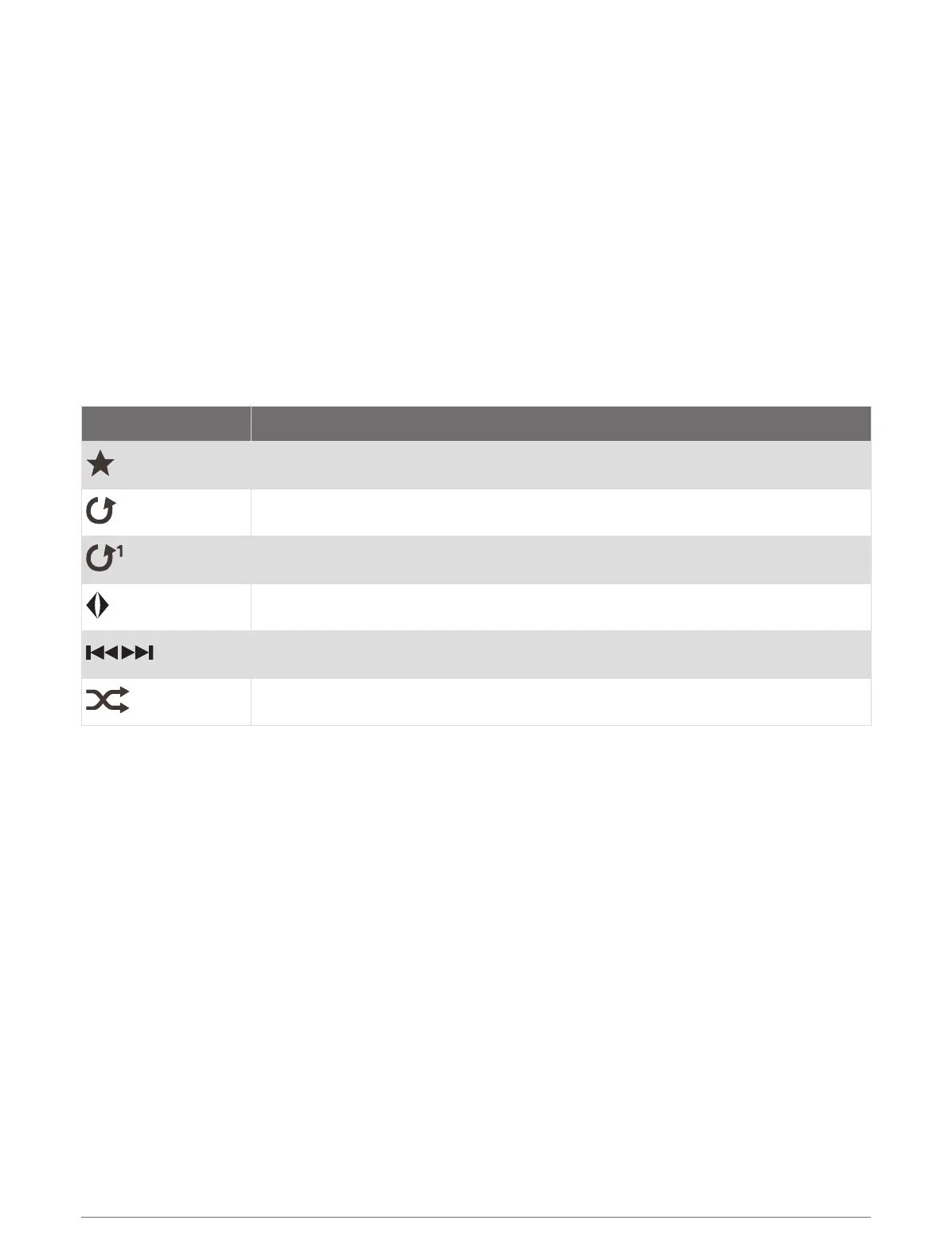
Media Player Icons
NOTE: Not all devices have these icons.
Icon Description
Saves or deletes a channel as a preset
Repeats all songs
Repeats one song
Scans for stations
Searches for stations or skips songs
Shuffles
Selecting the Media Device and Source
You can select the media source connected to the stereo. When you have multiple stereo or media devices
connected on a network, you can select the device from which you want to play music.
NOTE: You can play media only from sources that are connected to the stereo.
NOTE: Not all features are available on all media devices and sources.
1 From the media screen, select Devices, and select the stereo.
2 From the media screen, select Source, and select the media source.
NOTE: The Devices button only appears when more than one media device is connected to the network.
NOTE: The Source button only appears for devices that support multiple media sources.
Playing Music
Browsing for Music
1 From the media screen, select Browse or Options > Browse.
2 Select Select or select an option.
Enabling Alphabetical Search
You can enable the alphabetical search feature to find a song or album in a large list.
From the media screen, select Options > Installation > Alpha Search.
134 Media Player



 To Next Page