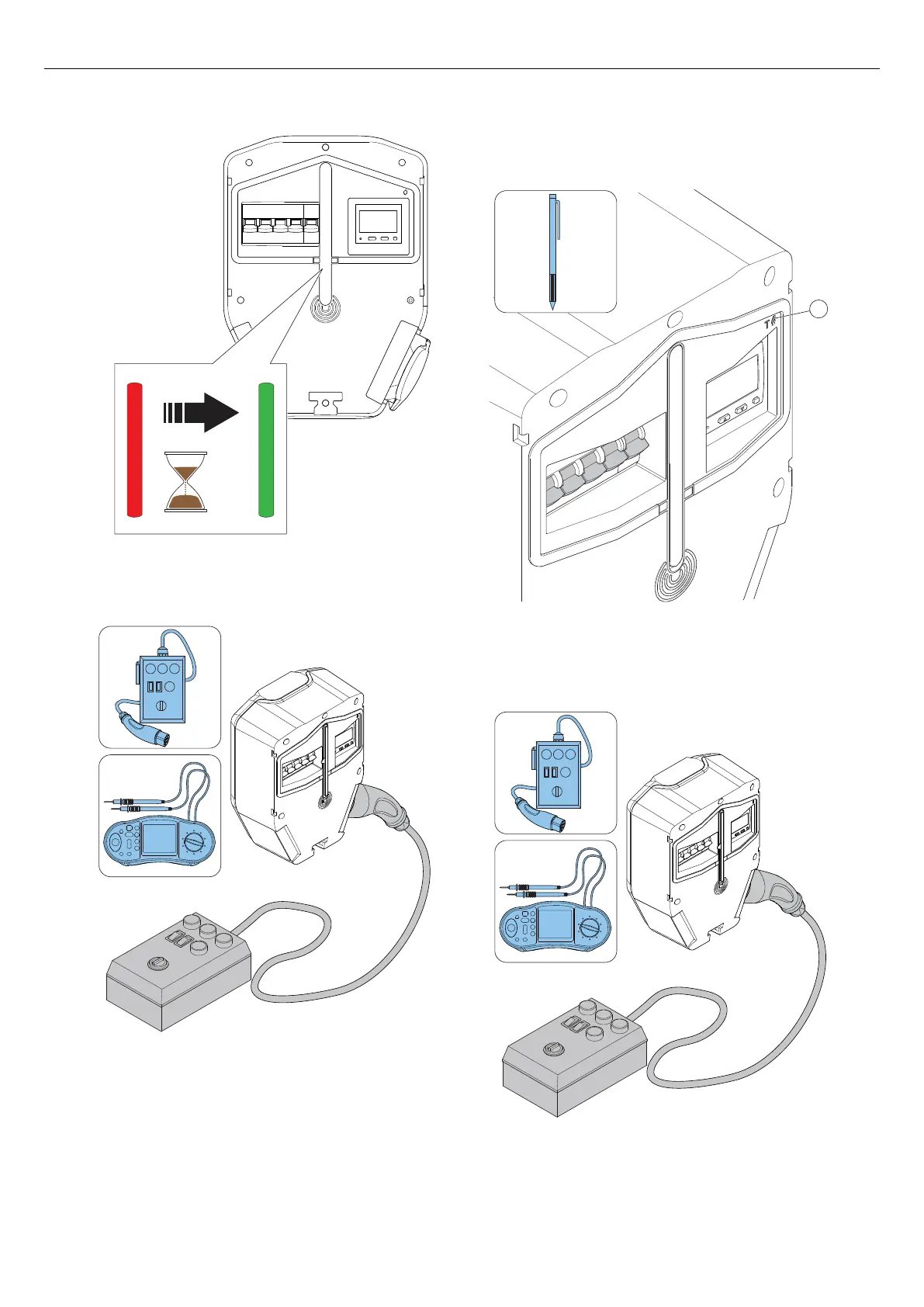
5. Set the charging station to state B (shown with a
blue solid light indication).
6. Set the charging station to state C. Shown with a
blue pulsating light indication.
7. Do a check of the voltage in the Type 2 outlet.
8. Press the test button (T) on the charging unit for
approximately 1 second but not more than 5
seconds. Make sure that the all-pole circuit breaker
is triggered.
9. Reset the all-pole circuit breaker.
10. Do a test of the earth faults (AC and DC) with a test
instrument.
11. When needed, reset the all-pole circuit breaker.
12. Set the charging station to state A.
<
90
sec
T
42 Version: 1.3
Installation



 To Next Page