4.14.5 INSTALLER
The installer is a certified installer or acts on behalf of a
certified installer. The installer is hired by the owner to
perform the electrical steps of the installation of the
charging station(s) that is connected to a location.
To access a location for installation, the owner of the
location creates/generates an installation code. The
installation code is a 12 letter code that works like a key
to the location. The code can be handed over to an
installer by email, paper or any other media. Installer
must have the code to start an installation.
If a new installation code is generated by the owner, the
old one is invalid, like a key.
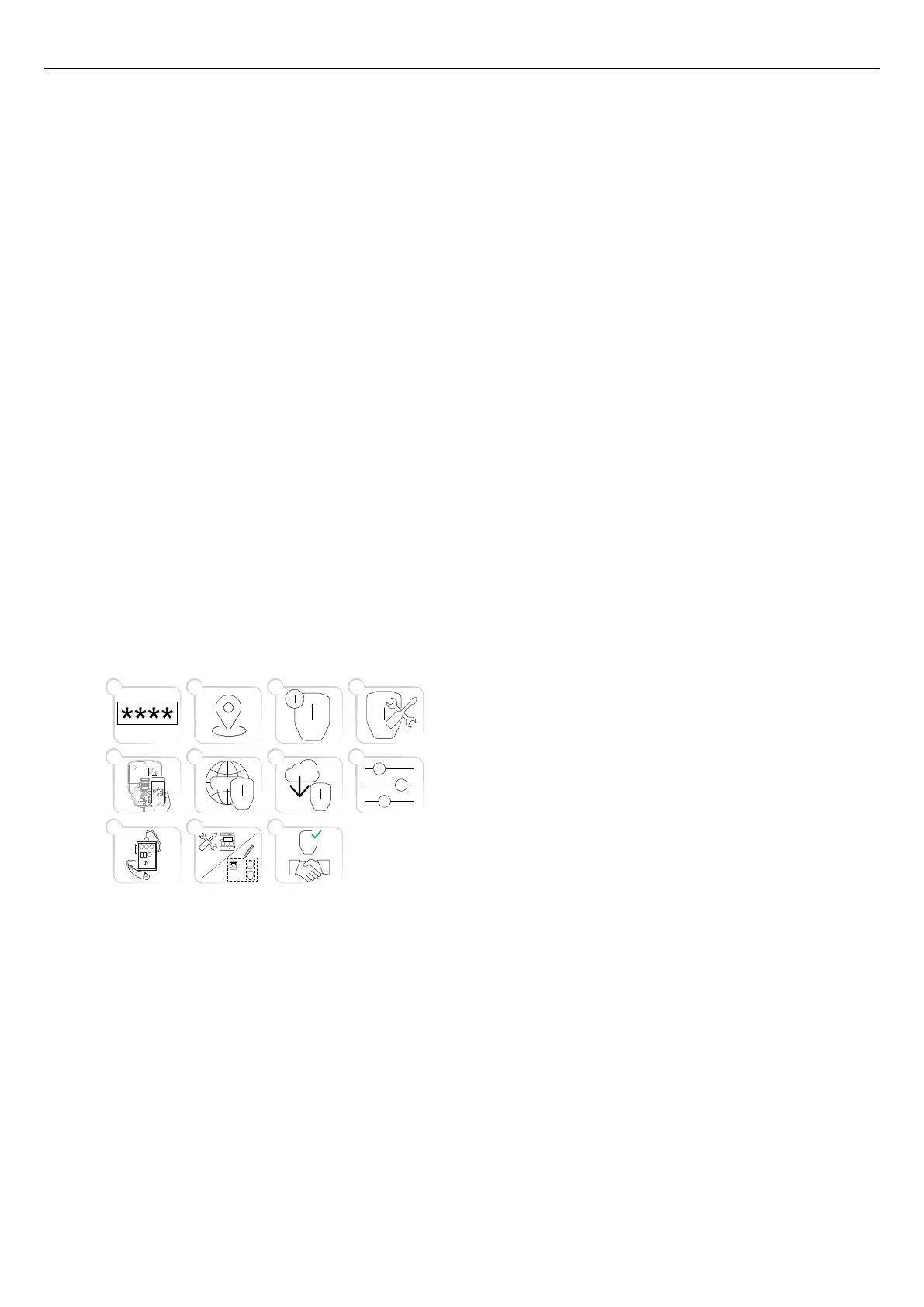
The installation process of the installer is described in
the illustration below. For a full instruction, refer to To
prepare the installation (installer), page 68.
NOTE
When a new installation is started, the installer can act
as a temporary owner and then hand over ownership of
the product(s) to the owner.
1. Enter the installation code in the GARO Connect
app. The installation code is related to a location.
2. Select the location that the owner has set up.
3. Create or choose charging station.
4. Perform the physical installation. Refer to 4
Installation, page 19.
5. Connect the selected, logical charging station to a
physical installation bracket, by scanning the IB QR
code.
6. Set up the internet connection for the charging
station(s).
7. Perform necessary firmware update.
NOTE
Updating using modem as internet access takes long
time.
8. Perform the configuration settings.
9. Create connection groups and install load
interfaces (if needed).
10. Perform test charging to make sure that the
charging station(s) operate correctly.
11. Declare the installation as complete in the GARO
Connect app and hand over the installation to the
owner. If the installer created the location, it should
be transferred to the real owner.
To prepare the installation (installer)
NOTE
These instructions are for the installer. To see the whole
process overview of the GARO Connect app, refer to
4.14.2 GARO Connect app process overview, page
57. To see the overview of the symbols and buttons in
the GARO Connect app, refer to 4.14.3 GARO
Connect app symbols overview, page 58.
1. Download the GARO Connect app.
65 7
21 3
8
4
9 10
11
WWW
68 Version: 1.3
Installation



 To Next Page