14. Owner: Manage access control for EV drivers,
monitor the system, refer to To prepare the
installation (owner), page 61.
4.14.3 GARO CONNECT APP SYMBOLS
OVERVIEW
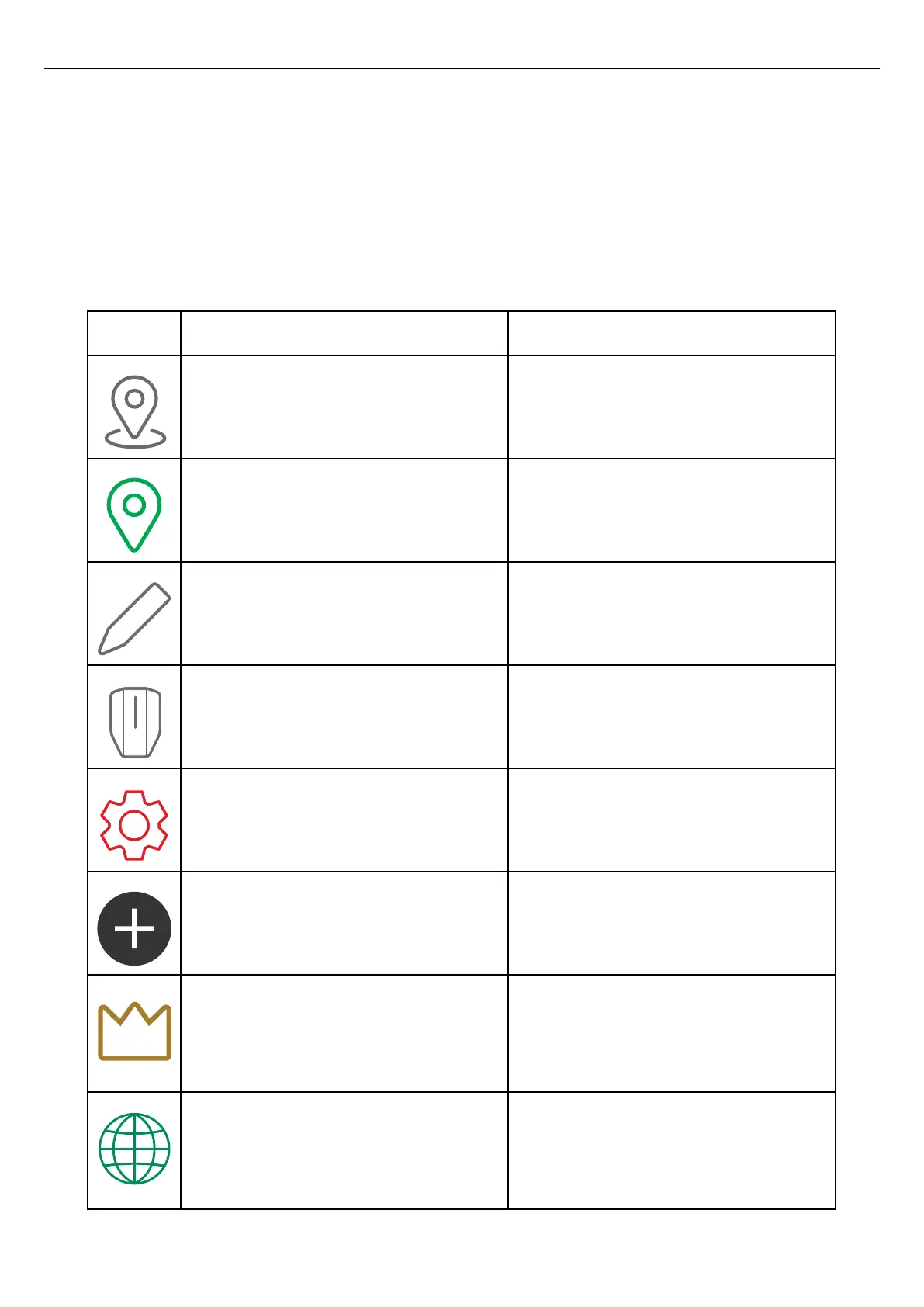
Icon Icon name Icon information
Location Click the icon to access the list of available
locations.
Chosen location The icon is shown beside the selected location.
Edit Click the icon to make changes to the settings.
Charging station The icon is the symbol for charging station.
Settings Click the icon to adjust the settings of the product.
Add Click the icon to add a location, group, charging
station, etcetera.
DLM Master The icon is shown beside the master charging
station or load interface. If a connection group is
set up without load interface, the master charging
station is also acting a the DLM master.
Communication master The icon appears beside the master charging
station or load interface that acts as a gateway to
the internet or acting as master/starting point of a
mesh Wi-Fi group.
58 Version: 1.3
Installation



 To Next Page