4.14.4 OWNER
The owner is the person who owns one or several
charging stations and the location, refer to 1.2.2
Definitions, page 5. The owner invites the installer to do
all or part of the installation of the charging station(s).
For more information about the installation process of
the installer, refer to 4.14.5 Installer, page 68.
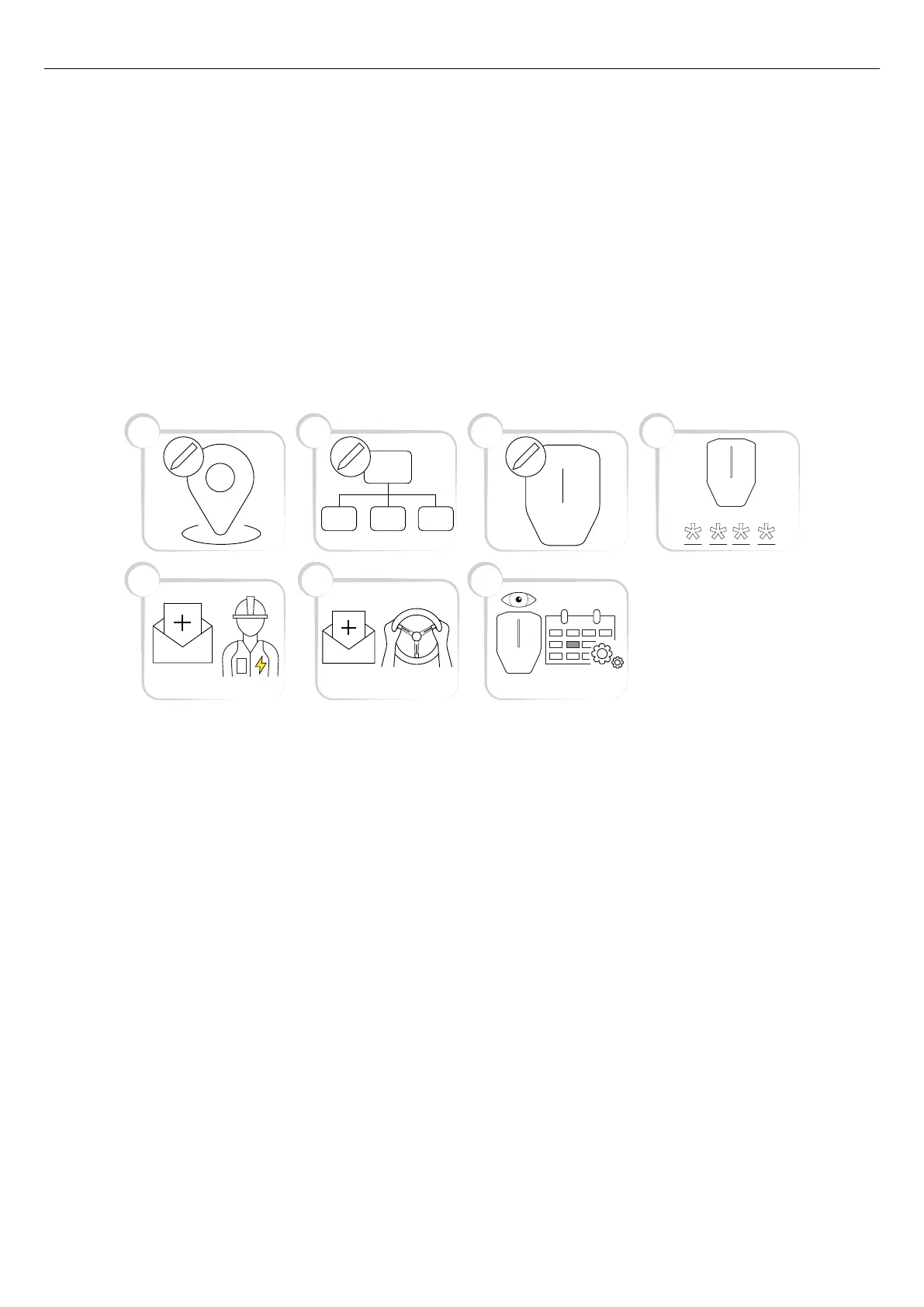
The installation process of the owner is described in the
illustration below. For a full instruction, refer to To
prepare the installation (owner), page 61.
NOTE
A new installation (a location with charging station(s))
can also be set up by the installer, who can act as a
temporary owner. After installation, the installer can
transfer the location, that is the complete control of the
product(s) to the owner.
1. Create or choose a location. The “home” location is
the default location.
2. Create an organization if it is needed. This is not
mandatory for every installation. Add more persons
as owners.
3. Create the logical charging station(s) (CS) in the
GARO Connect app. The logical charging station(s)
(CS) is later tied to a physical charging station (CS)
by the Installer by scanning the installation bracket.
4. Generate an installation code.
5. Invite an installer to install the product(s).
6. Invite EV drivers and manage EV driver access
control if needed. This is not mandatory for every
installation.
7. Monitor the system of charging station(s) (CS).
Ensure maintenance routines are followed. Refer to
6 Maintenance, page 89.
To prepare the installation (owner)
NOTE
These instructions are for the owner. To see the whole
process overview of the GARO Connect app, refer to
4.14.2 GARO Connect app process overview, page
57. To see the overview of the symbols and buttons in
the GARO Connect app, refer to 4.14.3 GARO
Connect app symbols overview, page 58.
1. Download the GARO Connect app.
5
21 3 4
6 7
Version: 1.3 61
Installation



 To Next Page