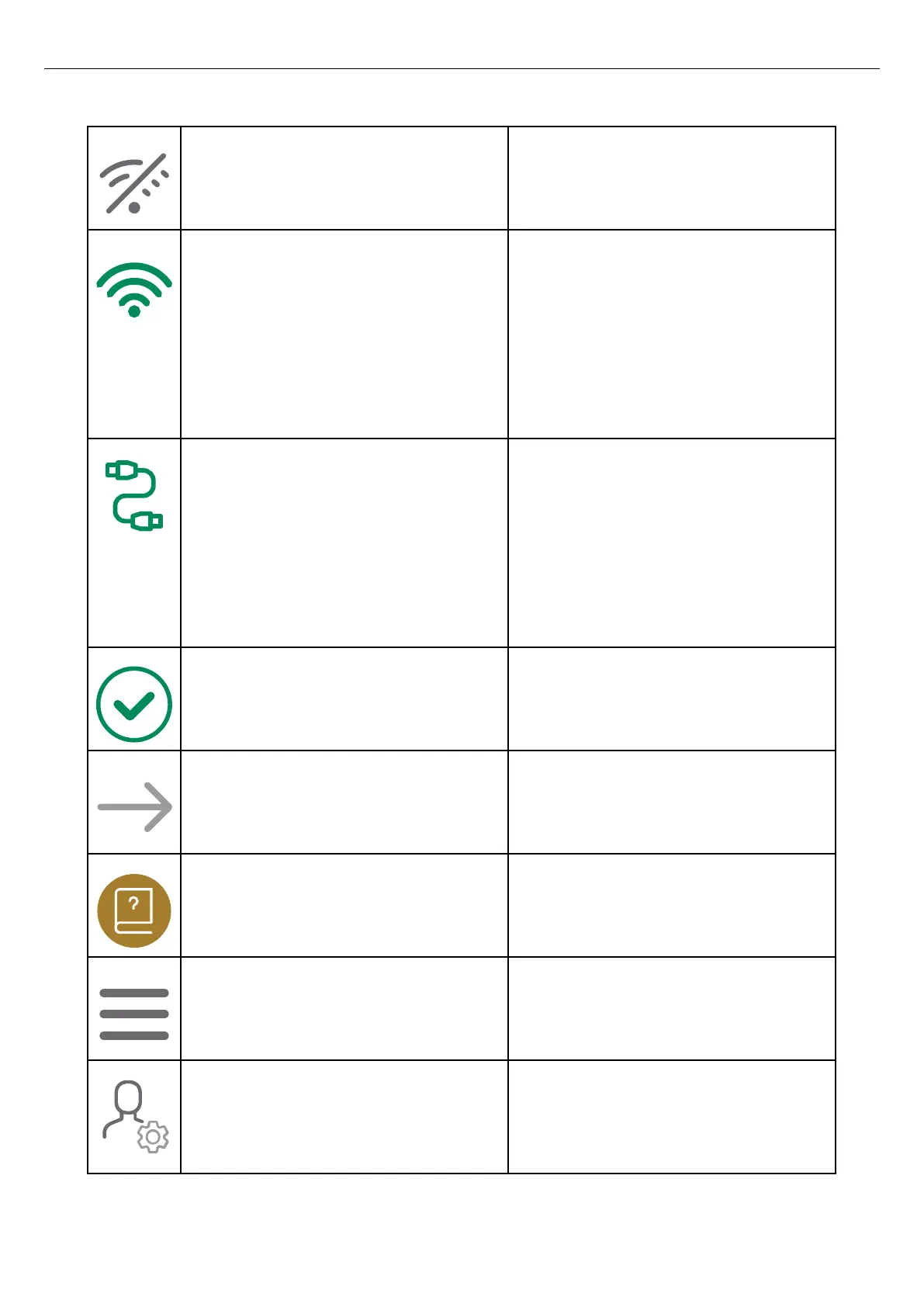
No internet The icon informs that there is no internet. The
master charging station must have internet access
via modem, Wi-Fi, or an ethernet.
Internet connection active via Wi-Fi The icon informs that a radio based internet
connection link is active and working. The icon
also informs that the internet connection is
available direct (to the internet connectivity
master) or indirect to a non-master unit through a
functional interconnection. The master charging
station must have internet access via modem, Wi-
Fi, or an ethernet cable.
Internet connection active via ethernet cable The icon informs that a internet connection link
via an ethernet cable is active and working
(working=green). The icon also informs that the
internet connection is available direct (to the
internet connectivity master) or indirect to a non-
master unit through a functional interconnection.
The master unit must have internet access via
modem, Wi-Fi, or an ethernet cable.
Complete The icon shows that the installation is complete.
Continue Click the icon to continue the installation process.
User manual Click the icon to access the operator and
installation manual of the product.
Main menu Click the icon to choose action in the main menu;
load and use, manage charging stations and
users, or install charging stations.
Personal settings Manage name and e-mail address. Click the
settings icon next to your name to manage
personal settings, such as name and e-mail
address.
Version: 1.3 59
Installation



 To Next Page