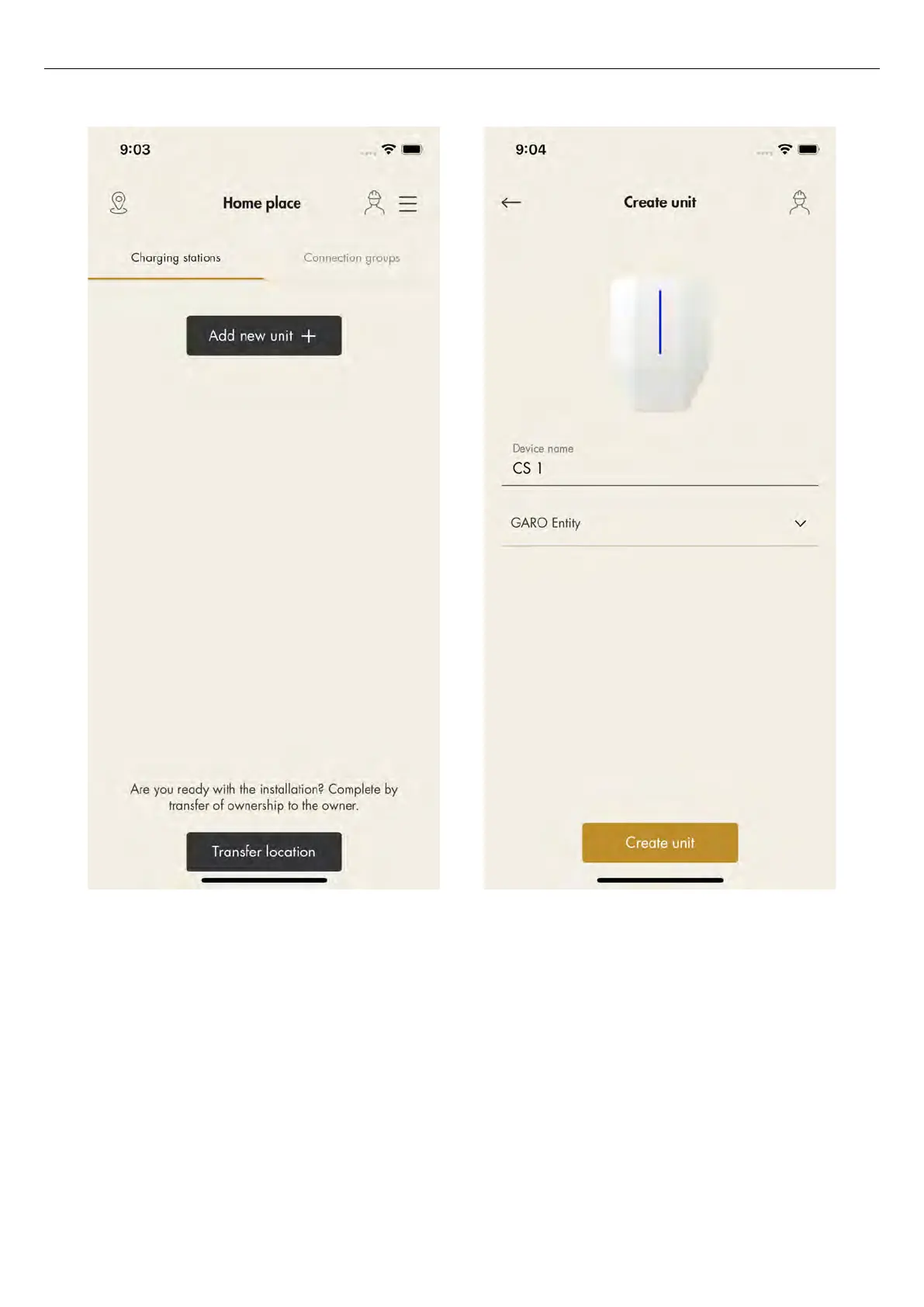
3. Enter a device name and select
Garo Entity
for
charging stations or
Garo Entity Balance
for load
interface units. The Garo Connect app provides the
applicable installation guide based on this choice,
even though the installation for each unit type is
almost the same.
4. Once the unit is added, connect the unit to a group.
Click the unit to connect it to a group.
NOTE
In this example, CS 1 will act as an internet gateway,
therefore the group structure is set up with this unit first.
72 Version: 1.3
Installation



 To Next Page