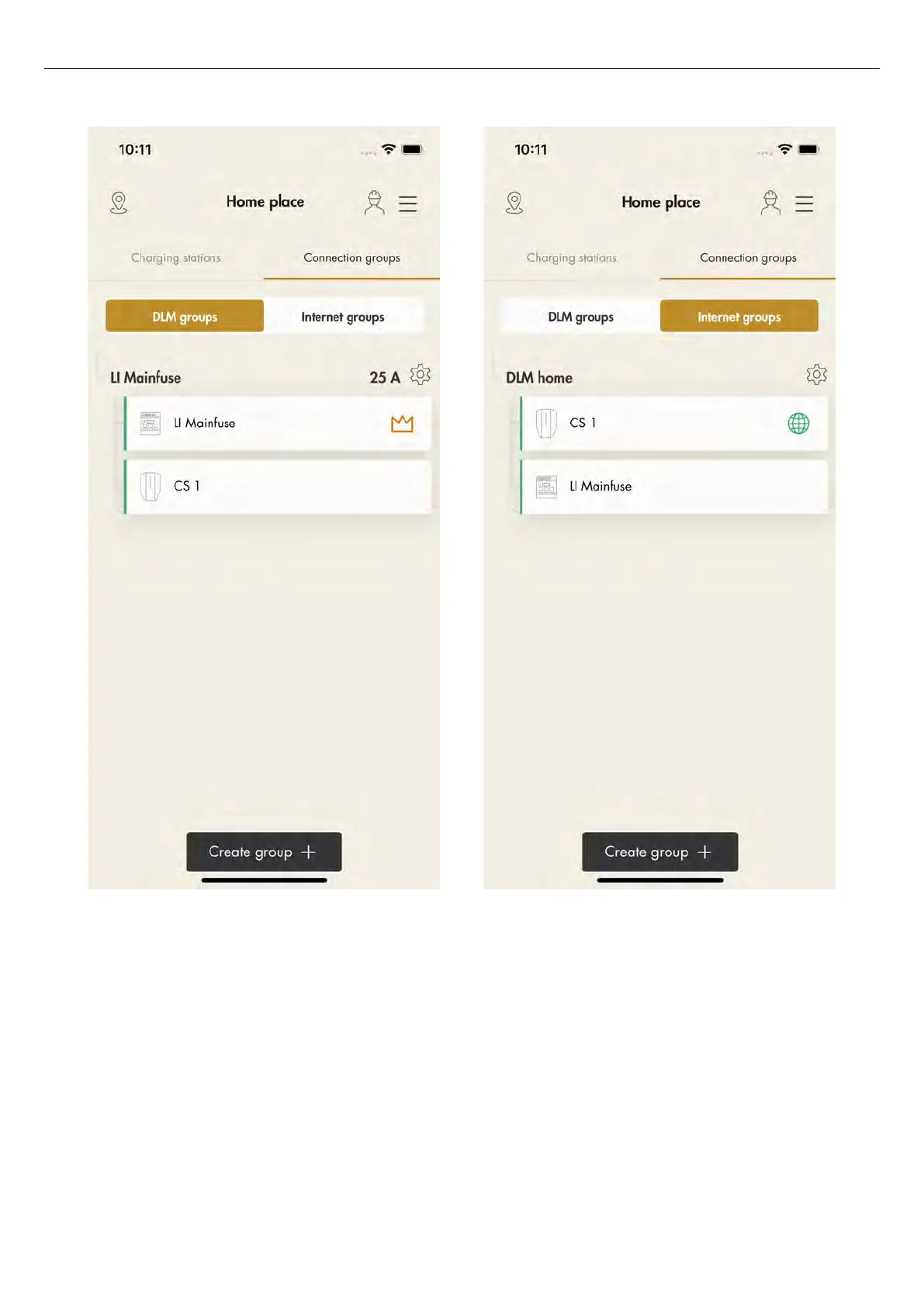
8. Continue to install the remaining settings.
However, the internet connection should be
automatic if an ethernet cable or a mesh Wi-Fi is
used. If a Wi-Fi connection is used, follow the
instructions in the GARO Connect app.
Transfer location
If the installation is performed on behalf of the owner,
transfer the location back to the owner.
To do this, click
Transfer location
and follow the
instructions in the GARO Connect app.
Version: 1.3 83
Installation



 To Next Page