GFK-2571N May 2018 31
Chapter 2 Installation
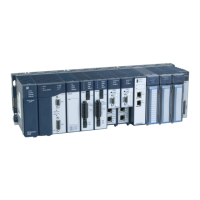
This chapter provides instructions for installing PACSystems RX3i PROFINET Controller modules.
• Pre-Installation check
• Removing the backplane knockout
• Module installation and removal
• Hot insertion and removal
• Port connections
• Installing SFP devices
• LED indications
• Installing the USB Port Driver
• Firmware updates
• Time synchronization with RX3i CPU
For additional information about system installation, also refer to the PACSystems RX3i Systems Manual, GFK-
2314.




 To Next Page