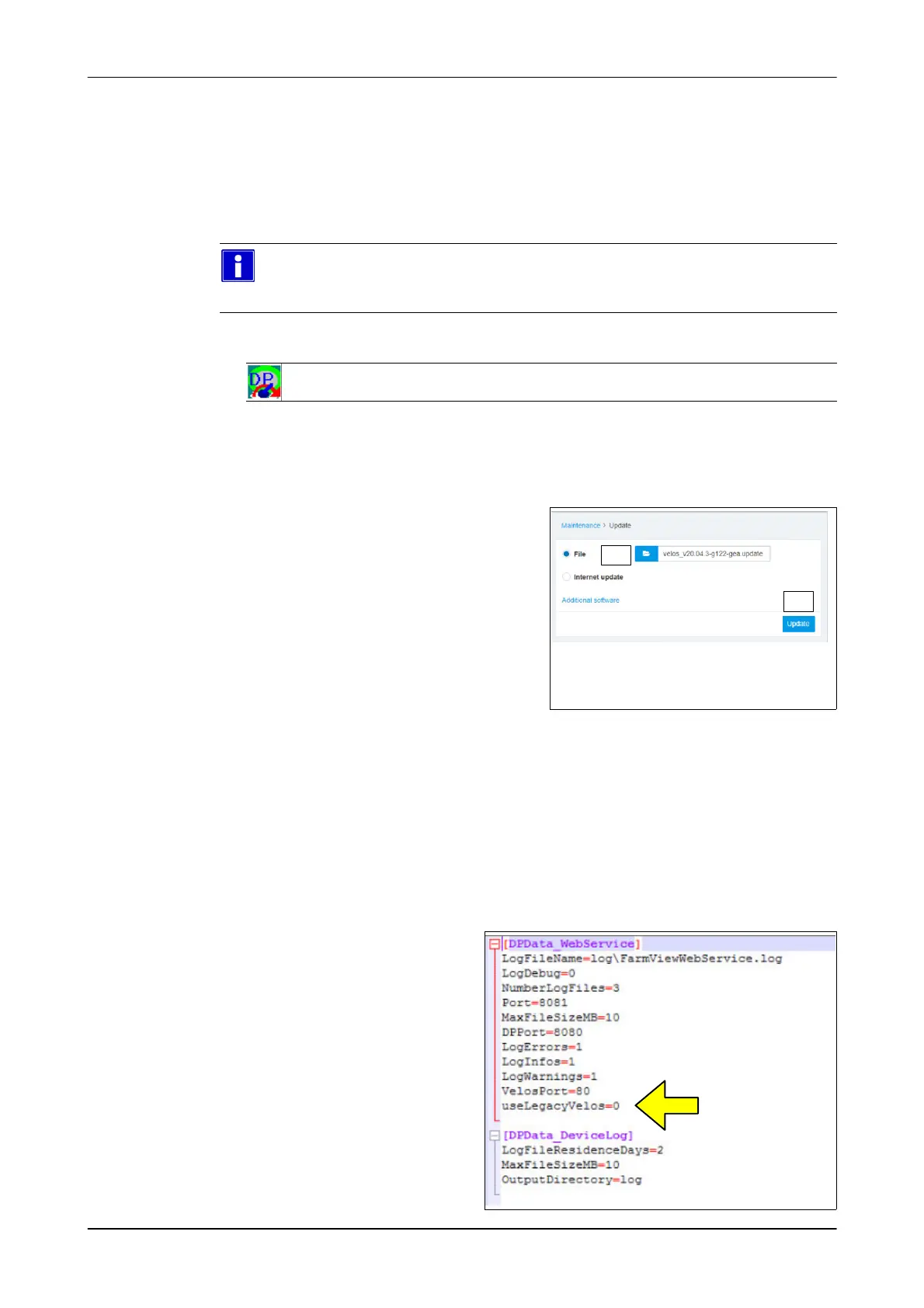
Commissioning
Commissioning the control unit
7160-9001-560
01. December 2020
43 / 74
6.5.1 Adjusting the control unit for automatic milking systems
Updating the firmware (only applies to control units in automatic milking systems) -
7160-9067-340 GEA AMS
The firmware must be updated when commissioning control units for automatic
milking systems.
Please note
The required update file is part of the DP-AMS master (version 1.3 and
higher).
1. Check the software version using DPService2
-DPService2: General Information-> Installation-> VPU
- If the version is not current, update the firmware.
2. Select a menu item
(Maintenance -> System -> Update)
- The Update window appears
3. Select file for installation
4. Specify the location of the update file
(C:\GEA\DeviceSoftware\DPService\S
oftware\Velos\velos_v20.04.3-g122-ge
a.update)
5. Click the button (Update)
- Firmware is updated
2. 3.
4.
Setting up FarmView web service (DairyRobot R9500 / Monobox, DairyProQ)
To ensure FarmView functionality, a file entry must be changed in automatic milking
systems (DairyRobot R9500/Monobox, DairyProQ) using the VP8002 control unit.
1. End the "FarmView_Webservice" process on the herd management PC
2. Open the DairyPlan directory (C:\DairyPln)
3. Open "FarmView_Webservice.ini" using a text editor
- The program window
appears
4. Change the file entry as
shown:
useLegacyVelos=0
5. Save the change
6. Restart the
"FarmView_Webservice"
process













 To Next Page