Commissioning
Commissioning the control unit
7160-9001-560
01. December 2020
49 / 74
6.5.3 Setting up control units individually
In conjunction with DairyPlan, system-specific settings were already set with
DPService.
The user interface can be used to enter additional details and set functions.
Please note
Instruction by example:
Setting a behaviour component for the connected system
Setting a behaviour component for the connected system
The function of the connected system is created as a behaviour component in the
control unit.
The behaviour components were created during the installation of the control unit
in the DPNet network.
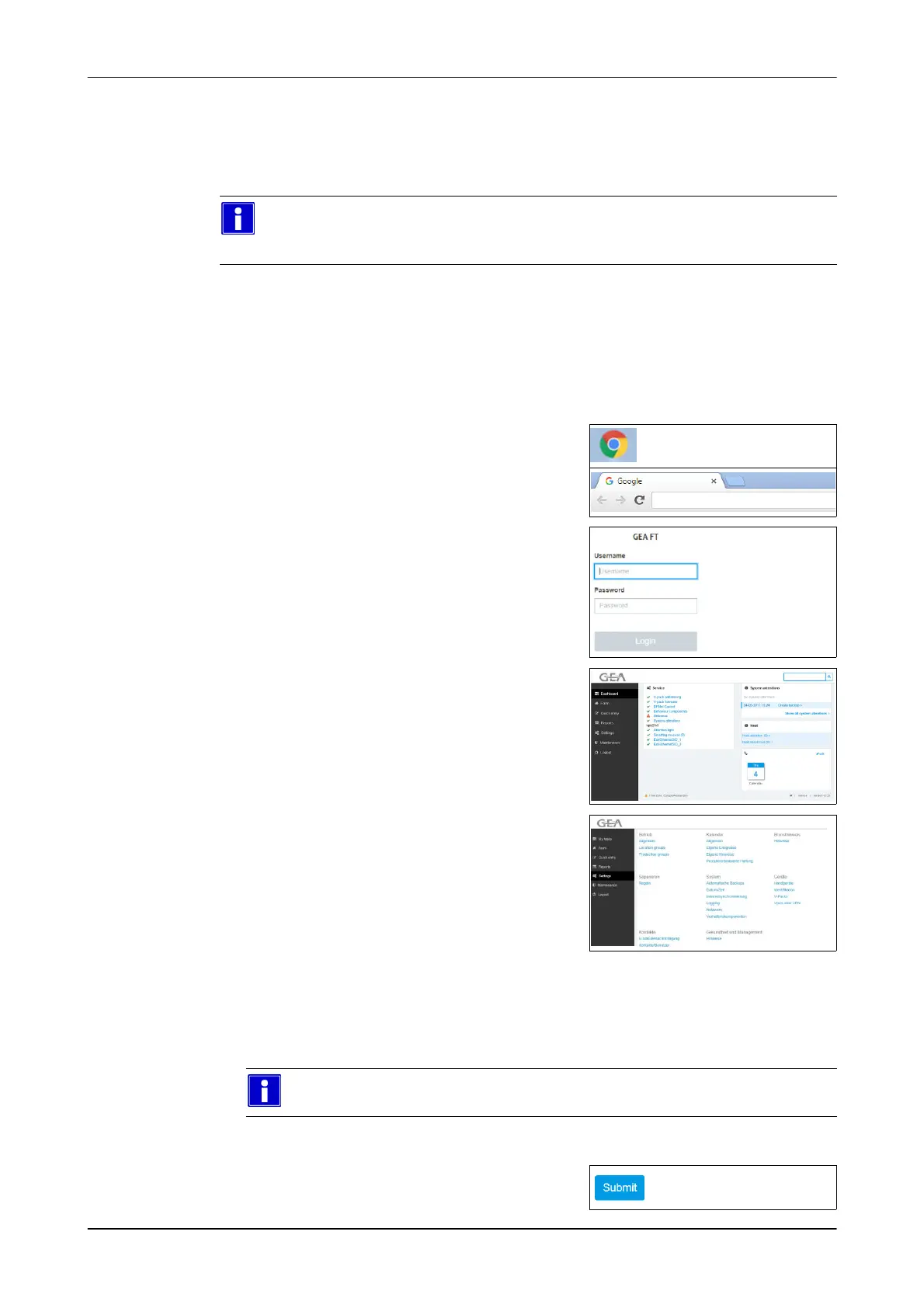
1. Open the Web browser
E.g.: Google Chrome
2. Enter the address:
Example: http://192.168.1.100/
http://192.168.1.100/
3. Enter log-in data
Example:
- User: service
- Password: gea123
- User interface appears (VP8002)
4. Select Section/menu item
Settings -> System -> Behavior
Components
- The entry window appears
5. Set a behaviour component for the connected system
Connected systems (example):
animal identification (ID) / AutoSelect-Ethernet / CowScout-CPS / DairyNetBox
For further information on the settings, please refer to the corresponding
manual.
6. Save the setting
(Submit)













 To Next Page