!!!
Maintenance
Firmware update
7160-9001-560
01. December 2020
53 / 74
8.4 Firmware update
Notes
● Do not update the firmware during milking.
Identification is not possible during an update.
● The update may take several minutes.
● The required software package is part of the DP master or can be
downloaded separately.
The software package includes:
- Firmware for all Velos devices (VPacks)
- User interface files
Important!
A power interruption during the update may lead to irreparable damage.
► Do not disconnect the power supply during the update!
Update version information (VP8001/VP8002)
Control unit VP8001 VP8002
Update possible from Version 3.23.x 5.101.3.428
Update to version Recommended version
(update to higher versions
not recommended)
Update to higher
versions
recommended (if
available)
● Cowscout
- Taurus
5.83.18.580
5.83.x
5.101.3.428
5.101.x
● Ethernet-ID 5.49.18.505 5.101.3.428
● Ethernet-Sorting 5.49.18.505 5.101.3.428
● Ethernet-AR-ID / PPID 5.83.18.580 5.101.3.428
Version updates
When updating from an older version, the
current version must be installed in several
intermediate steps!
3.x-> 3.23.x-> (4.x ->) 5.11.x
-> 5.29.x -> 5.49.x -> 5.83.x
-
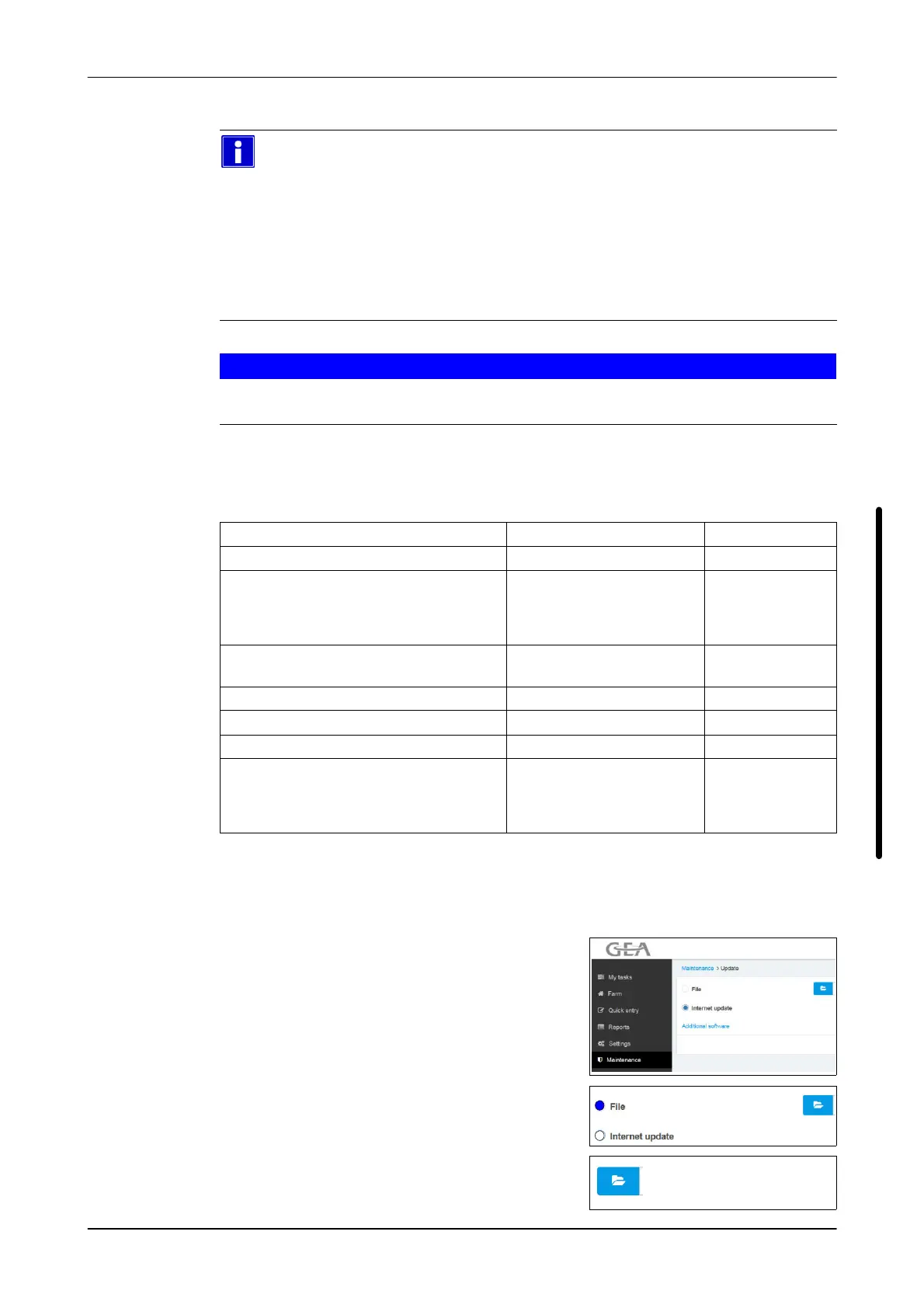
Updating the control unit
1. Open menu
Maintenance -> System -> Update
2. Select update by file (File)
3. Click the button
- Selection window is displayed













 To Next Page