Commissioning
Basics of commissioning
7160-9001-560
01. December 2020
28 / 74
6.3.1 Settings in Device menu (VP8002)
Please note
All settings in the device menu can also be made via the user interface.
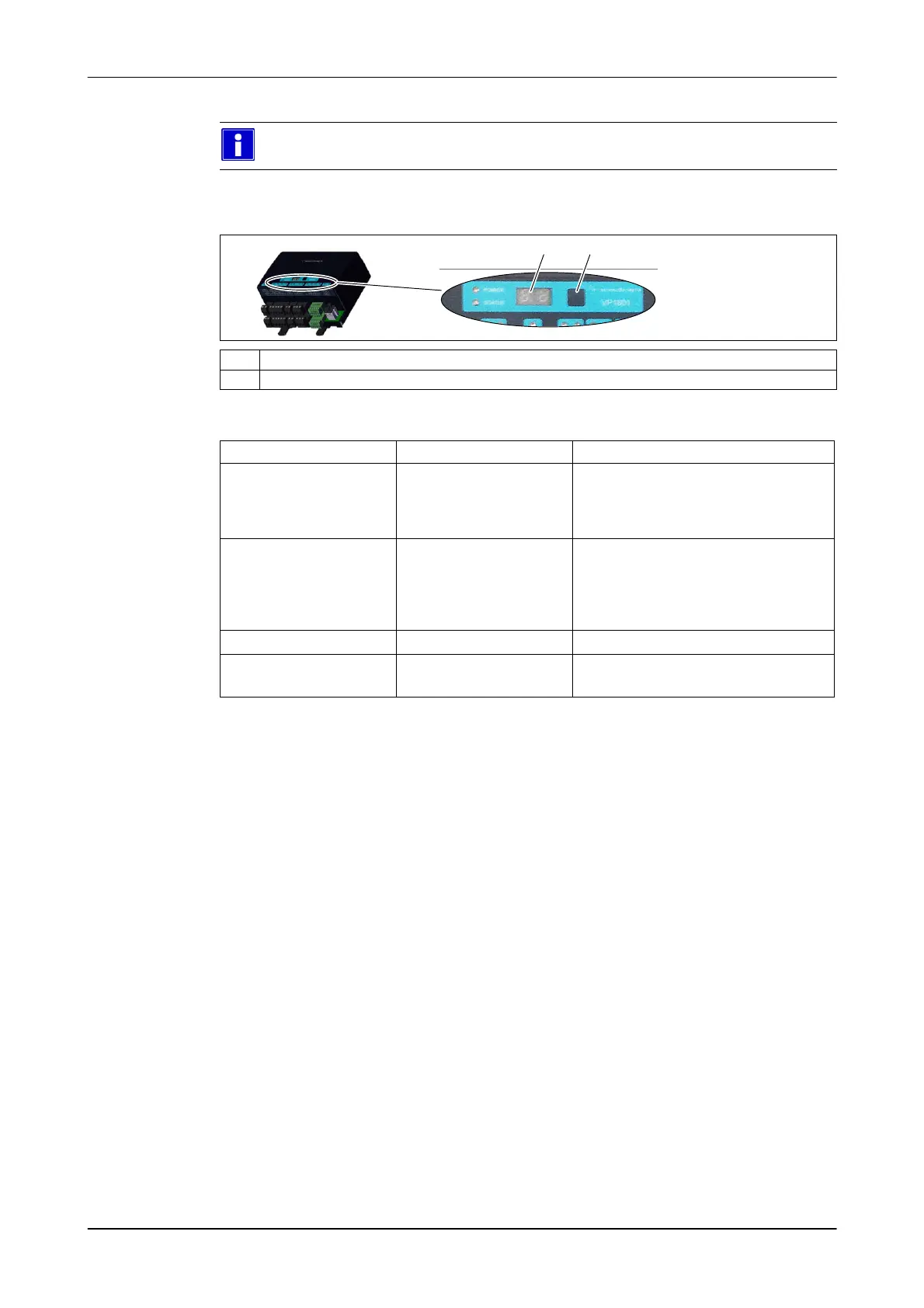
Control elements
H TVP8002
H 2-figure LED display
T Menu control button
Functions
Keystroke Pressed for function
Short (<0,5) Less than 0.5 seconds ● Open the Setup menu
● Scroll through the menu (↓)
(vertical movement)
● Change setting
Press and hold (>0,5)
(display flashes)
More than 0.5 seconds ● Display setting
● Switch to a different menu level (→)
(horizontal movement)
● Save the setting
None more than 10 seconds ● automatic return to start
Press Until display goes off ● Cancel
● Leave menu













 To Next Page