Troubleshooting
Troubleshooting possible errors
7160-9001-560
01. December 2020
60 / 74
9.4 Troubleshooting possible errors
9.4.1 Processing system messages (Dashboard)
The control unit displays system messages in the user interface.
● Display in Dashboard
● Display in section:
Maintenance -> System -> System messages
(Maintenance -> System -> System attentions)
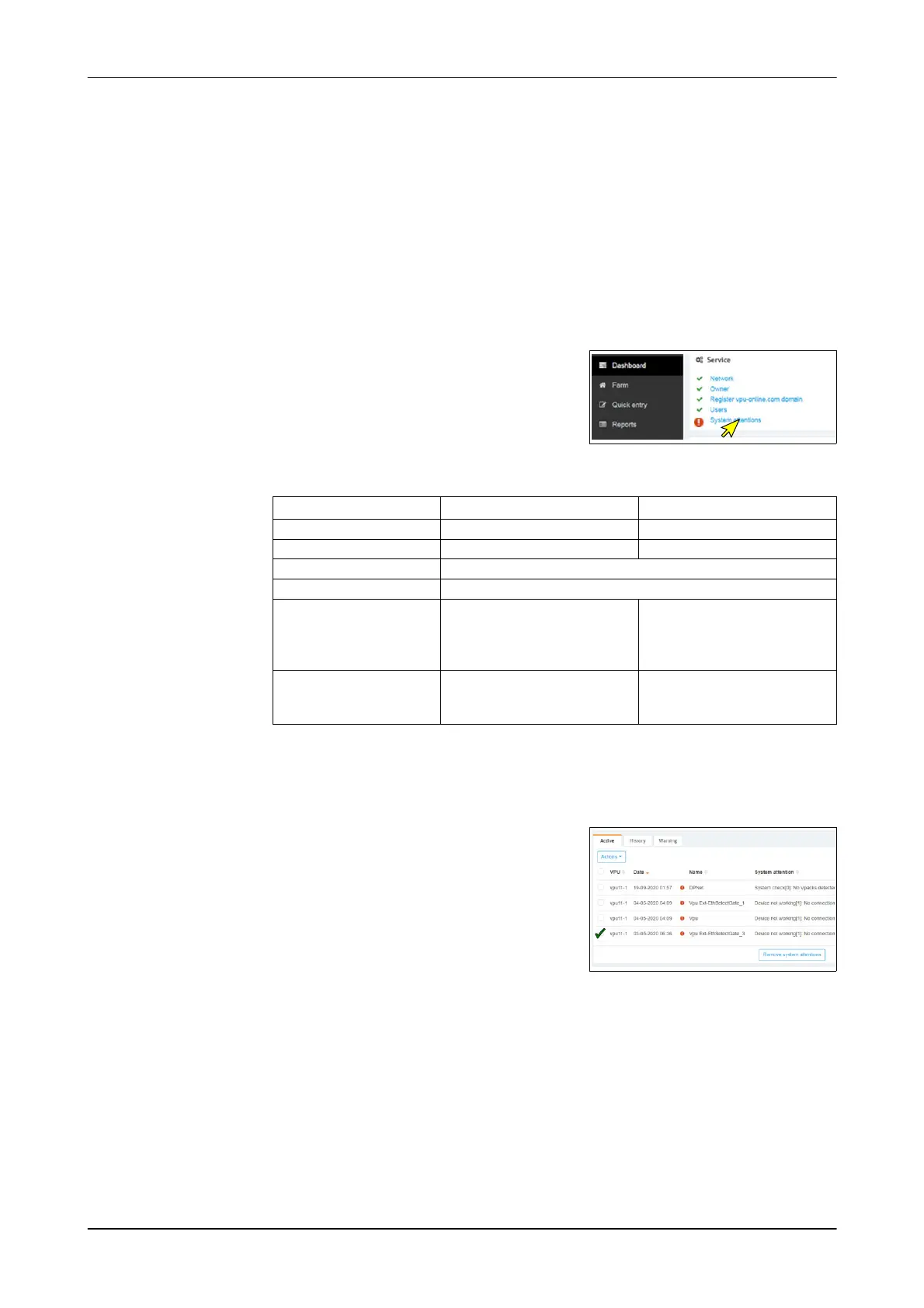
Processing a system message (Dashboard)
1. Click the button
- The corresponding section is displayed
Service section Message Solution/action
Network No internet connection Check the settings
Owner: Control unit not registered Register the control unit
VPU-online (only applies to CowScout)
Contacts/users (only applies to CowScout)
System messages Component messages
Examples:
● Receiver not set
● Firmware not up to date
● Find the cause and
remedy it.
● Confirm/delete message
Behaviour component Fault Check the behaviour
component
(see the appropriate section)
2. Repair fault
3. Confirm/delete system message
Example: System message about the behaviour component
- Mark the behaviour component
- Select an action
(confirm message)
or
- Delete message
Button: Remove System attentions













 To Next Page