Troubleshooting
Troubleshooting possible errors
7160-9001-560
01. December 2020
61 / 74
9.4.2 Check the behaviour component
1. Open the section:
Maintenance -> Inspections -> Behaviour component
- The section is displayed
2. Select control unit, if required
- The status is displayed
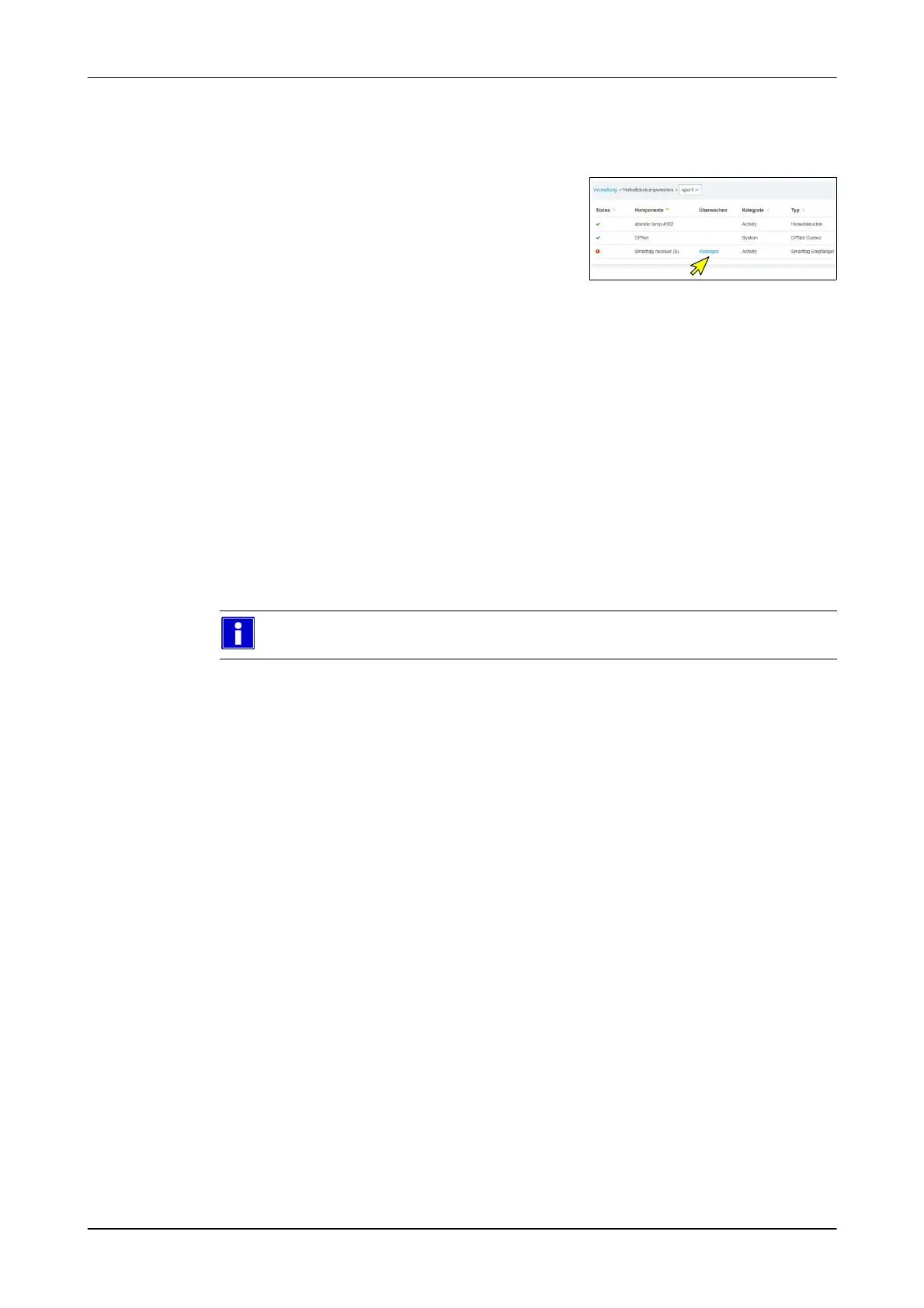
If the status is not OK:
3. Click the button (View)
- The details are displayed
4. Repair fault
9.4.3 Network troubleshooting (Ethernet)
Check network cable
1. Check cable with RJ45 network cable tester
2. Replace faulty cables
See section on: Preparing the Ethernet cable
Check the network connection
For more information on this subject, please refer to the section on
Commissioning / Checks before initial commissioning


 To Next Page
 Loading...