Maintenance
Firmware update
7160-9001-560
01. December 2020
54 / 74
4. Select software package
Source directory: C:\DairyPln\DPNetB\Velos\
Example: C:\DairyPln\DPNetB\Velos\velos_v5.101.3.428.dat
5. Confirm selection
- File will be uploaded
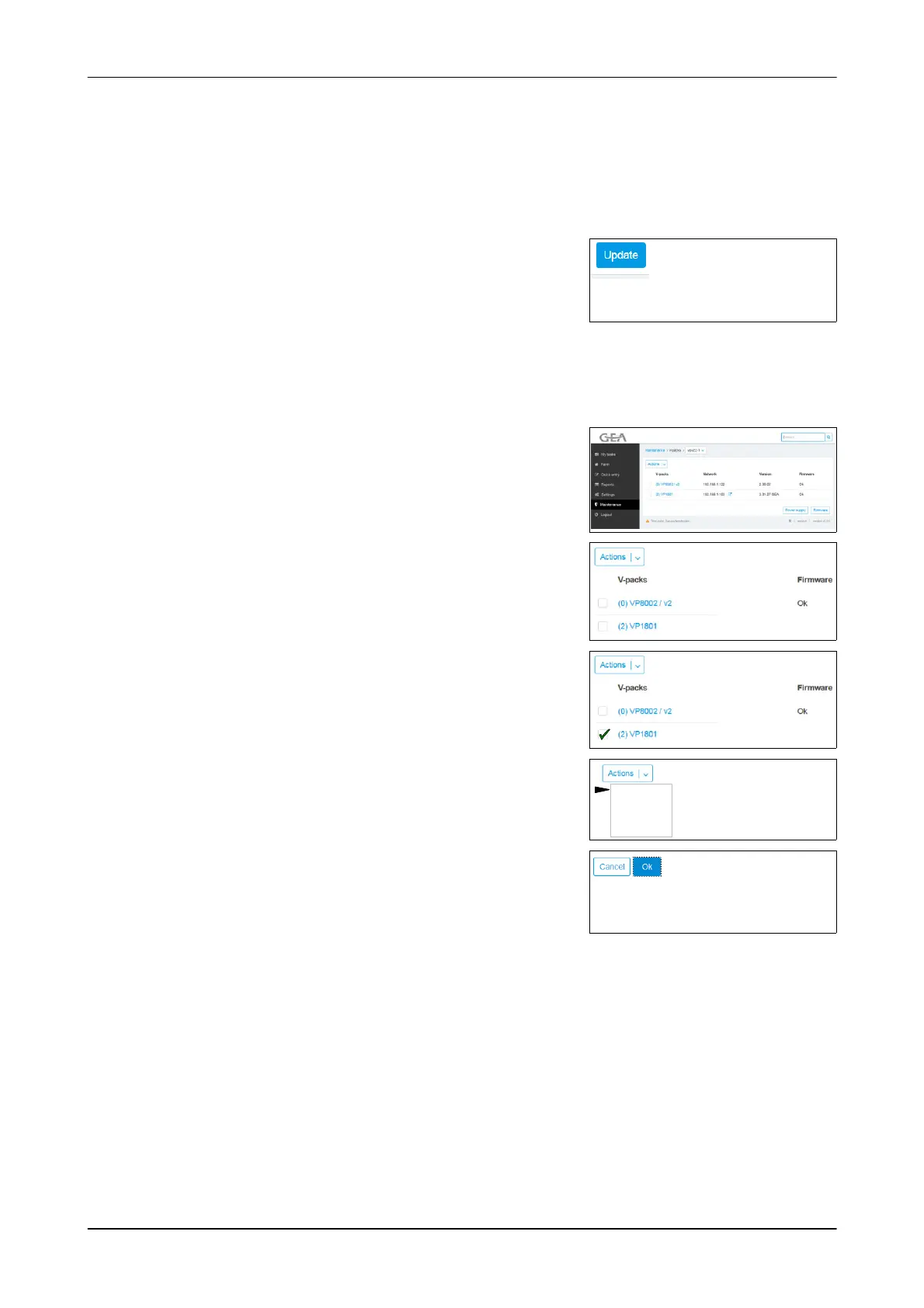
6. Click the button
- Update starts
- After the update, restart the unit
Update of connected devices (VPack)
Example: Animal Identification (VP8002 + VP1801)
Check the firmware of the connected
devices
1. Open menu
Maintenance -> Devices -> Vpacks
2. Check the firmware version
- OK: current version
- xx: new version available
xx
Update of connected devices
3. Mark device
xx
4. Select action (Update)
- Safety prompt appears
Update
Reboot
Claim
Release
5. Confirm safety prompt (OK)
- Update starts
- After the update, restart the unit











 To Next Page