V 02/18
40 • Initial start-up OptiStar CG08(-C)
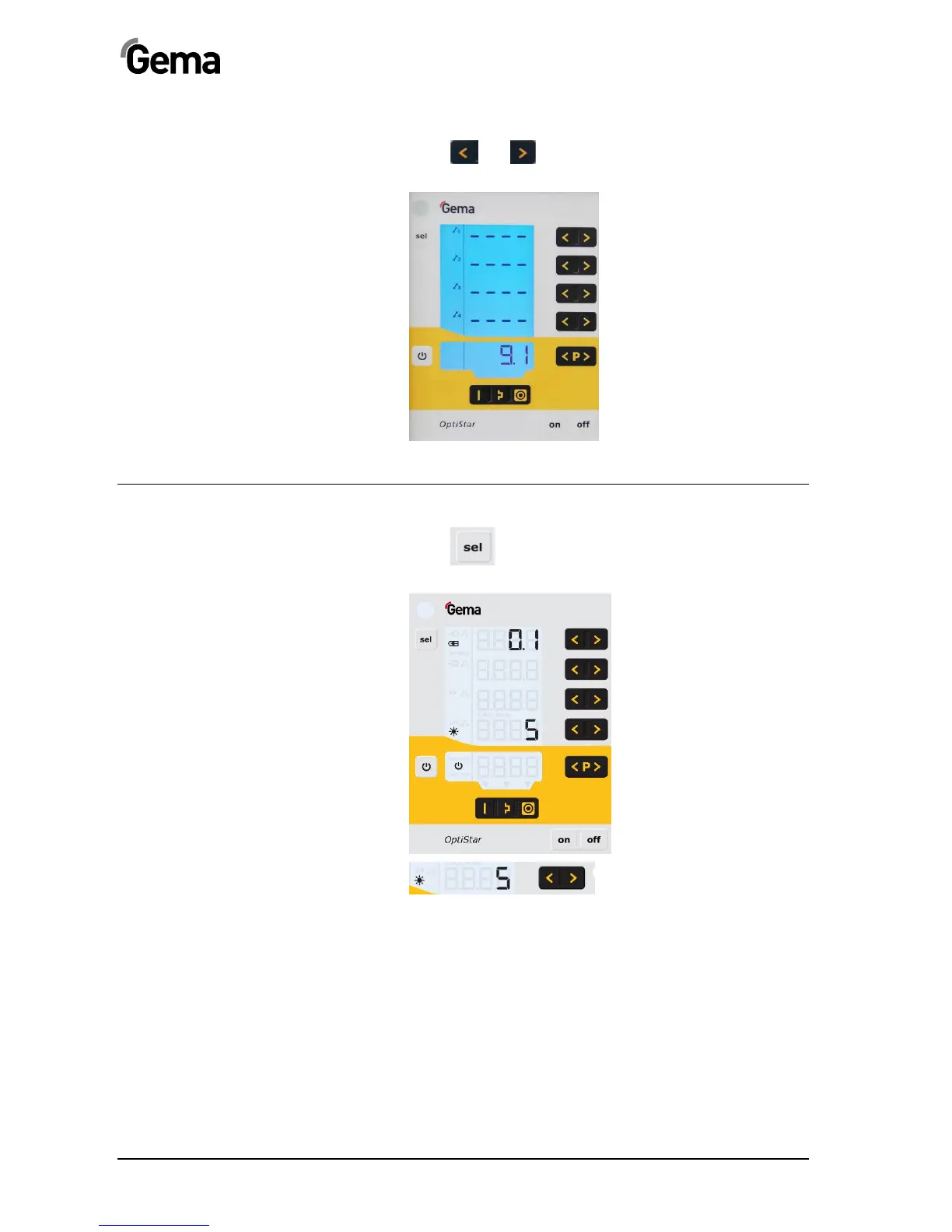
Deactivation of wearing part monitoring
1. Press and key simultaneously
Monitoring is deactivated.
Setting the background illumination
1. Press key
The display switches to the following level:
2.
Select the desired brightness



 To Next Page
 Loading...



