20
CHAPTER 3
Running Jobs
Learning the control panel
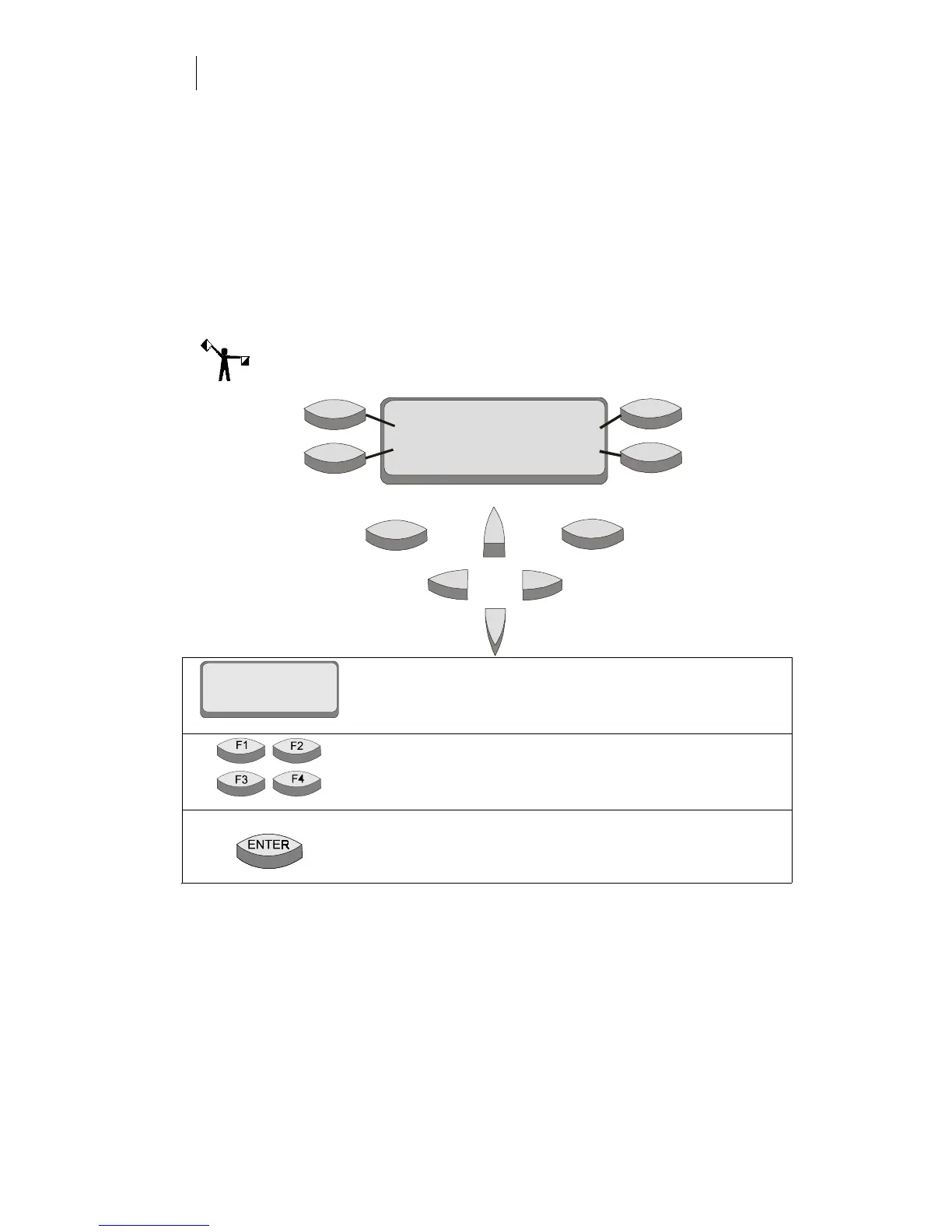
The plotter control panel provides functional control and status displays.
The control panel consists of:
♦
the message display
♦
four menu selection function keys (F1, F2, F3, F4)
♦
two control keys (ENTER and CANCEL)
♦
four slew keys
Note: For an outline of the menu structure, please refer to the reference card
included with this manual.
The message display shows menus, instructions, system and
job status, and messages. Each menu has a title (for example,
MAIN MENU). To step through menus, press the function
keys.
The F1, F2, F3, and F4 function keys select other menus and
change parameter values or settings. Their function is based
on the text in the display associated with each function key.
In the settings menu, the ENTER key saves settings.
From a submenu, it returns to the MAIN MENU.
ENTER
CANCEL
F1
F2
F3
F4
TITLE
Menu item
Menu item
Menu item
Menu item
Instruc tions



 To Next Page