54
CHAPTER 6
Troubleshooting
Chapter 6:
Troubleshooting
Your ODYSSEY XP plotter will provide you with trouble-free operation
and productivity for many years to come. However, if you experience an
unexpected or unusual sequence of events, use this section to address:
♦
Version number
♦
Error messages
♦
Common problems and solutions
Version number
Should a problem occur you may be asked to check the firmware version
number.
To access the firmware version number from the Operational
Setup menu
1
Open the Main Menu.
2
Press the slew up and down keys simultaneously. Press any key to
return to the Main Menu.
Another way to access the firmware version number from the
Operational Setup menu
1
Open the Main Menu.
2
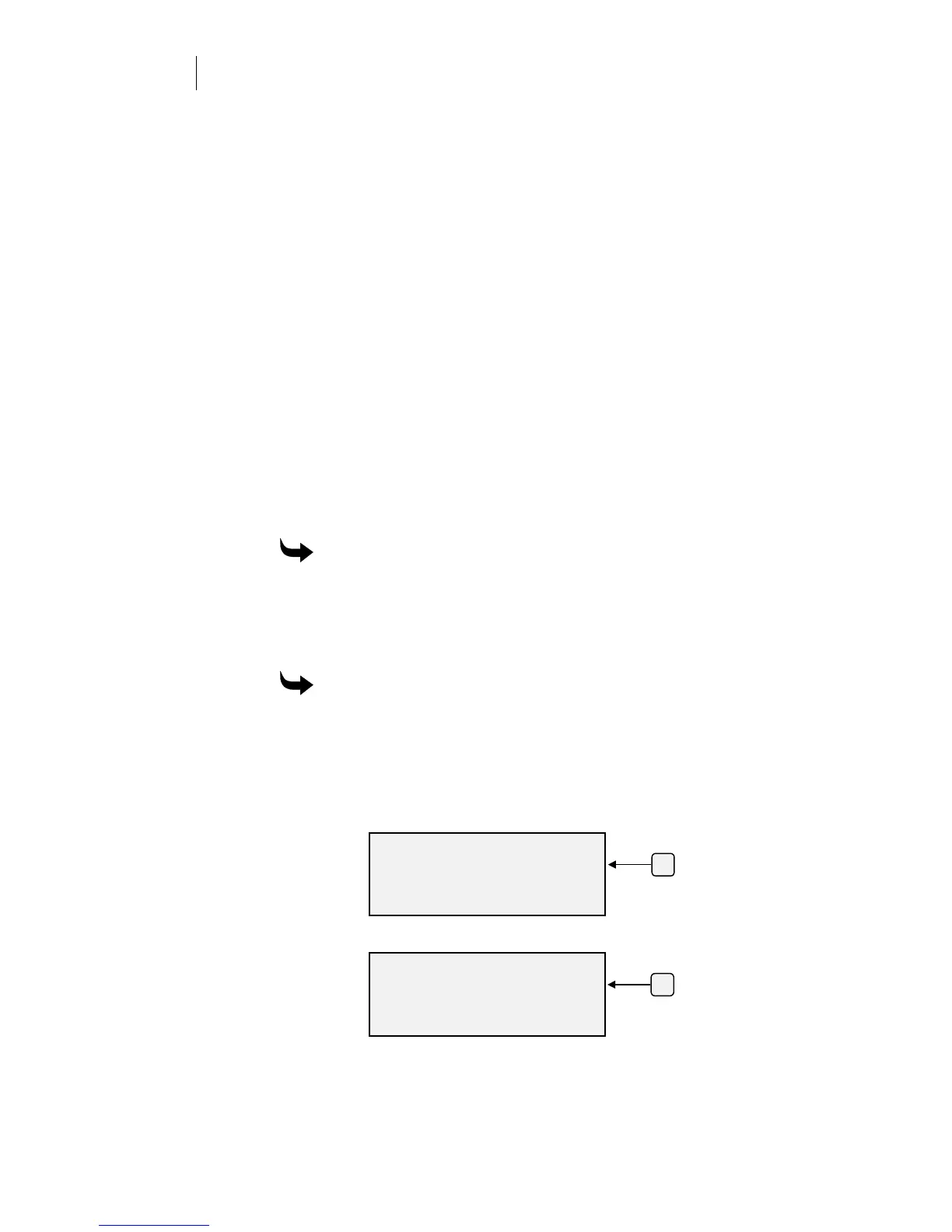
Press F3 while holding down the ENTER key for the Operational
Setup menu.
3
Press F3, System.
4
Press F3, Version.
F3
OPERATIONAL SETUP
Settings System
Misc.
ENTER for Main Menu
SYSTEM PARAMETERS
Comm. Version
HPGL Units Rules
ENTER for Main Menu
F3



 To Next Page