53
6
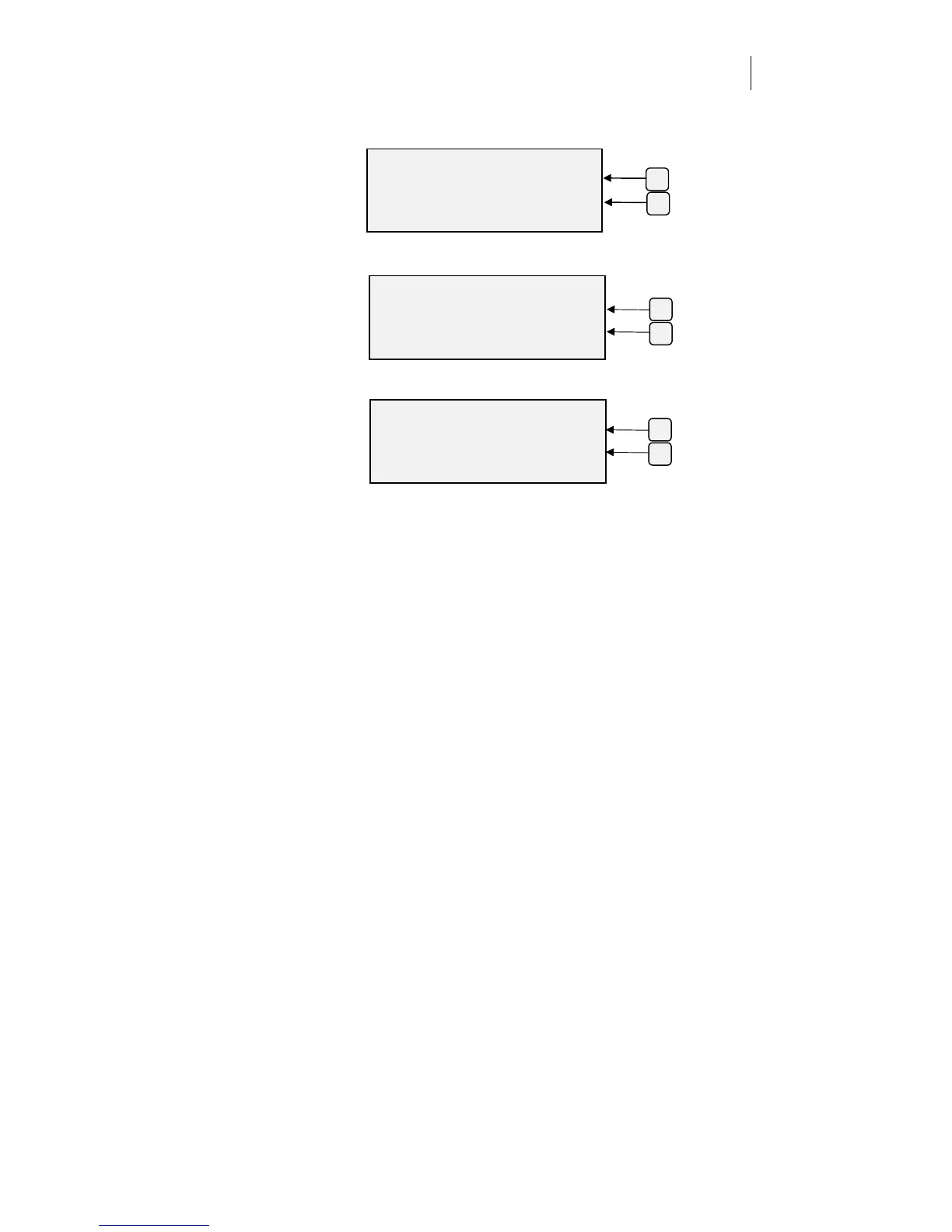
For Baud Rate, press F3 or F4 to change the setting, then press ENTER
to accept.
7
For number of Stop Bits, press F3 and F4 to change the setting, then
press ENTER to accept.
8
For Parity, press F3 and F4 to change the setting, then press ENTER to
accept.
9
After you change the settings, press ENTER to return to the Main
Menu.
ENTER BAUD RATE
Baud +
57.6K -
ENTER Ke
to Acce
t
F4
F3
ENTER STOP BITS
Stop Bits +
1-
ENTER Key to Accept
F4
F3
ENTER PARITY
Parity +
NONE -
ENTER Key to Accept
F4
F3



 To Next Page