52
CHAPTER 5
Advanced Functions
Communication settings
To change the communication settings for the ODYSSEY XP.
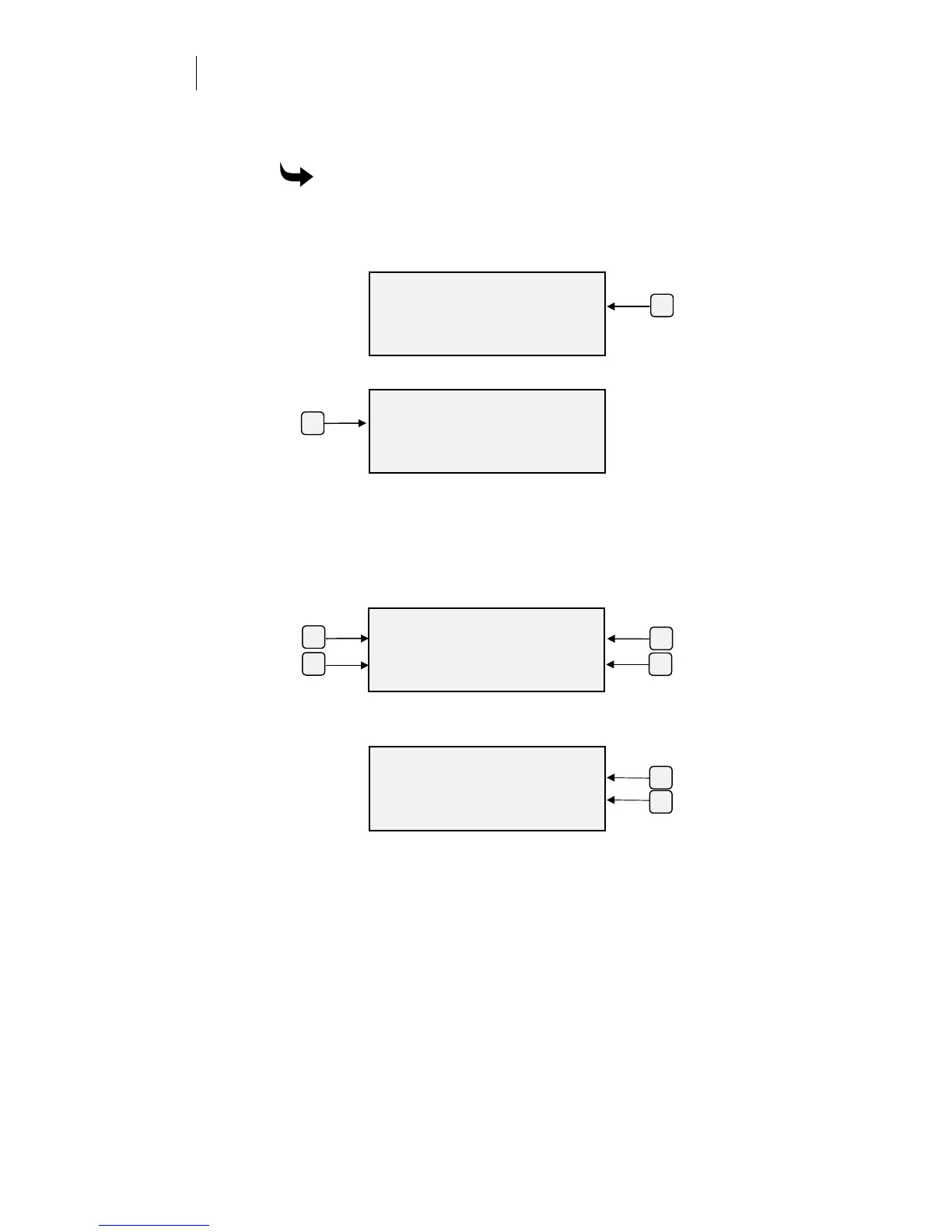
1
Press F3 while holding down the ENTER key for the Operational
Setup menu.
2
Press F3, System to get the System Parameters menu.
3
Press F1, Comm, to get the Communications menu.
4
Press the function key of the parameter you want to change:
F1 for the number of Data Bits
F2 for the Baud Rate
F3 for the number of Stop Bits
F4 for the Parity
Valid parameter values are shown in the table on the previous page.
5
For Data Bits, press F3 or F4 to change the setting, then press ENTER
to accept.
ENTER DATA BITS
Data Bits +
8-
ENTER Key to Accept
F4
F3
F3
OPERATIONAL SETUP
Settings System
Misc.
ENTER for Main Menu
F1
SYSTEM PARAMETERS
Comm. Version
HPGL Units Rules
ENTER for Main Menu
COMMUNICATIONS
Data Bits Stop Bits
Baud Rate Parity
ENTER for Main Menu
F4
F3
F1
F2



 To Next Page