74
CHAPTER 8
HPGL support
Changing the HPGL units
The ODYSSEY XP is factory set with an HPGL unit of 0.010 mm
(0.0003937").
To change it to 0.025 mm (0.0009843"), follow this procedure.
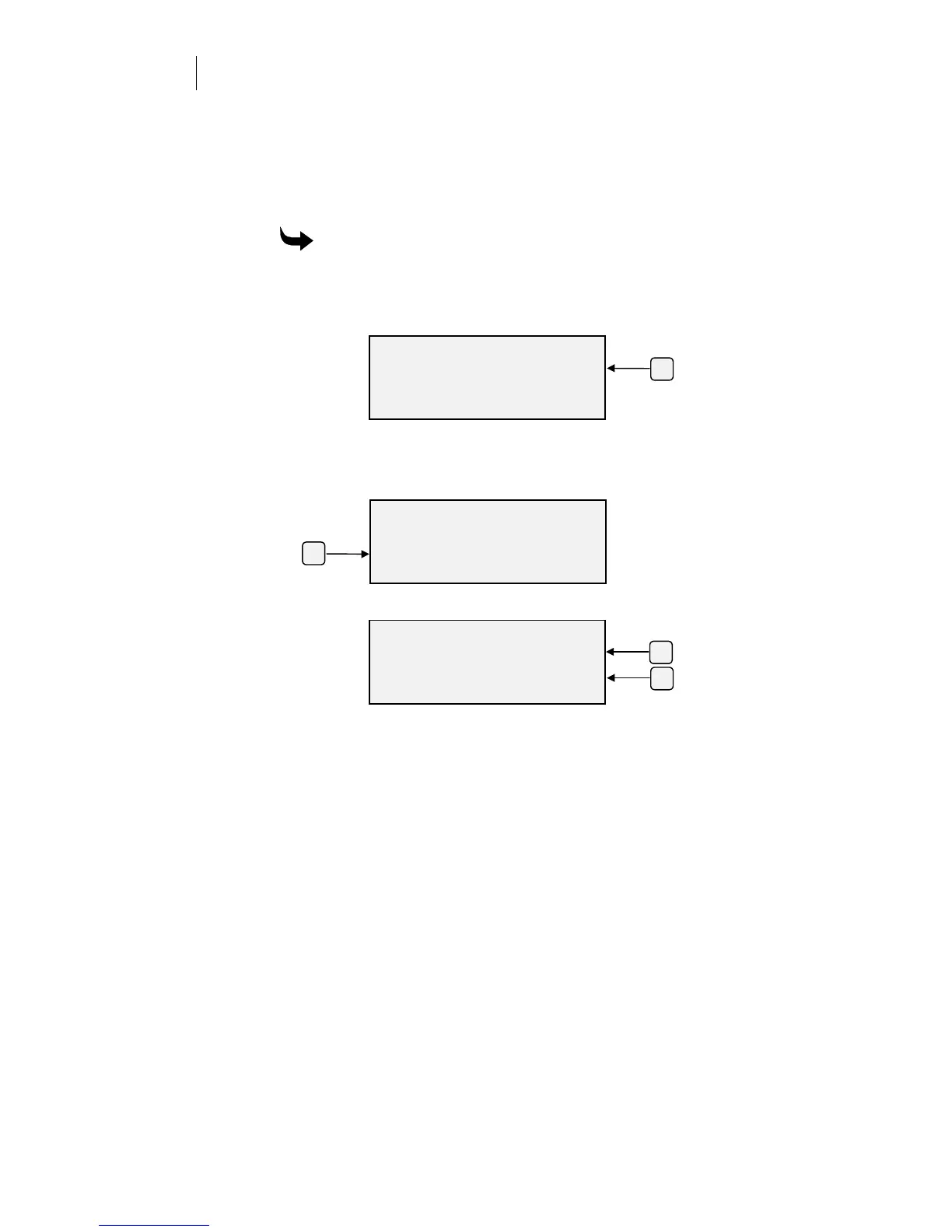
To change the HPGL units
1
Press F3 while holding down the ENTER key for the Operational
Setup menu.
2
Press F3, System.
3
Press F2, HPGL Units.
4
Press F3 and F4 to toggle between 0.025 mm and 0.010 mm.
5
Press ENTER to accept the selected value.
6
Press ENTER again to return to the Main Menu.
7
Press CANCEL to abort any changes and return to the System
Parameters menu.
OPERATIONAL SETUP
Settings System
Misc.
ENTER for Main Menu
F3
SELECT HPGL UNITS
Units Size +
0.025mm -
ENTER Ke
to Acce
t
F4
F3
SYSTEM PARAMETERS
Comm. Version
HPGL Units Rules
ENTER for Main Menu
F2



 To Next Page