41
F1
OPERATIONAL SETUP
Settings System
Misc.
ENTER for Main Menu
F3
CURRENT SETTINGS
Speed Force
Accel Corners
ENTER for Main Menu
F1
F4
F2
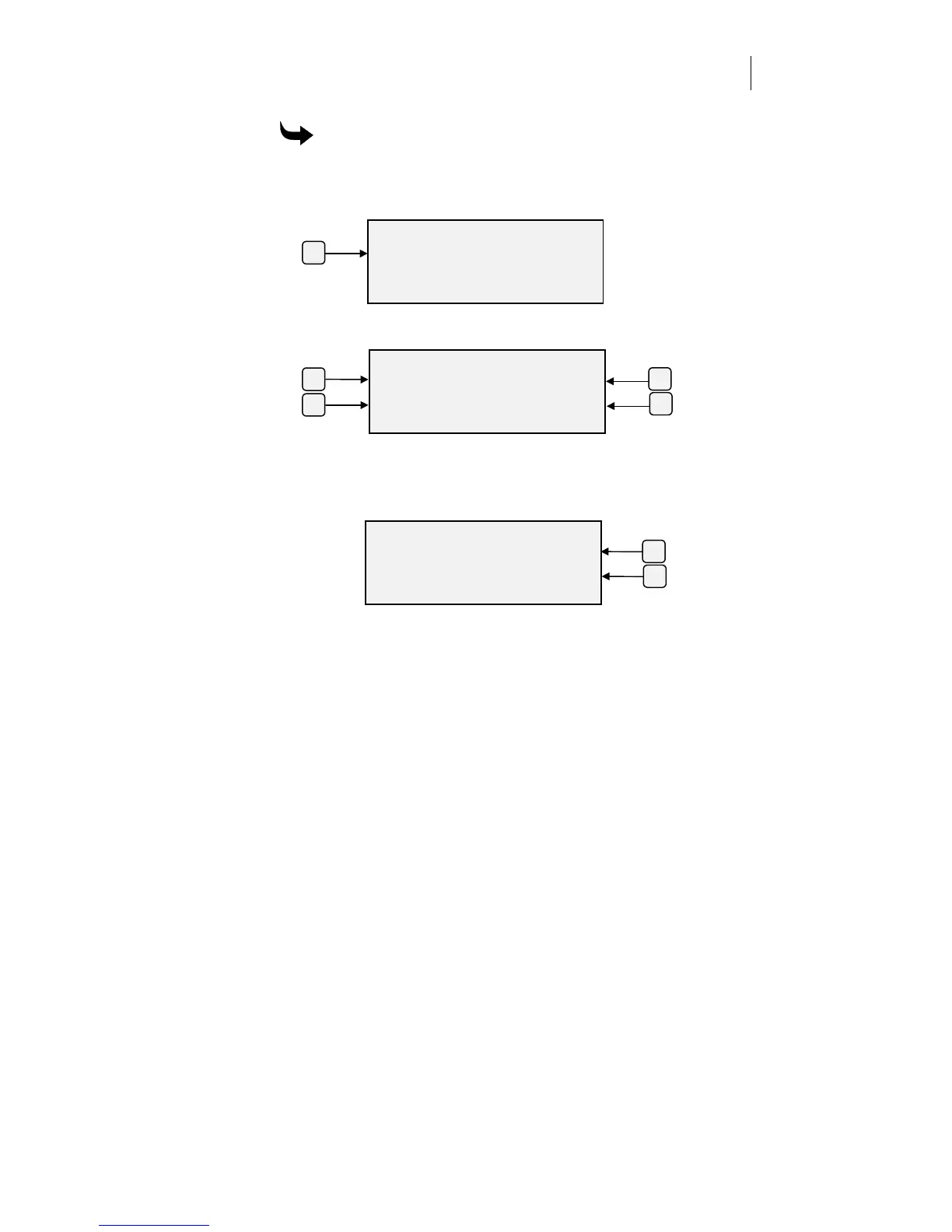
To adjust acceleration at the plotter control panel
1
Press F3 while holding down the ENTER key for the Operational
Setup menu.
2
Press F1, Settings, to get the Current Settings menu.
3
Press the F2 Acceleration to see the current value for each setting.
4
Press F3 to increase the acceleration or F4 to decrease it. The range is
0.2 to 3.0 units of gravity (g), in 0.2 steps.
5
Press ENTER to accept the value and return to the Current Settings
menu.
F3
ENTER ACCELERATION
Accel +
3.0 g -
ENTER Ke
to Acce
t
F4



 To Next Page