44
CHAPTER 5
Advanced Functions
Pulldown occurs as needed and will vary based on the shapes in the job,
the amount of material already pulled down, and a user-set minimum
pulldown length. User choices for minimum pulldown are 4", 8", 12", 24",
32", or 48" inches, ( 10, 20, 30, 61, 81, or 122 cm) plus Off (no pulldown)
and Full Job.
♦
The default is 24".
♦
Full Job – the entire length of the job is pulled from the roll before the
job begins.
♦
Off – no pulldown occurs. Sufficient material should be manually
unwound from the roll before starting a job.
To set pulldown length
1
Press F3 while holding down the ENTER key for the Operational
Setup menu.
2
Press F4, Misc.
3
Press F2, Pulldown.
4
Press F3 to increase the number of inches or F4 to decrease the number
of inches. Pulldown is normally set to the length of a job. Shorter
settings might result in multiple pulldowns for long jobs.
5
Press ENTER to set the value and return to the Misc Settings menu.
Pressing CANCEL restores the previous value.
6
Press ENTER to return to the Main Menu.
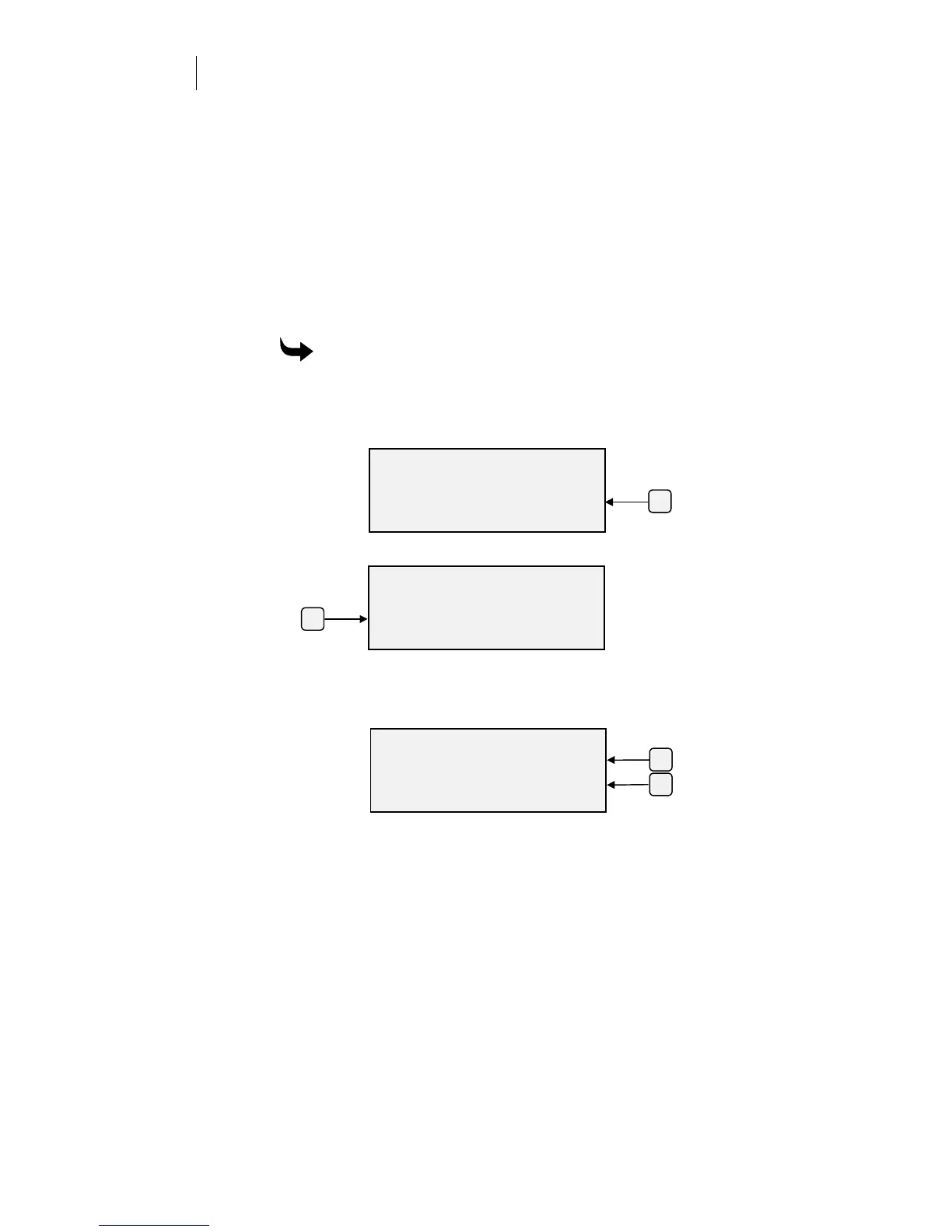
F2
MISC SETTINGS
Repeats Pounce
Pulldown Default
ENTER for Main Menu
F4
OPERATIONAL SETUP
Settings System
Misc.
ENTER for Main Menu
F4
F3
ENTER PULLDOWN DIST.
Pulldown +
12 inches -
ENTER Ke
to Acce
t



 To Next Page