47
7
Choose the material you want to pounce.
8
Increase the tool force to 10 ounces, which is 62.50 percent.
9
Click the Cut/Pounce icon to send the job to the plotter.
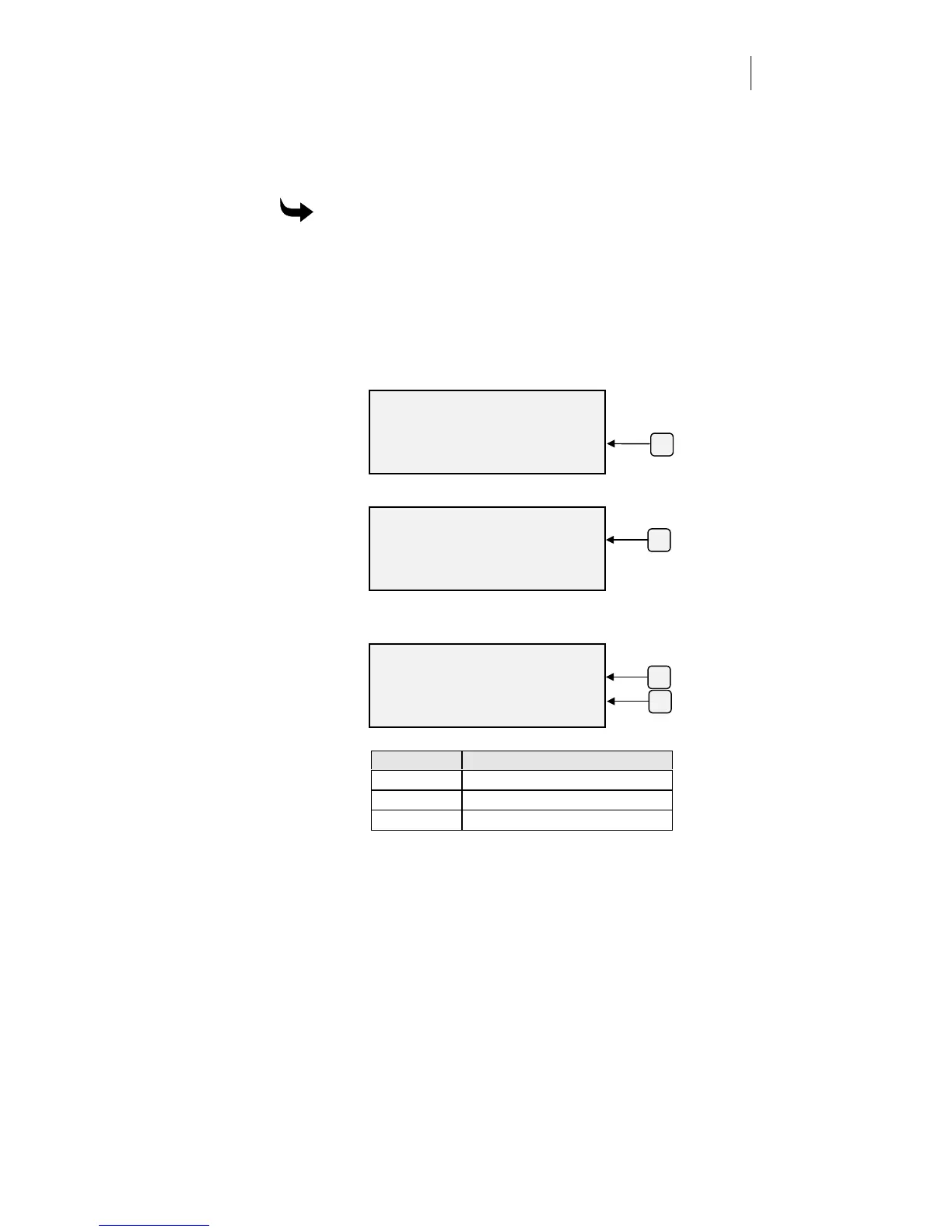
To select pounce from the ODYSSEY XP control panel
1
Attach the pounce cutting strip.
2
Load the material.
3
Insert the pounce tool.
4
Press F3 while holding down the ENTER key for the Operational
Setup menu.
5
Press F4, Misc.
6
Press F3, Pounce.
7
Press F3 or F4 to step through the available pounce patterns:
Short
,
Medium
,
Long
, and
Off
.
Setting Distance between centers
Short 0.050" (1.3 mm)
Medium 0.200" (5.1 mm)
Long 0.500" (13 mm)
8
Press ENTER to record the setting and return to Misc Settings menu.
9
Press ENTER to return to the Main Menu.
10
Set the tool force to 10 ounces.
11
Send your pounce job to the plotter.
OPERATIONAL SETUP
Settings System
Misc.
ENTER for Main Menu
F4
F3
MISC SETTINGS
Repeats Pounce
Pulldown Default
ENTER for Main Menu
SELECT POUNCE TYPE
Pouncing: +
OFF -
ENTER Ke
to Acce
t
F3
F4



 To Next Page