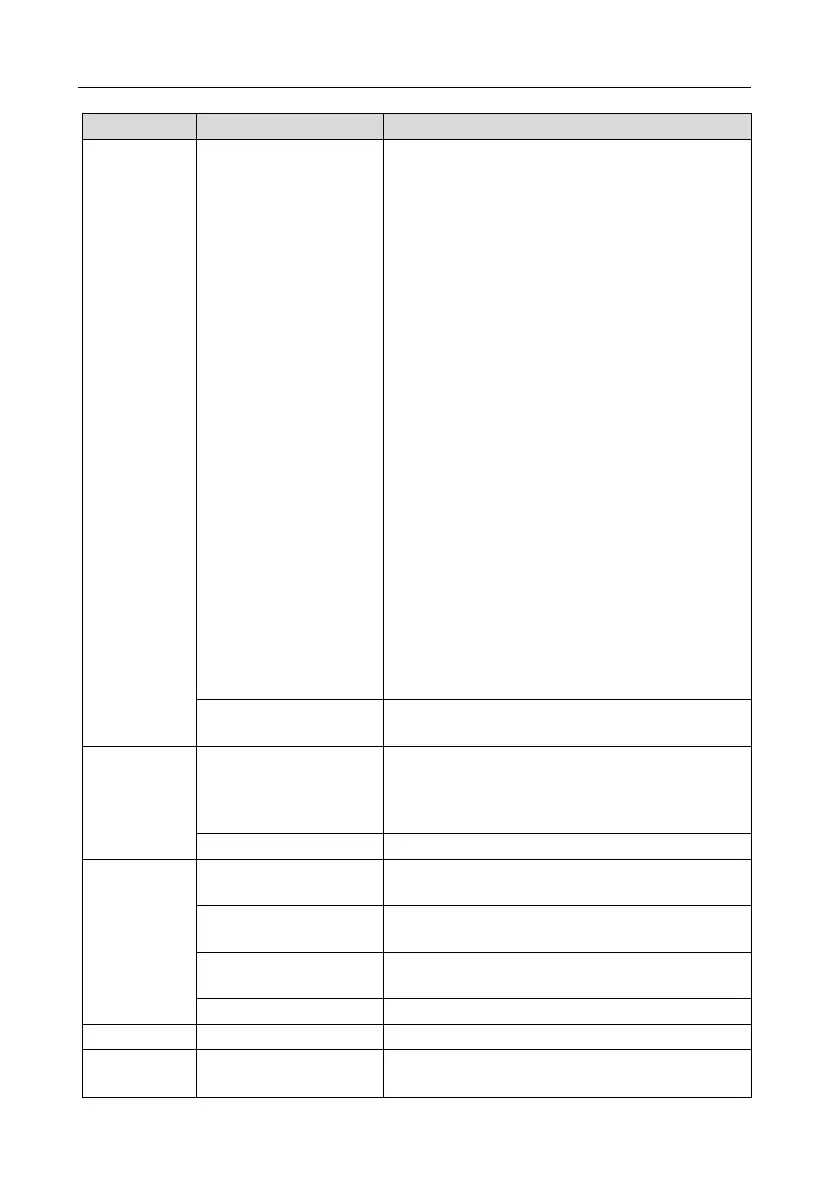
readings
Here you can display an overview of the counter
readings in the total period (Total) or for the last
month.
There are the following counter values:
Sales: Number of products sold against
payment.
Free sales: Number of products issued free of
charge.
Cashless sales: Number of products issued
without cash (e.g. by means of a card system).
Token sales: Number of products issued using
tickets / tokens.
Product tests: Number of products issued for
testing.
Number of products issued by the technician or
service personnel for quality purposes.
Total: Total number of products issued.
Turnover: Total money turned over at the ATM
through products sold.
Checkbox "Coffee grounds counter active”
Checkbox active: In the adjacent input field you
can specify the number of portions at which the
machine should prompt you to empty the
coffee grounds container.
Here you can display the number of individual
portions dispensed per product.
tests
Here you can test various components on the
machine (e.g. Powder motors, mixer motors, water,
blower, hose dispenser, cup dispenser and pressure
pump).
Here you can move the brewer into service position.
Support
Here you can view errors and notes that are pending
in the machine.
Here you can view errors and notes that lie in the
past.
Here you can find the telephone number of the
technical hotline.
Here you can view the current software versions.
Here you can open the stored operating instructions.
Here you can perform one of the following actions:
Start rinsing


 To Next Page