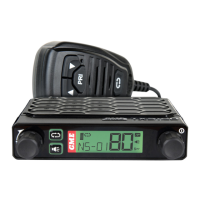
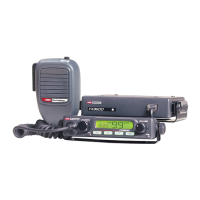
CP30 INSTRUCTION MANUAL
80
To Exit Dual Watch
Press the programmed Dual Watch key. Dual watch will stop and the radio will
return to normal operation.
Triple Watch
Triple Watch scans the selected channel, Priority Channel 1 and Priority Channel 2.
TX6600PRO User Manual V1.0
Give Feedback to Microsoft
1. Choose your selected channel using the Channel Selector knob or the
keys.
2. Press the programmed Triple Watch key to activate Triple Watch.
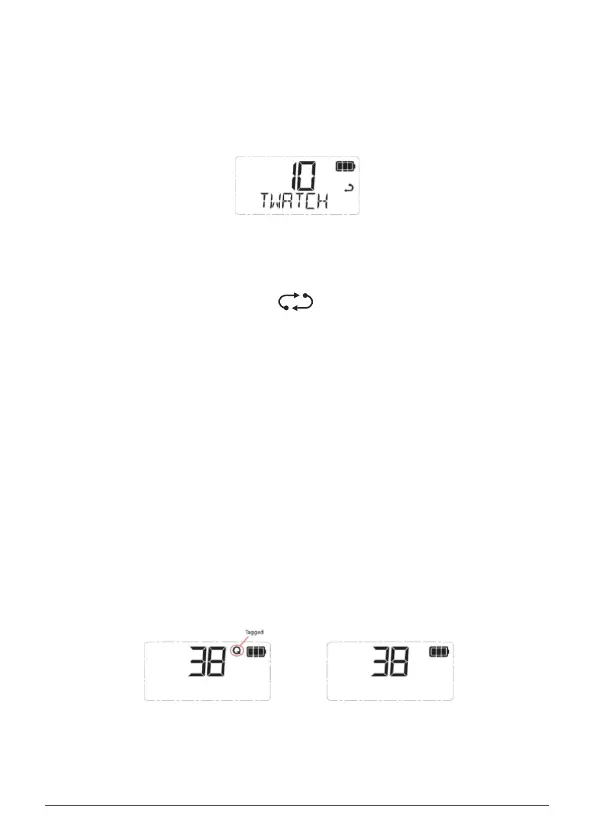
3. TW - xx will appear (where xx will alternate between your two
priority channels) and the icon will animate. The radio is now
watching all three channels.
NOTE: If the selected channel and either of the priority channels are the same,
Triple Watch will not start and SCAN ERROR will be displayed. In this case please
select another channel.
To Exit Triple Watch
Press the programmed Triple Watch key. Triple Watch will stop and the radio will
return to normal operation.
Quiet Channel Toggle
Press the programmed Quiet Channel Toggle key to toggle the quiet mode ON
or OFF on the selected channel. This will TAG or UNTAG the selected channel for
Quiet SelCall operation.
• Select ON to tag the selected channel. Q is displayed on the selected
channel
• Select OFF to un-tag the selected channel. Q disappears from the
selected channel.
TX6600PRO User Manual V1.0
Give Feedback to Microsoft
Channel is tagged
Channel is un-tagged



 To Next Page