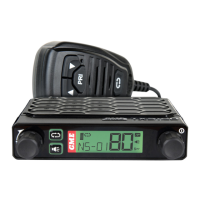
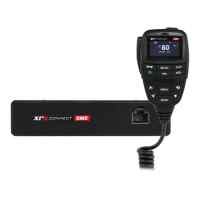
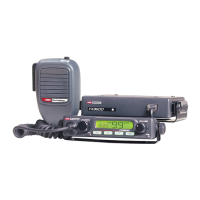
CP30 INSTRUCTION MANUAL
82
Dial SelCall
Press the programmed Dial SelCall key to immediately make a SelCall to
a predened SelCall contact on the selected channel. The SelCall contact is
predened using the dealer software.
Recall/Dial SelCall
Press the programmed Recall/Dial SelCall key to switch to a predened channel
and transmit a SelCall to a predened SelCall contact. The radio will stay on
the channel to listen for a response. The channel and the SelCall contact are
predened using the dealer software.
Redial SelCall
Press the programmed Redial SelCall key to automatically resend the last-sent
SelCall Ident on the selected channel.
Roger Beep Toggle
Press the programmed Roger Beep Toggle key to toggle the Roger Beep
function ON or OFF.
• Select ON to enable the Roger Beep feature.
• Select OFF to disable the Roger Beep feature.
When Roger Beep is ON a two-tone beep will be heard by the receiving station at
the end of your transmission to indicate that it is their turn to speak.
Roger Beep Menu
1. Press the programmed Roger Beep Menu key to access the Roger
Beep menu.
2. Rotate the Channel Selector knob or press the keys to switch
the Roger Beep function ON or OFF.
• Select ON to enable the Roger Beep feature.
• Select OFF to disable the Roger Beep feature.
3. Press the
MENU
F
key to exit or wait a few seconds for the menu to time-out.
RSSI
1. Press the programmed RSSI key to temporarily display the incoming
signal strength in dBm in the area below the channel display.
2. Press any key to return to the normal display.



 To Next Page