2–9
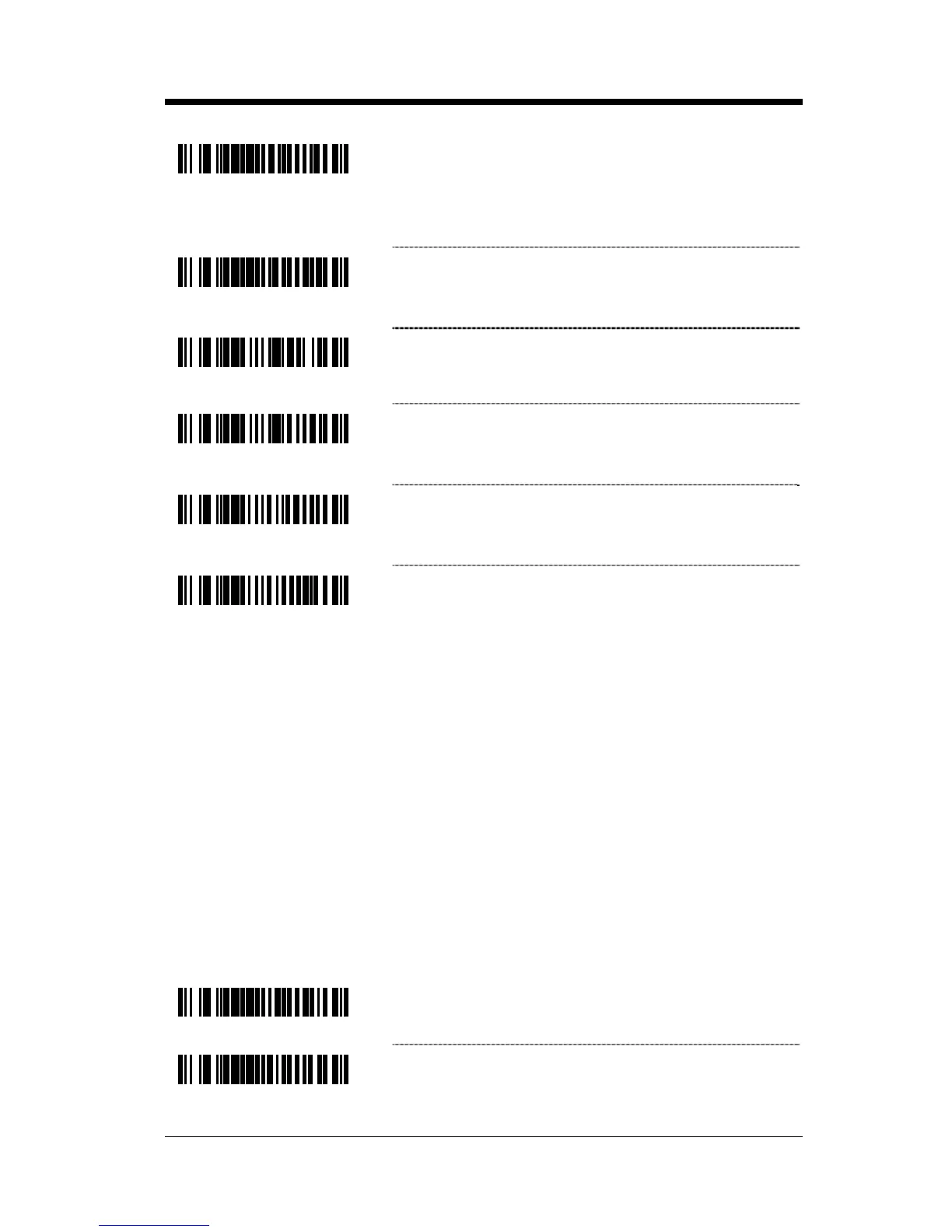
³901800
~ Minimum Symbol Length – Single-line default
is 3. Combine this code with the proper code bytes
(on page 16–1), to specify the minimum number
of characters in all non-UPC/EAN bar codes.
³901900
~ Symbol Length Lock – Combine this code with
the proper code bytes, to lock the bar code’s
length into place.
³119417
Enable Modulus 8 Filter on Bar & Space
Counts
³119407
* Disable Modulus 8 Filter on Bar & Space
Counts
³100712
Handle Code 39 Bad Border
³100702
* Disable Code 39 Bad Border
Configurable Code Lengths
There are seven bar code lock lengths available. Specific code types can be
assigned to a lock length.
While in configuration mode:
1. Scan the code length lock #1 bar code (below).
2. Scan the three code bytes that represent the code length
(on page 16–1).
3. Scan the matching code type lock #1 bar code (below).
4. Scan the three code bytes that represent the code type (on page 16–1).
This process can be repeated for lock lengths 2 through 7.
³902000
~ Code Length Lock #1
³902100
~ Code Type Lock #1



 To Next Page