7–10
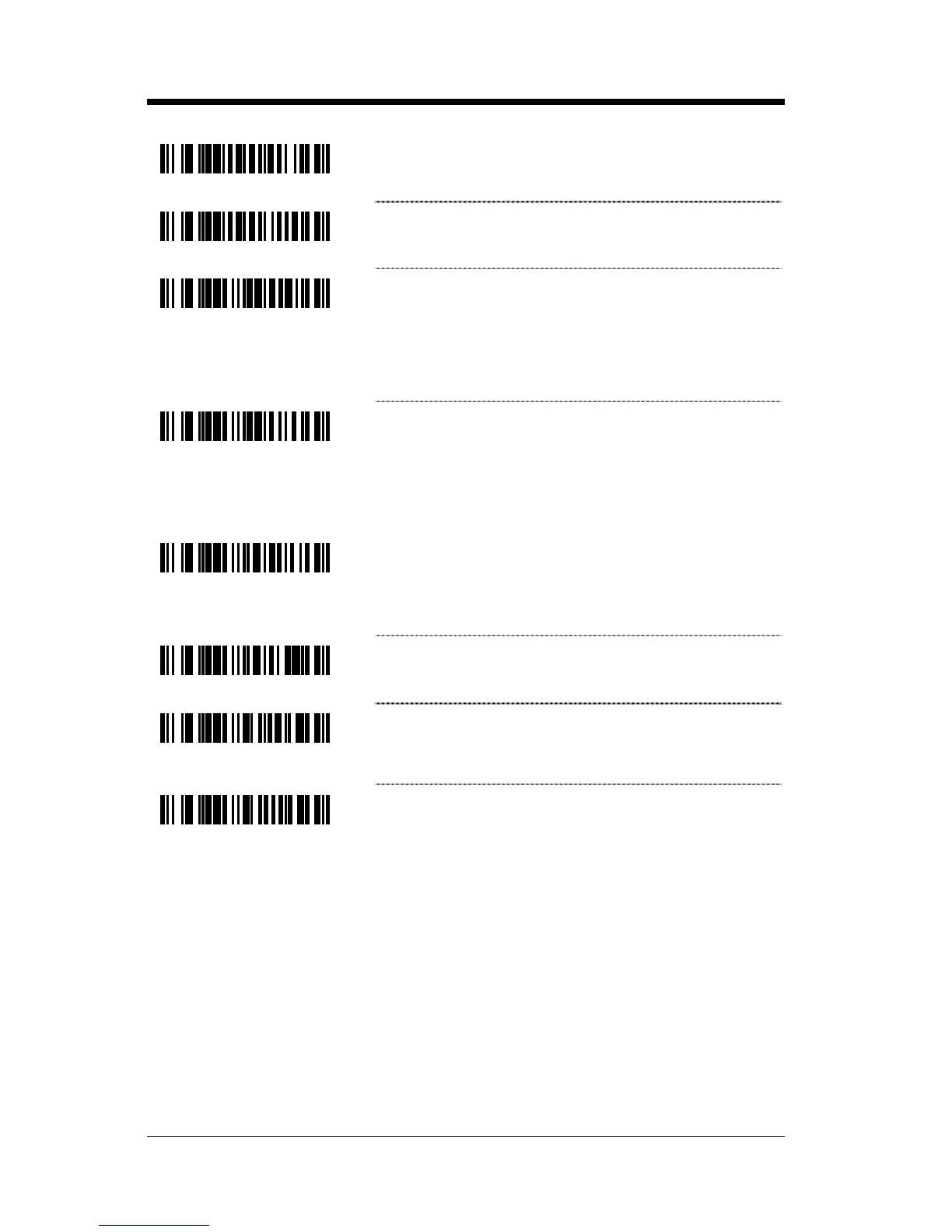
³141715
Use Protocol Prefix and Suffix for Bar Code
Transmission
³141705
* No Protocol Prefix and Suffix for Bar Code
Transmission
³119917
Enable RTS on No Read – After a NOREAD
occurs, the scanner will activate the RTS line for
20 milliseconds. The duration of the RTS
activation can be loaded in address 199 bits 6–0
in 10 millisecond steps.
³119907
* Disable RTS on No Read
Test Modes
³118016
Scan Count Mode ON – The scanner will enter
scan count test mode and the scanner’s firmware
number will transmit to the host. Do not enable
unless instructed by a GoDEX representative.
³118006
* Scan Count Mode OFF
³115512
Power-Up with Saved Interface – Do not
enable unless instructed by a GoDEX
representative.
³115502
* Power-Up with Board Interface – Do not enable
unless instructed by a GoDEX representative.



 To Next Page