5–3
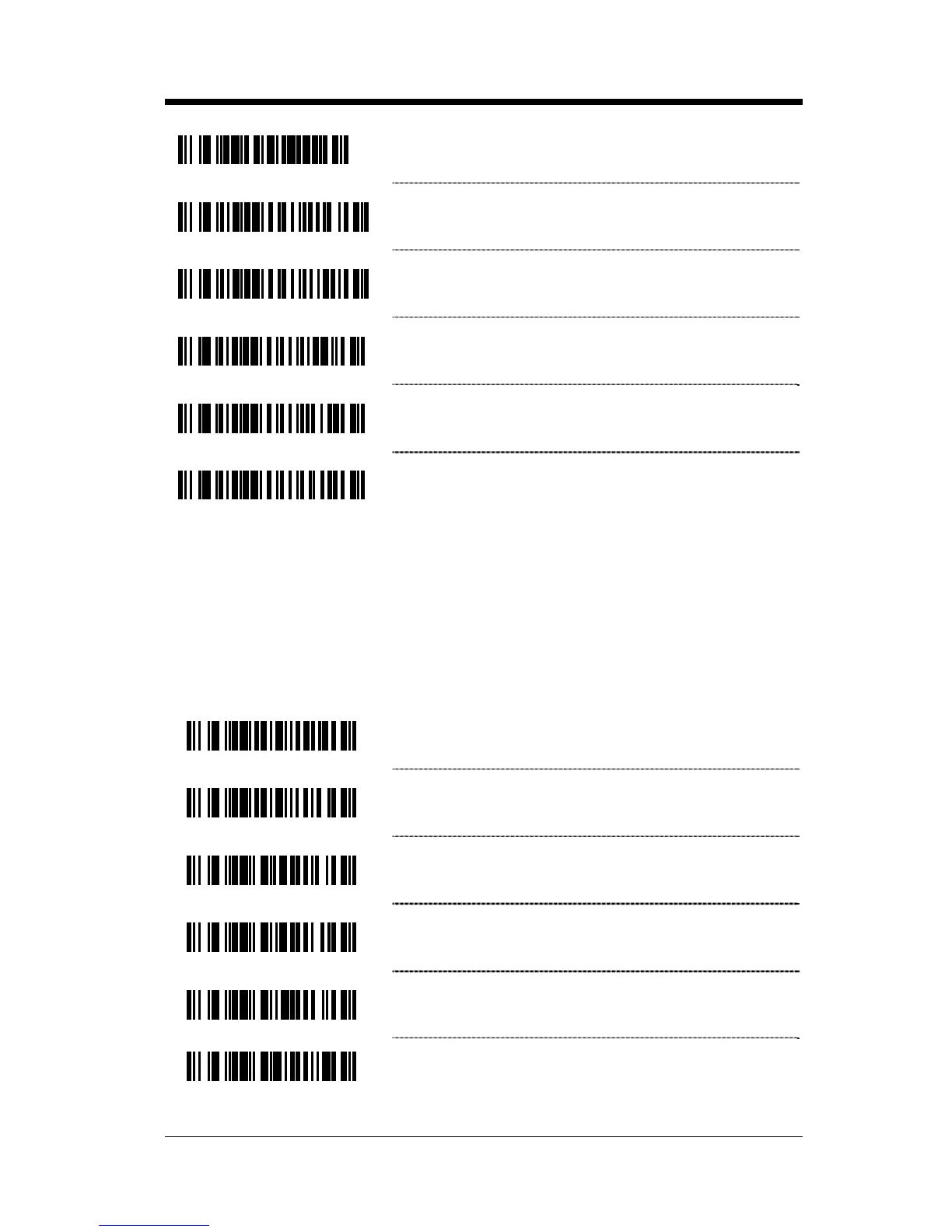
³438490
Donation Identification Number + Donor
Identification Number =á + &; Concatenation
³4384100
Donation Identification Number + Confidential
Unit Exclusion Status =á + &! Concatenation
³4384110
Product Code + Expiration Date (Form 1)
=< + =>Concatenation
³4384120
Product Code + Expiration Date (Form 2)
=< + &> Concatenation
³4384130
Product Code + Expiration Date (Form 3)
&< + => Concatenation
³4384140
Product Code + Expiration Date (Form 4)
&< + &> Concatenation
User-Defined Concatenation Configuration Mode
The first two bar codes shown below can be used to enable or disable user-
defined concatenation sequences. The remaining bar codes are used to enter
the user-defined identifiers used in the concatenation sequence. First enter
configuration mode then scan the one of the identifier codes, followed by the
code byte sequence or the desired identifiers.
³138414
Enable User-Defined Sequences
³138404
Disable User-Defined Sequences
³938000
1
st
Left Identifier
³938100
2
nd
Left Identifier
³938200
1
st
Right Identifier
³938300
2
nd
Right Identifier



 To Next Page