11–1
Keyboard
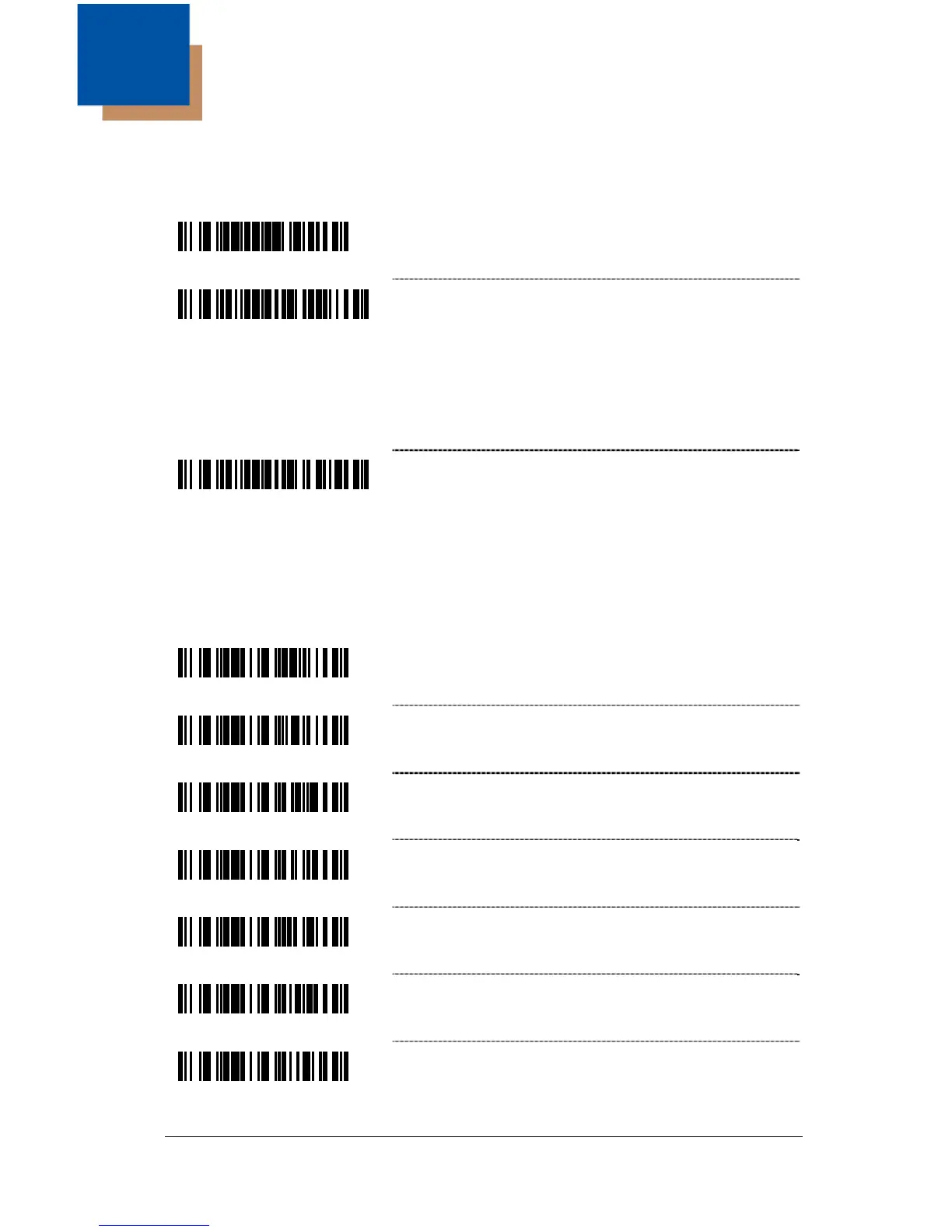
Enable Keyboard Emulation
³999994
Load Keyboard Wedge Defaults – Loads the
default settings for keyboard wedge mode.
³5155153
Enable Stand-Alone Keyboard Emulation –
Use this with special stand-alone models that are
not cabled for an external keyboard. Scan this
bar code to enable the Stand-Alone Mode. The
scanner will send keyboard “power on”
information and configure hardware to simulate a
constant keyboard connection.
³5155143
* Enable Keyboard Wedge Emulation – Use this
with an external keyboard. Transmit in wedge
made to allow standard PC keyboards to
communicate when no bar code data is
available.
Country/Scan Code Table Selects
³416260
* USA Keyboard
³416280
Switzerland Keyboard
³416250
Spain Keyboard
³416240
Italy Keyboard
³416230
Germany Keyboard
³416220
France Keyboard
³416210
UK Keyboard
11



 To Next Page