6–1
Communications
³415524
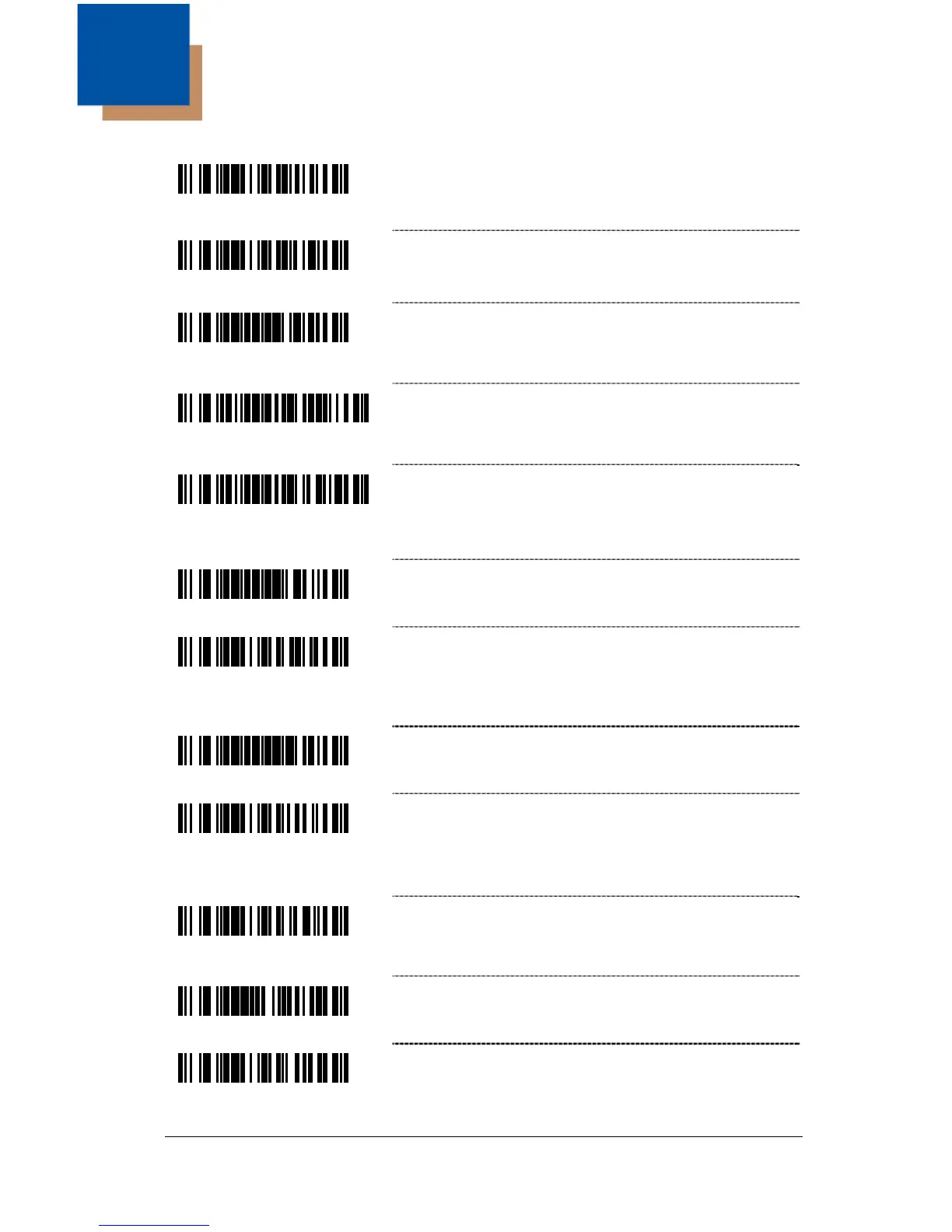
Enable Light Pen/Wand Communication –
Use this option if scanner should be used in
place of a light pen.
³415554
* Enable RS232 – The scanner will work with
RS232 +/- 12V serial output.
³999994
Load Keyboard Wedge Defaults – Scan this
code before selecting Normal or Stand Alone
Wedge Mode.
³5155153
Enable Stand-Alone Keyboard Scanner –
Allows scanner to be used without an external
keyboard.
³5155143
Enable Keyboard Wedge Emulation – Select if
the scanner provides keyboard emulation by
converting the scanned bar code data to the PC
keyboard scan code equivalent.
³999993
Load OCIA Defaults – Scan this code before
selecting Enable OCIA output.
³415544
Enable OCIA Output – Select this option if the
communications requirement is on Optically
Coupled Interface Adapter (OCIA). This is a
docked (by the host) serial interface.
³999995
Load IBM 46xx Defaults
³415504
Enable IBM 46xx Communication – Select this
option for IBM 46xx SIOC/RS485
communications. Not all scanners support this
interface. The correct interface board is required.
³415534
Enable No Communication Mode – Select this
option if the scanner does not interface with the
host device.
³917500
Reserved
³415564
Reserved



 To Next Page