15–1
USB
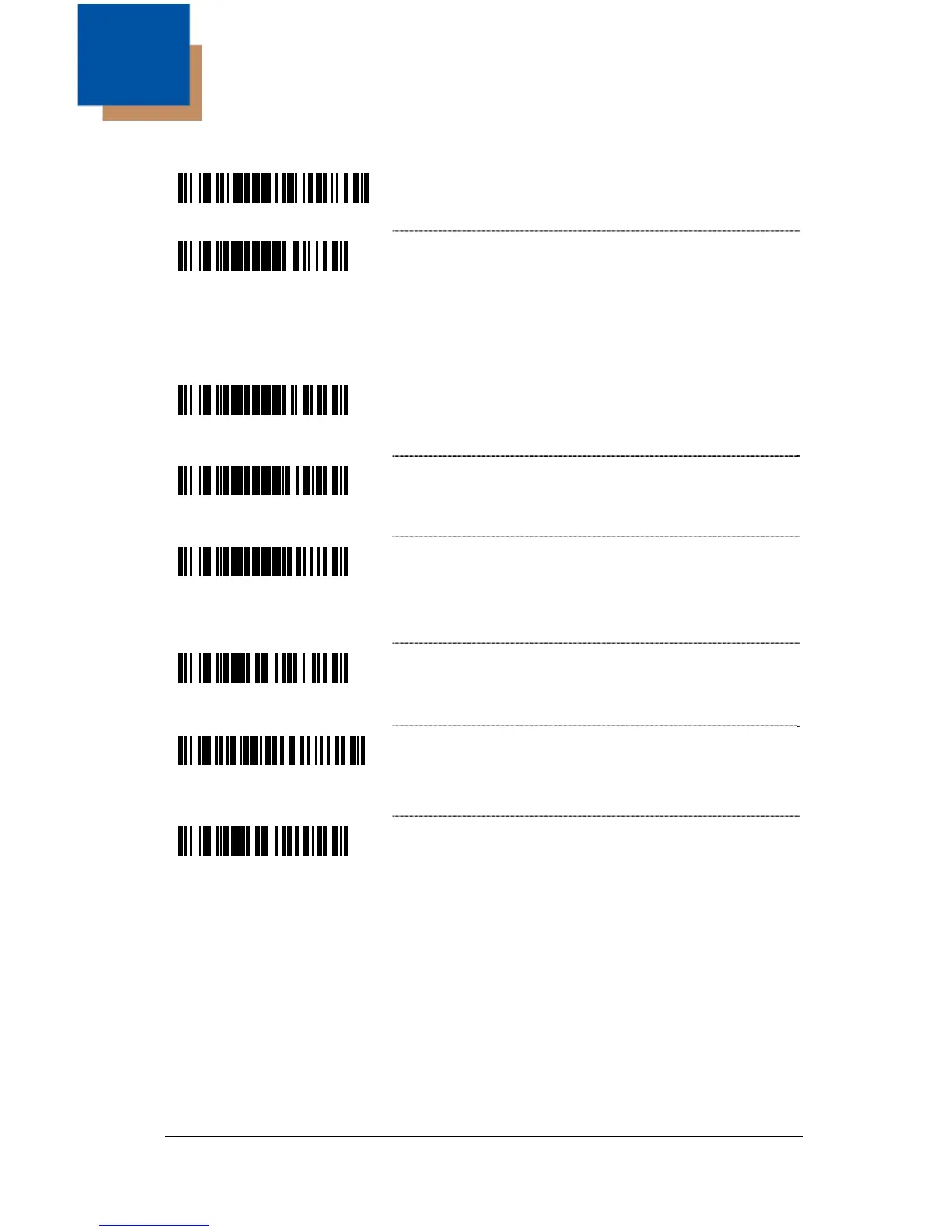
³4155114
Enable USB Interface
♦
³999978
Enable Low Speed USB Defaults
♦
♦ This feature is limited to GoDEX scanners without integrated Low Speed
USB electronics.
³999940
Load Integrated Full Speed USB Keyboard
Emulation Defaults
³999970
Load Integrated Full Speed USB IBM/OEM
Defaults
³999931
Load Integrated Low Speed USB OPOS Defaults
Feature is limited to scanners with internal
Low-Speed USB interfaces with specific software
versions.
³316430
IBM OEM Scanner 4B00h Hand-Held – Full
Speed USB Only
³3164010
IBM OEM Scanner 4A00h Flat-Bed – Full
Speed USB Only
³316400
* Enable USB Keyboard Emulation Mode
Note: USB Keyboard Emulation Mode is a factory default. If the Recall
Defaults bar code is scanned while reconfiguring the scanner, the
scanner configuration will revert to the factory default setting
discarding any previous configuration settings for USB Serial
Emulation. To enable the Serial Emulation Mode, rescan the
Bi-Directional or Uni-Directional USB Serial Emulation Mode bar code
on page 15–2.
15



 To Next Page