8–8
Character Replacements
To replace a character:
1. Scan the enter/exit configuration mode bar code (on page 1–1).
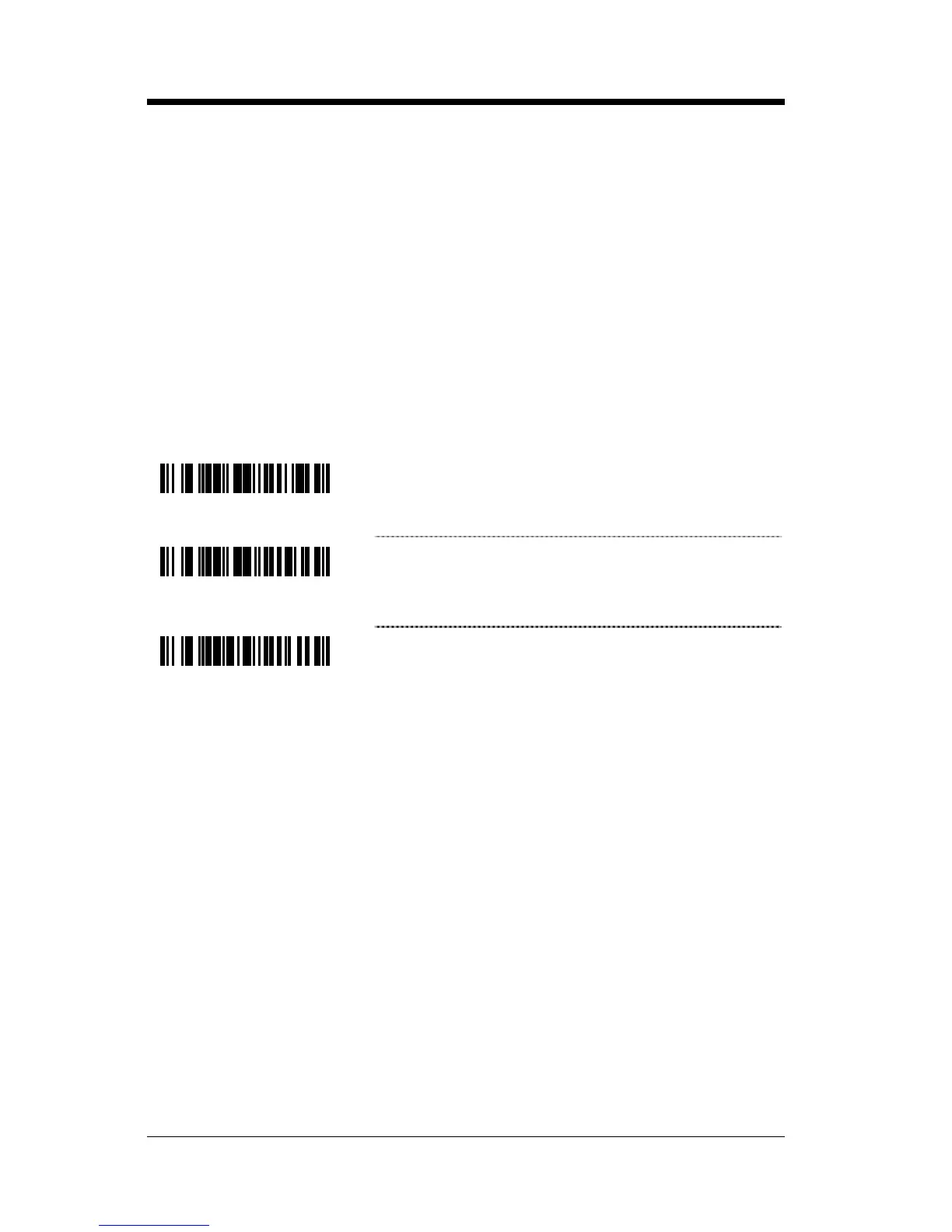
2. Scan the character to replace code (shown below).
3. Scan the ASCII code byte value of the character you wish to replace.
Refer to the ASCII Reference Table in the Code Byte Usage section of
this manual.
4. Scan the replacement character bar code (shown below).
5. Scan the ASCII code byte value of the replacement character.
6. Scan the enter/exit configuration mode bar code (on page 1–1).
³938600
~ Character to Replace
³938700
~ Replacement Character
³838600
No Replacement



 To Next Page