12–1
OCIA
³415544
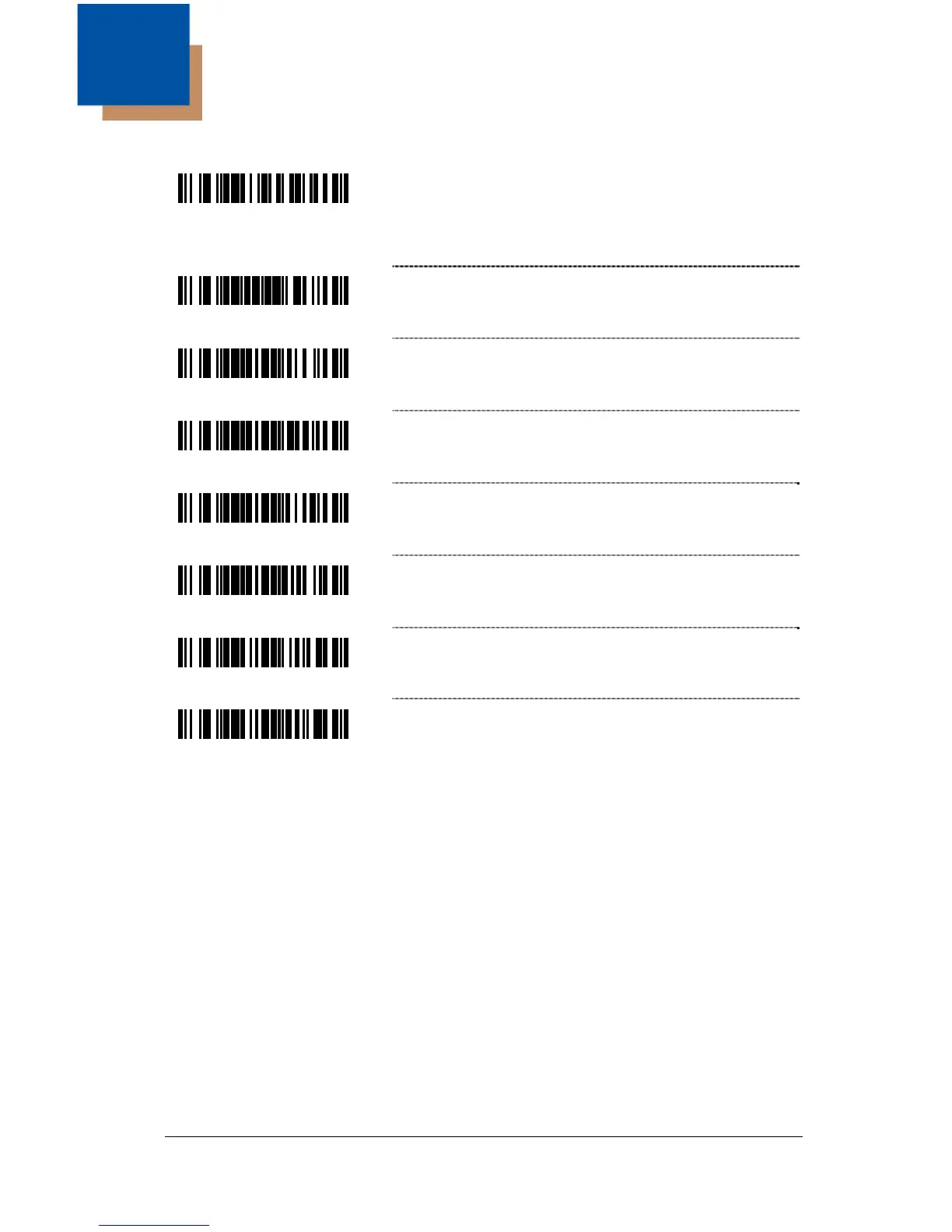
Enable OCIA Mode – Select this option if
communications requires OCIA (Optically
Coupled Interface Adapter). The host clocks this
serial interface.
³999993
Load OCIA Defaults
³217706
Enable DTS/Siemens
³217716
* Enable DTS/Nixdorf
³217736
Enable NCR-S
³217726
Enable NCR-F
³117705
* Transmit character count with non-UPC codes
while transmitting in OCIA NCR-S mode
³117715
Do not Transmit character count with non-UPC
codes while transmitting in OCIA NCR-S mode
1



 To Next Page