7–8
Host Scanner Commands
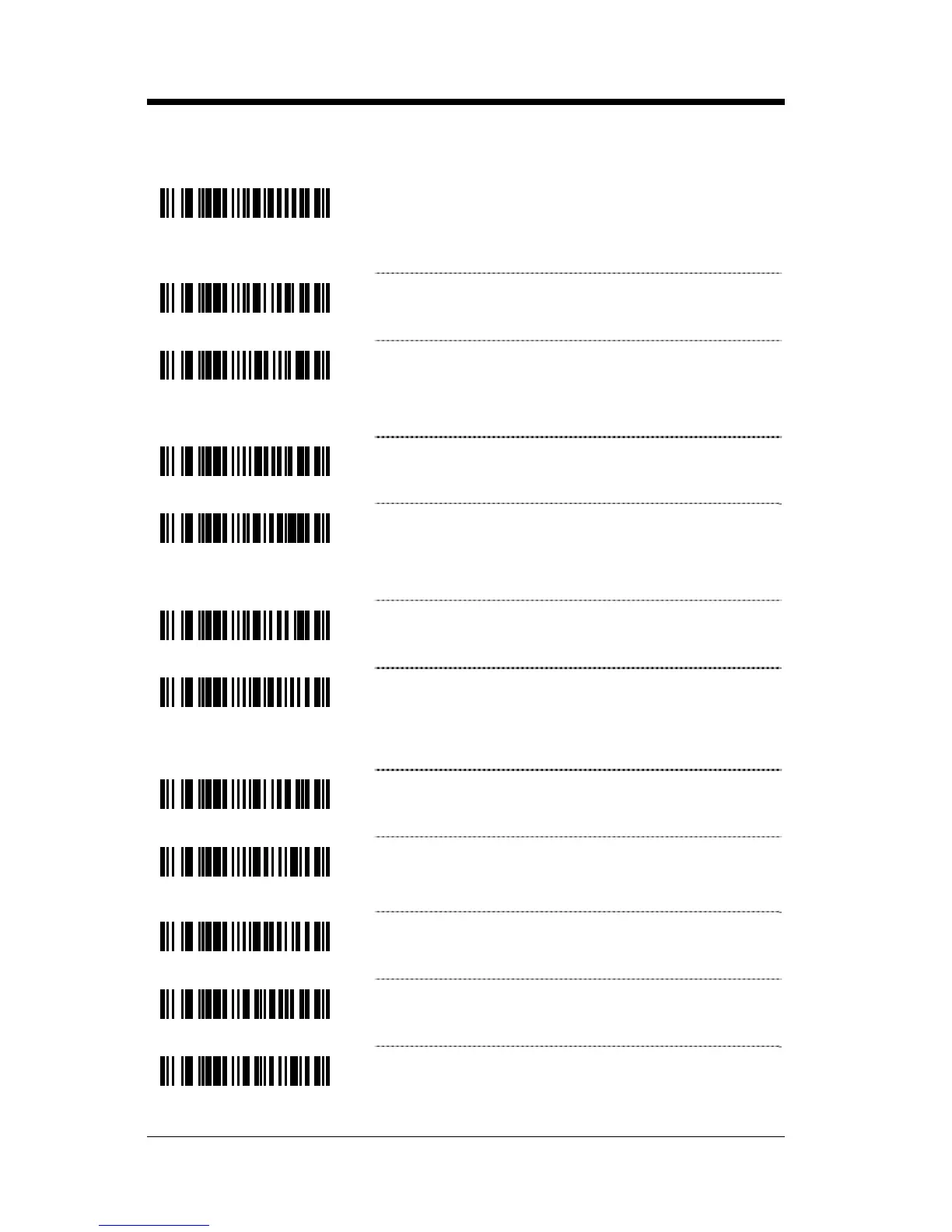
³118015
Enable D/E Disable Command – The scanner
will disable scanning after it receives an ASCII
“D” from the host device. It will enable scanning
when it receives an ASCII “E”.
³118005
* Disable D/E Disable.
³118211
Enable Z/R Type D/E Simulation – The scanner
will disable scanning after it receives an ASCII
“Z” from the host device. It will enable scanning
when it receives an ASCII “R”.
³118201
* No Z/R Type D/E Simulation
³118014
Enable F/L Laser Command – The scanner will
turn off the laser after the scanner receives an
ASCII “F” character. The laser will turn on after it
receives an ASCII “L” character.
³118004
* Disable F/L Laser Command
³118115
Use DTR Scan Disable – The scanner will
monitor the DTR input to determine if scanning
should be allowed. A +12V active level enables
decoding. A -12V inactive level disables decoding.
³118105
* Do Not Use DTR Scan Disable – Do not monitor
the DTR input.
³118110
Activate DC2 Character – Scanning will be
initiated with the receipt of a DC2 character
(^R, 124).
³118100
* Do Not Activate on DC2 Character
³115917
Transmit “METROLOGIC” with receipt of an
“I” (49H) via RS232
³115907
* Don’t Transmit “METROLOGIC” with receipt
of an “I” (49H) via RS232



 To Next Page