8–3
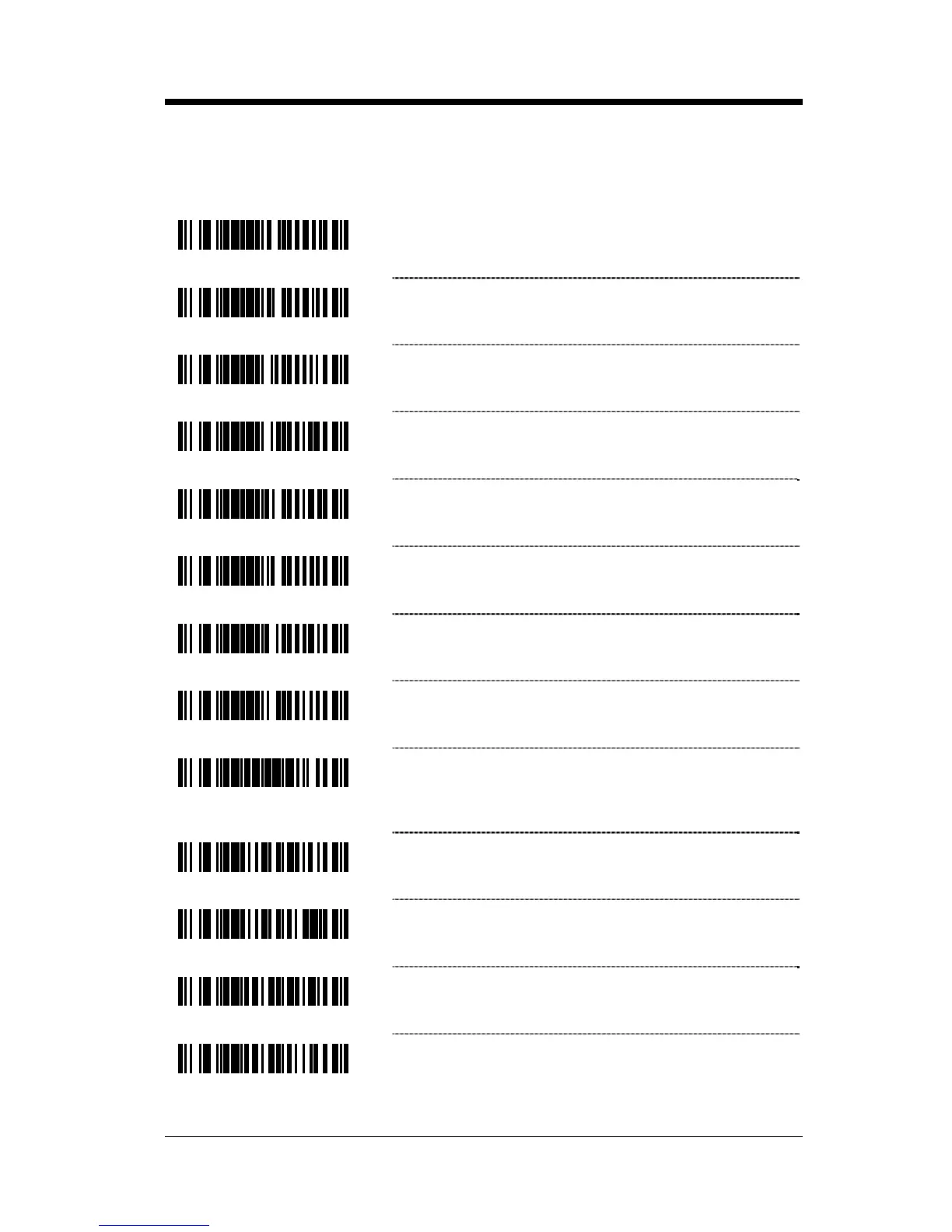
‡ Enter configuration mode then scan this bar code followed by the three
code byte bar codes (on page 16–1) that represent a unique ID character
to be associated with this bar code type.
³907200
~ Configurable TRI-OPTIC ID ‡
³907100
~ Configurable Standard 2 of 5 ID ‡
³906700
~ Configurable Interleaved 2 of 5 ID ‡
³906800
~ Configurable Matrix 2 of 5 ID ‡
³906900
~ Configurable Airline 2 of 5 ID ‡
³906500
~ Configurable MSI Plessey ID ‡
³907000
~ Configurable UK Plessey ID ‡
³906600
~ Configurable Codabar ID ‡
³999983
* Clear All Configurable Code Specific ID’s –
Clears all unique ID characters previously
identified.
³105516
Enable Teraoka ID
³105506
* Disable Teraoka ID
³124716
Enable Taiwan 7-11 ID
³124706
* Disable Taiwan 7-11 ID



 To Next Page