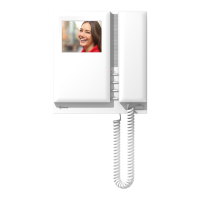
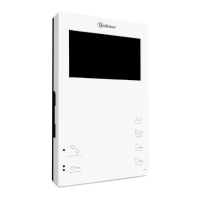
CLEANING THE MONITOR
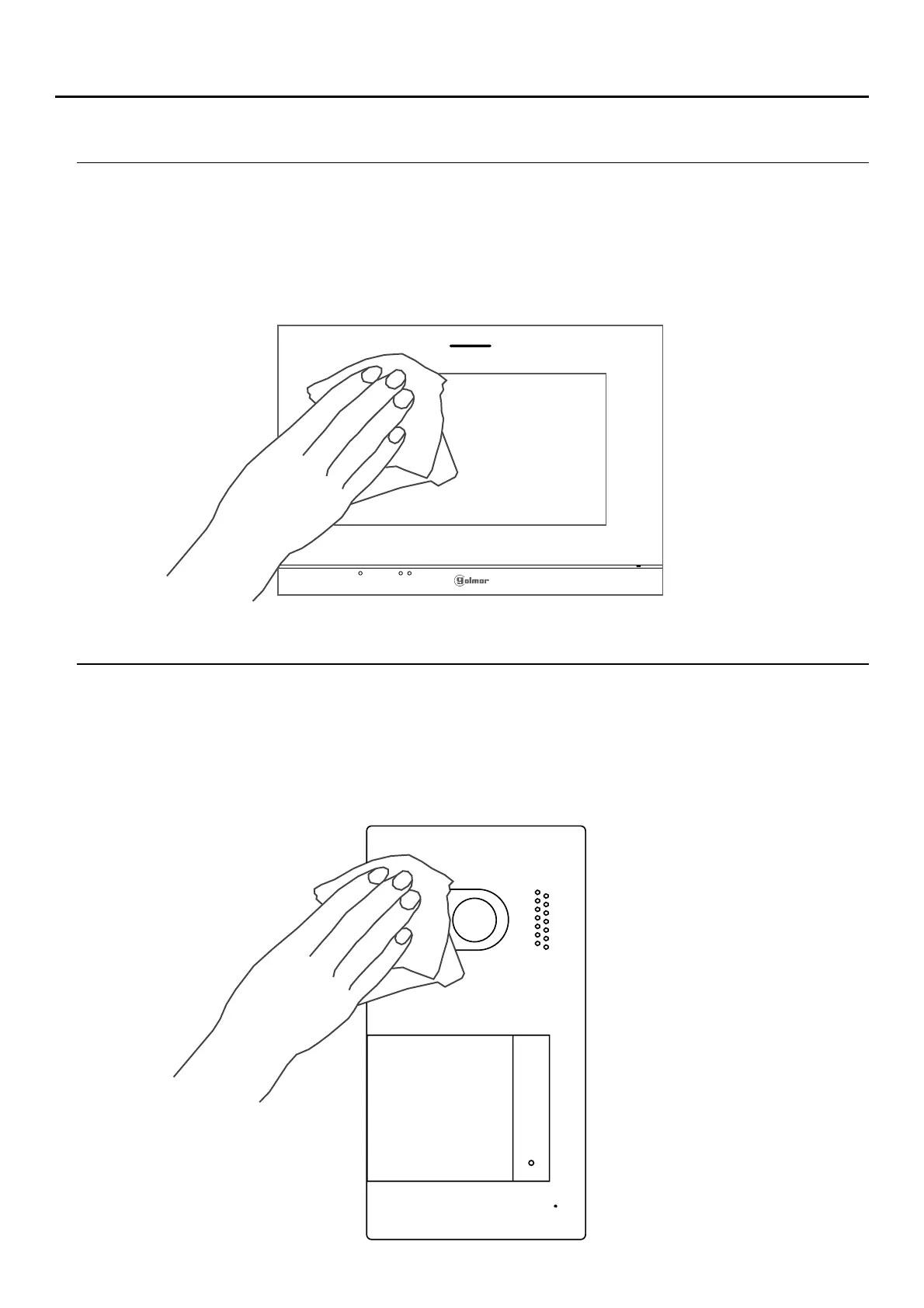
-After cleaning the monitor, remove any moisture with a soft dry cloth that sheds no fibres.
-Always wipe the monitor in the same direction, from top to bottom.
- Use a soft damp cloth (not wet) that sheds no fibres.
- Do not use solvents, detergents or cleaning products that contain acids, vinegar or abrasive components.
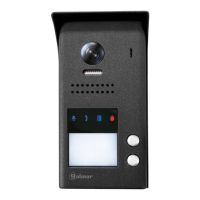
CLEANING THE DOOR PANEL
- Do not use solvents, detergents or cleaning products that contain acids, vinegar or abrasive components.
-After cleaning the door panel, remove any moisture with a soft dry cloth that sheds no fibres.
-Always wipe the door panel in the same direction, from top to bottom.
- Use a soft damp cloth (not wet) that sheds no fibres.
SOUL S5110/ART 7W VIDEO DOOR ENTRY SYSTEM KIT
42


 To Next Page