94
MDE-LEDI-1099V3.4
6.6. MICRO SOFTWARE UPGRADE
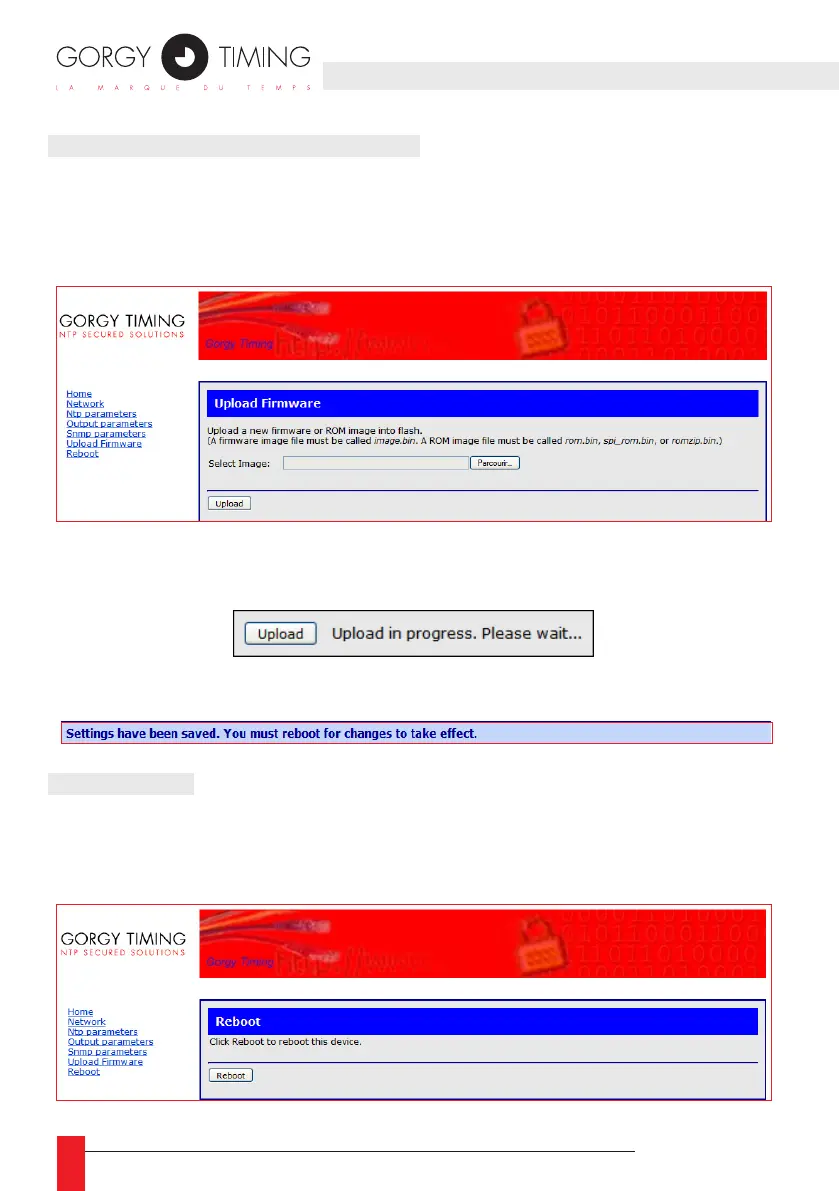
This page allow to upgrade the web interface of the clock .
► For this, you shall click on “browse…” select “image.bin” le, provided by After Sales
Service".
► When "image.bin" selected, click on "Upload" button in order to send the updates. A
case will indicate the progress of the le sending.
► When upgrade is nished, the clock will indicate that reboot is required (refer to Section
6. CONFIGURATION VIA WEB INTERFACE, Chapter 6.7. Reboot).
6.7. REBOOT
This page allows to refresh web page.



 To Next Page