3-8
Basic Settings and Operations
3.5 Stop Function
Cutting or plotting can be stopped by pressing the (PAUSE) key while cutting or plotting is in progress.
The operation selection menu is displayed on the control-panel screen while cutting or plotting is stopped,
enabling operations to be resumed or aborted as required. Raising or lowering the media set lever while the
cutting or plotting is stopped does not require the medium to be selected, so the medium can be replaced or
reset.
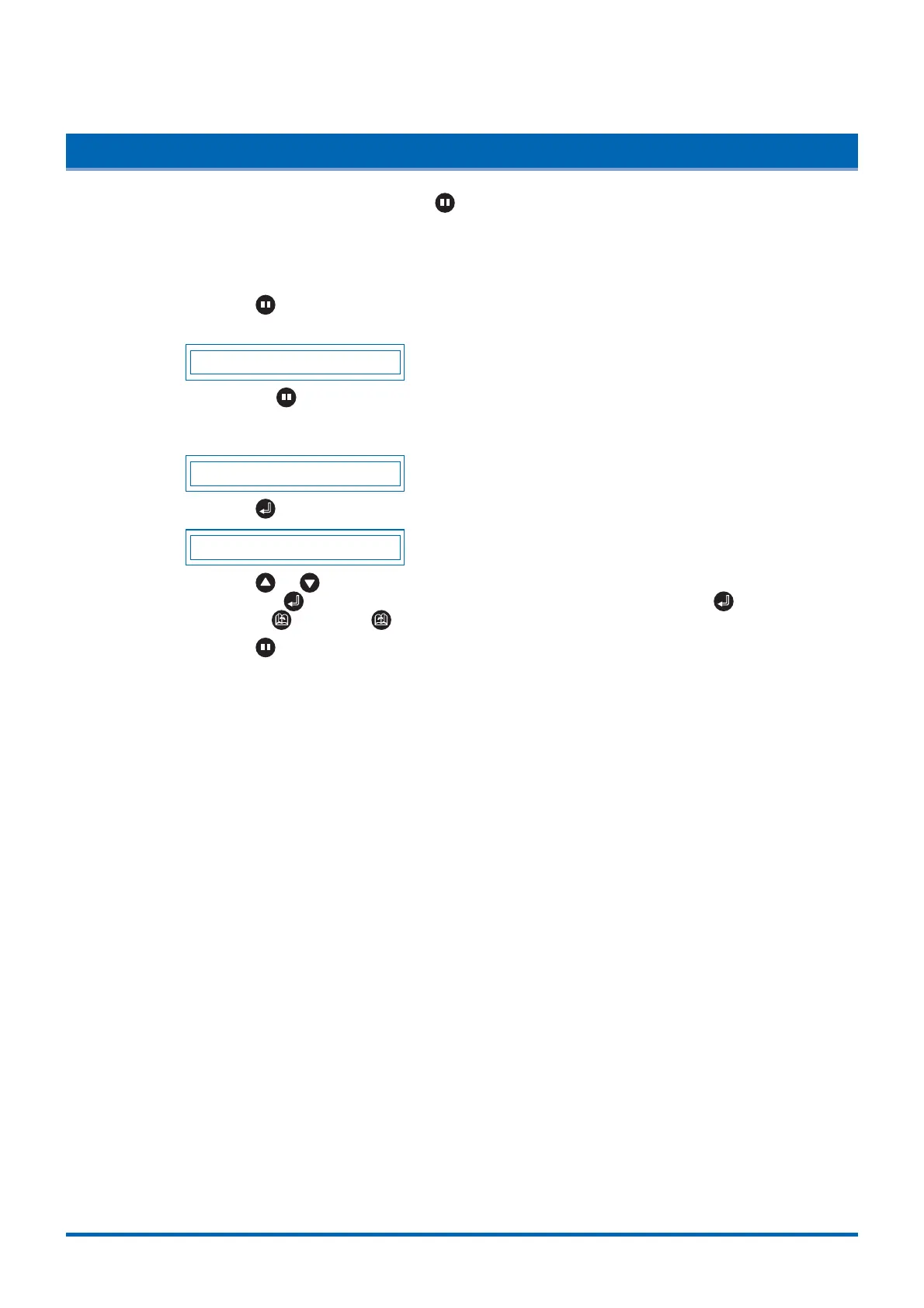
(1) Press the (PAUSE) key while cutting or plotting is in progress to stop cutting or plotting and
display the PAUSE menu.
CLEAR BUFFER
(2) Pressing the (PAUSE) key while cutting or plotting is stopped cancels the pause function
and restarts cutting or plotting. To completely abort cutting or plotting, stop sending data from
the computer.
CLEAR BUFFER
(3) Press the (ENTER) key to display the buffer memory clear menu.
CLEAR <YES>
(4) Press the or key to select "YES" or "NO." To abort cutting or plotting, select "YES"
and press the (ENTER) key. To cancel, select "NO" and either press the (ENTER) key
or press the (NEXT) or (PREV.) key.
(5) Press the (PAUSE) key to reset PAUSE mode.











 To Next Page