Function Settings and Operations
4-21
4.17 Sorting Settings
This function sorts and cuts or plots the cutting/plotting data stored in the buffer memory to minimize the
amount of medium feed required. This is useful for data requiring a large number of movements on the
drawing with the pen raised. If the data received has been sorted using the application software, sorting the
data using the cutting plotter may require additional time. Turning this function off may speed up the process.
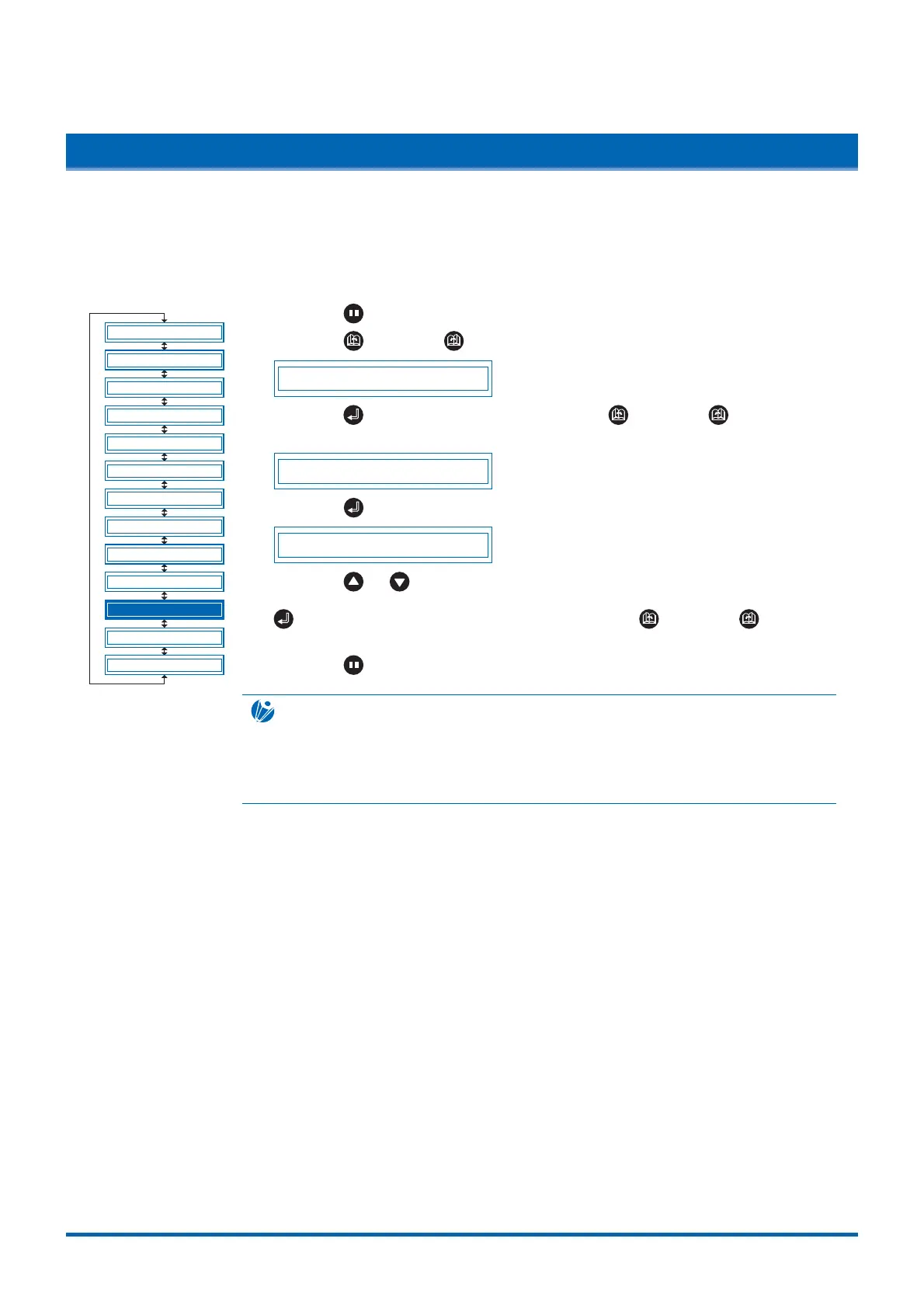
(1) Press the (PAUSE) key to switch to PAUSE mode.
(2) Press the (NEXT) or (PREV.) key until the following menu is displayed.
ADVANCED FUNC.
(3) Press the (ENTER) key, and then press the (NEXT) or (PREV.) key
until the following menu is displayed.
SORT
(4) Press the (ENTER) key to display the sorting setting menu.
SORT OFF
Press the or key to display the condition setting areas "2" through "8" or
"OFF". Select the condition setting area to be used for cutting, and then press the
(ENTER) key. To cancel the selection, press the (NEXT) or (PREV.)
key.
(5) Press the (PAUSE) key to cancel PAUSE mode.
CHECKPOINT
• This setting is retained in the memory even when the power is turned off.
• If data for which the cutting/plotting sequence has been set using the application
software is received, the cutting/plotting sequence may be changed if this function is
set to "ON." The function should be set to "OFF" in this case.
BLADE WARE SETUP
CUT LINE PAT.
TANGENTIAL
INIT. B
PEN UP SPEED
INITIAL FEED
AUTO PRE FEED
SETUP MENU
TEST
FEED&CUT
PEN UP/DOWN
ADVANCED FUNC.
CLEAR BUFFER











 To Next Page