4-4
Function Settings and Operations
4.3 Setting the FEED & CUT function
TThis function enables cross-cutting of the medium. Cutting is performed after one page has been fed. The
page length is the length specified in Section 4.28 "Setting the Page Length.
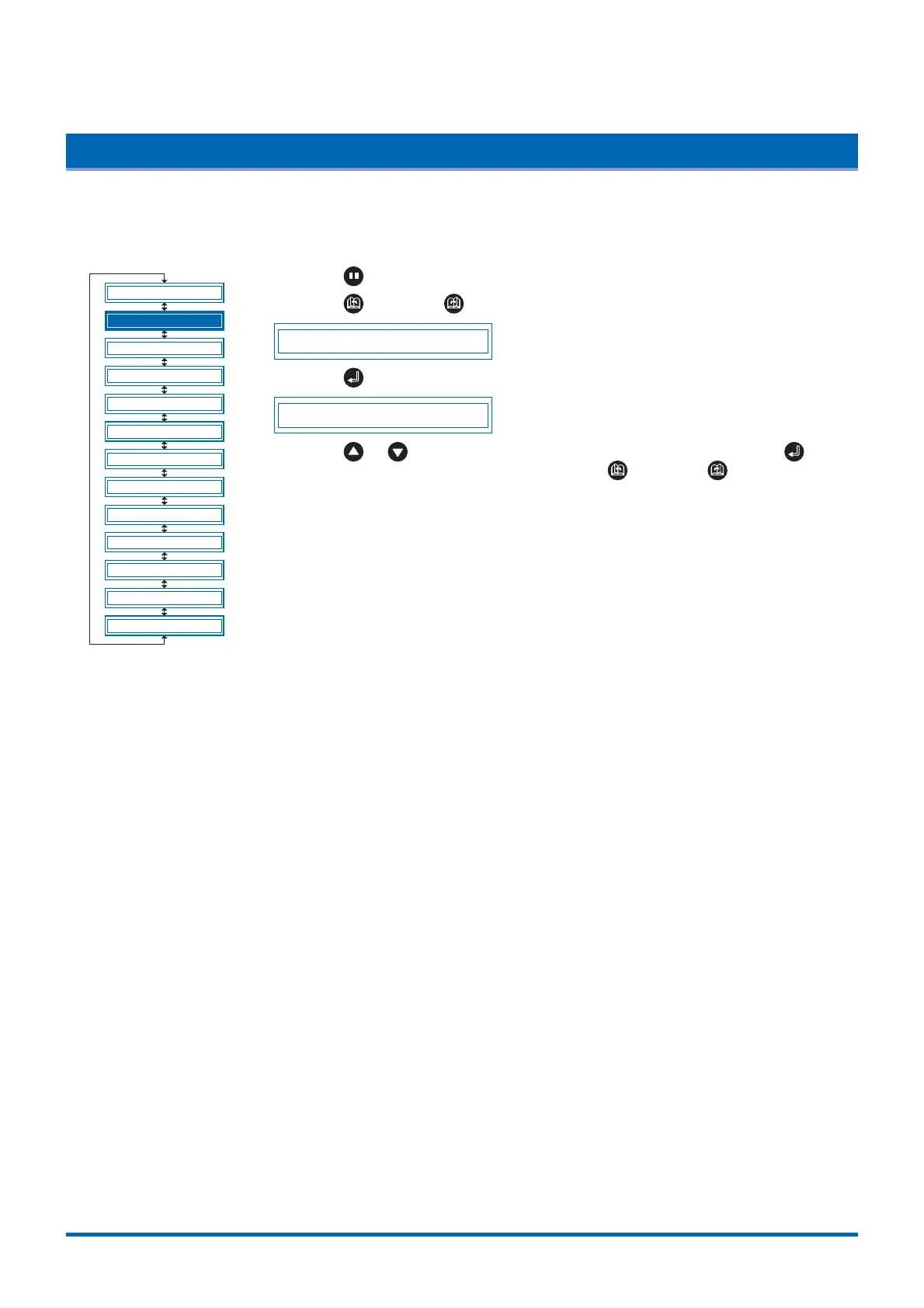
(1) Press the (PAUSE) key to switch to PAUSE mode.
(2) Press the (NEXT) or (PREV.) key until the following menu is displayed.
FEED&CUT
(3) Press the (ENTER) key to display the FEED & CUT selections.
FEED&CUT CUT
(4) Press the or key to select "F&CUT" or "CUT", and then press the
(ENTER) key. To cancel the selection, press the (NEXT) or (PREV.) key.
BLADE WARE SETUP
CUT LINE PAT.
TANGENTIAL
INIT. B
PEN UP SPEED
INITIAL FEED
AUTO PRE FEED
ADVANCED FUNC.
SETUP MENU
TEST
CLEAR BUFFER
PEN UP/DOWN
FEED&CUT











 To Next Page