Basic Settings and Operations
3-9
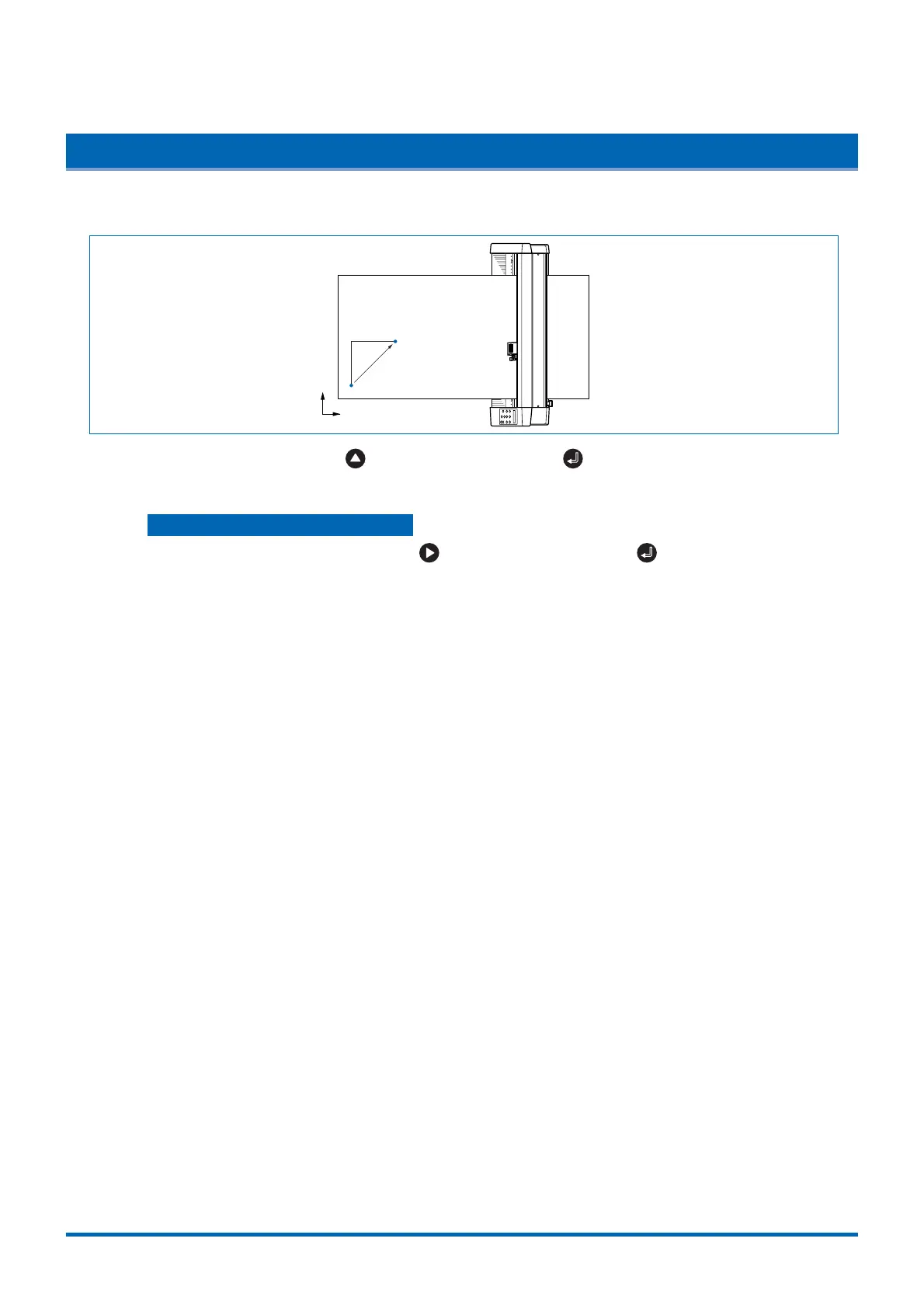
3.6 Moving the Pen Carriage in +100 mm Steps
This function allows the pen carriage to be moved from its current position in +100 mm steps along the X-
and Y-axes.
Y
X
Original pen-carriage position
Moved pen-carriage
position
100mm
100mm
In READY mode, press the key while holding down the (ENTER) key to move the pen
carriage in +100 mm steps along the X- and Y-axes.
Returning to the original position
In READY or PAUSE mode, press the key while holding down the (ENTER) key to return
the pen carriage to the origin.











 To Next Page