FC8600-UM-251-9370 7-24
7 ADJUSTMENT
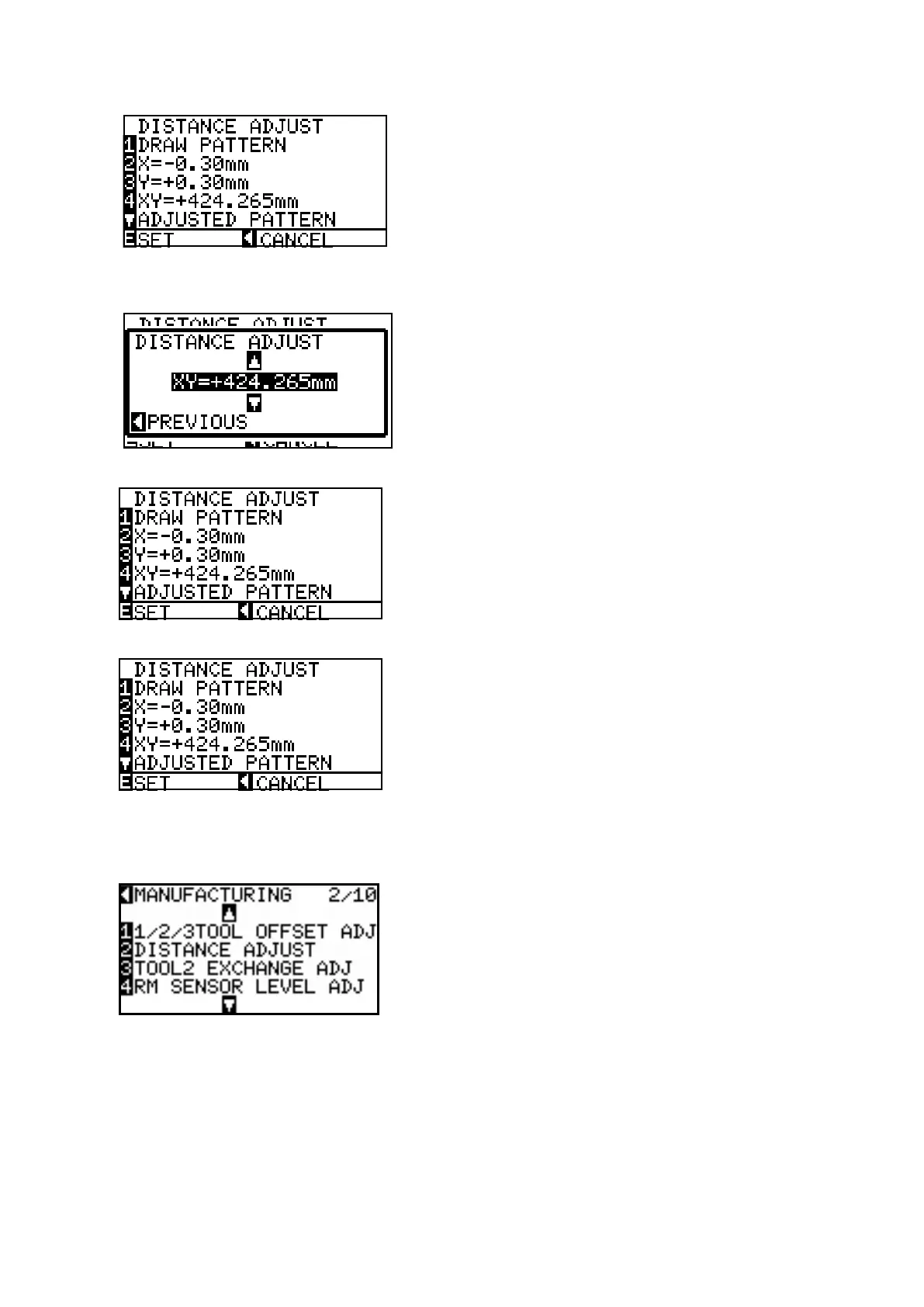
Press the left arrow key to display the menu shown below.
(13) Press the F4 key to display the menu shown below if the Y-axis or Y-axis value is changed from the
recorded values, and then input the value of the diagonal distance (XY=) which was measured.
(14) Press the left arrow key to display the menu shown below. (Adjusted value will be displayed.)
(15) Press the ENTER key to store the setting.
(16) Pressthedownarrowkeytodrawtheadjustedpattern,andthenconrmthedistanceadjustmentthat
the adjusted pattern has 300 mm x 300 mm.
(17) If you wish to complete this adjustment, press the left arrow key.
(18) Turn off the power to exit from the adjustment menu.










 To Next Page