74
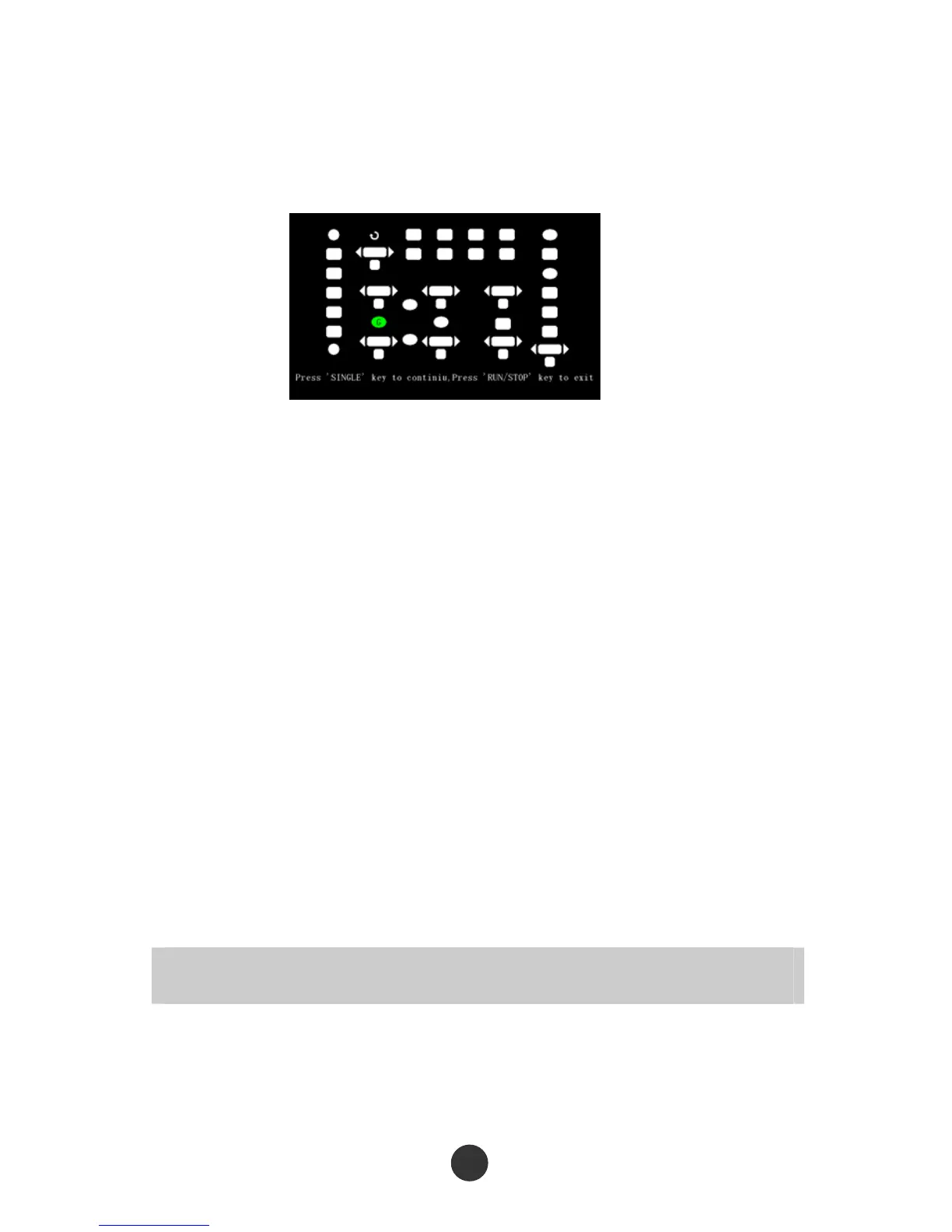
continue, Press RUN/STOP key to exit”. After continuously pressing the [SINGLE] key,
the corresponding region on the screen will be in green when the key is lightened. RUN
and STOP share one key, so the key is in green at RUN state and in red at STOP state.
Figure 2-72 Lightening test
2.12.5 Upgrading of firmware
This series of oscilloscope can upgrade the software by the USB flash disc, which
needs about 5 minutes.
The firmware is upgraded by the following steps:
1. Plug the USB flash disc in which a firmware program is saved in USB Host interface
on the front panel of the oscilloscope.
2. Press [UTILITY] to skip to the “UTILITY” menu.
3. Press the “Next” option key to skip to page 3 of the auxiliary menu.
4. Press “Upgrade firmware”.
5. Press [SINGLE] to execute upgrading according to the scree prompt.
Reboot the machine after finishing upgrading, and the software version is upgraded.
The oscilloscope should be self-corrected once after upgrading.
Upgrading should be performed again by rebooting the machine if power is off or upgrading
is failed during upgrading.
2.12.6 Pass/fail
“Pass/fail” is used for judging whether the input signal is in a built rule range and



 To Next Page