User Manual 9065/9065plus
MAN10772-00 48
Interface
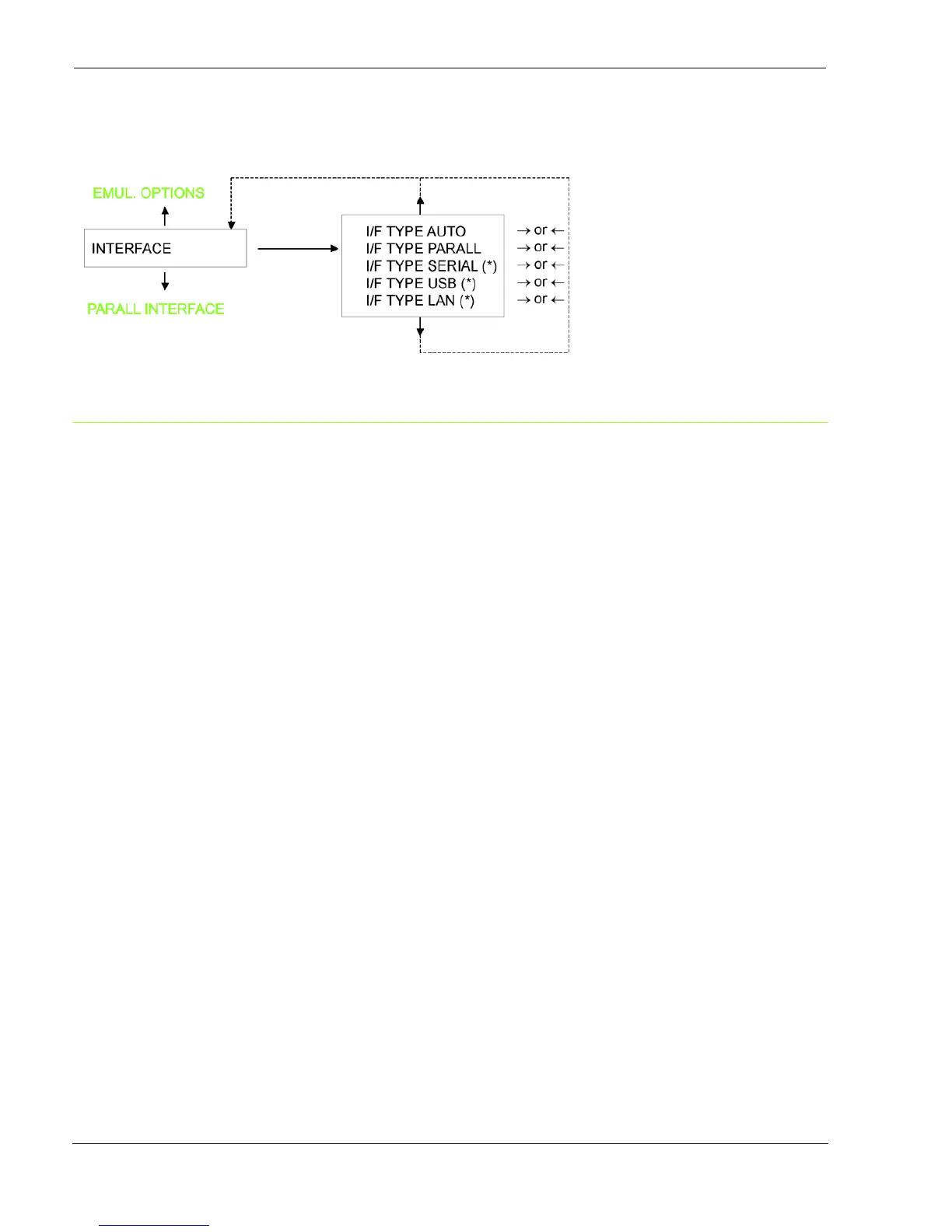
Interface Type Settings
Depending upon the installed Controller Board, the printer model can be equipped with different interfaces to connect
to the host system.
The possible interfaces are:
9065 9065LAN 9065plus
Parallel Centronics YES YES YES
Serial 232C YES NO YES
USB YES NO YES
Ethernet LAN 10/100 NO YES YES
(*) This item is displayed only if the interface board (Controller Board) installed on the unit is equipped with this interface.
Valid only for 9065.
The following paragraphs describe how to configure the parameters of the interfaces.
AUTO All the interfaces installed onto the interface board (controller) are active and the hot port feature is
operative.
PARALLEL Only the Centronics Parallel Interface is active. Hot Port is not operative.
SERIAL Only the Serial RS232 Interface is active. Hot Port is not operative.
USB Only the USB Interface is active. Hot Port is not operative.
LAN-A Only the Ethernet LAN ASCII Interface is active. Hot Port is not operative.



 To Next Page