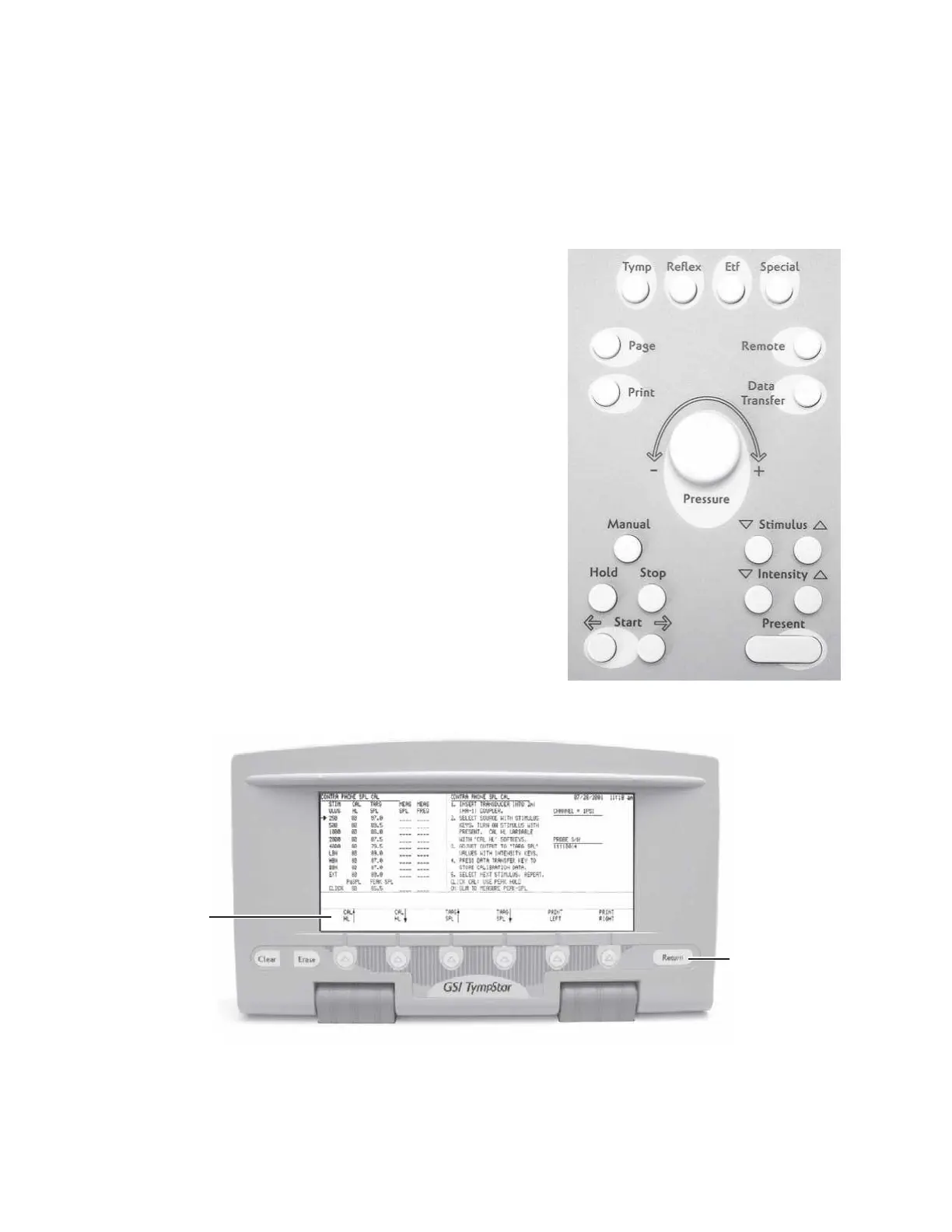
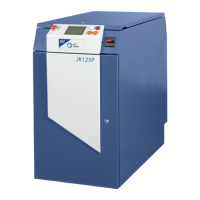
The TympStar is calibrated using a combination of front panel hardkeys and LCD
panel softkeys.
Hardkeys are used as follows:
Stimulus Up/Down arrows-
Scrolls up or down through available
stimulus tone frequencies.
Intensity Up/Down arrows-
Adjusts output level of stimulus tone up
or down in 0.5dB increments.
Present bar-
Toggles the stimulus tone on and off.
Data transfer key-
Stores currently displayed calibration
values of tone frequency and level in the
TympStar’s memory.
Return key (LCD panel)-
Returns to previous (higher) level in the
calibration menu hierarchy.
RETURN
hardkey
Grason-Stadler


 To Next Page