Chapter 5
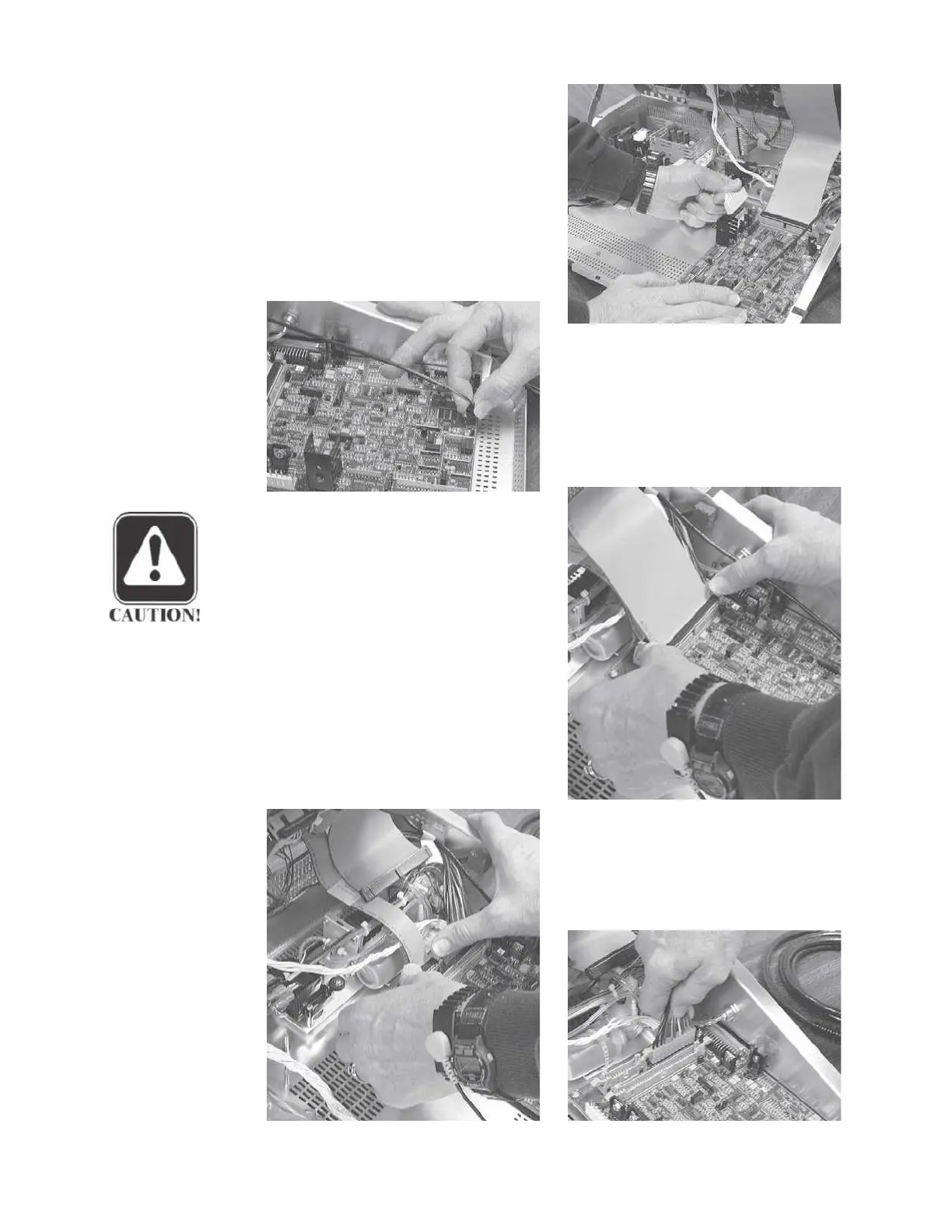
Step 1
Remove the analog power cable by
pulling the cable connector straight
up.
Step 2
Remove the external stimulus cable
by pulling the cable connector straight
up.
Step 3
Remove the 60-pin digital signal
cable by disengaging the two cable
connector retainer tabs and pulling the
connector straight up.
CAUTION
During reassembly, the flat 60-pin
digital signal cable must be folded
to the rear out over the pump, not
to the front over the analog board.
Step 4
Remove the 20-pin digital signal
cable by disengaging the two cable
connector retainers and pulling the
connector straight up.
Step 5
Remove the digital power cable by
pulling the cable connector straight
up.
Grason-Stadler



 To Next Page