Calibration
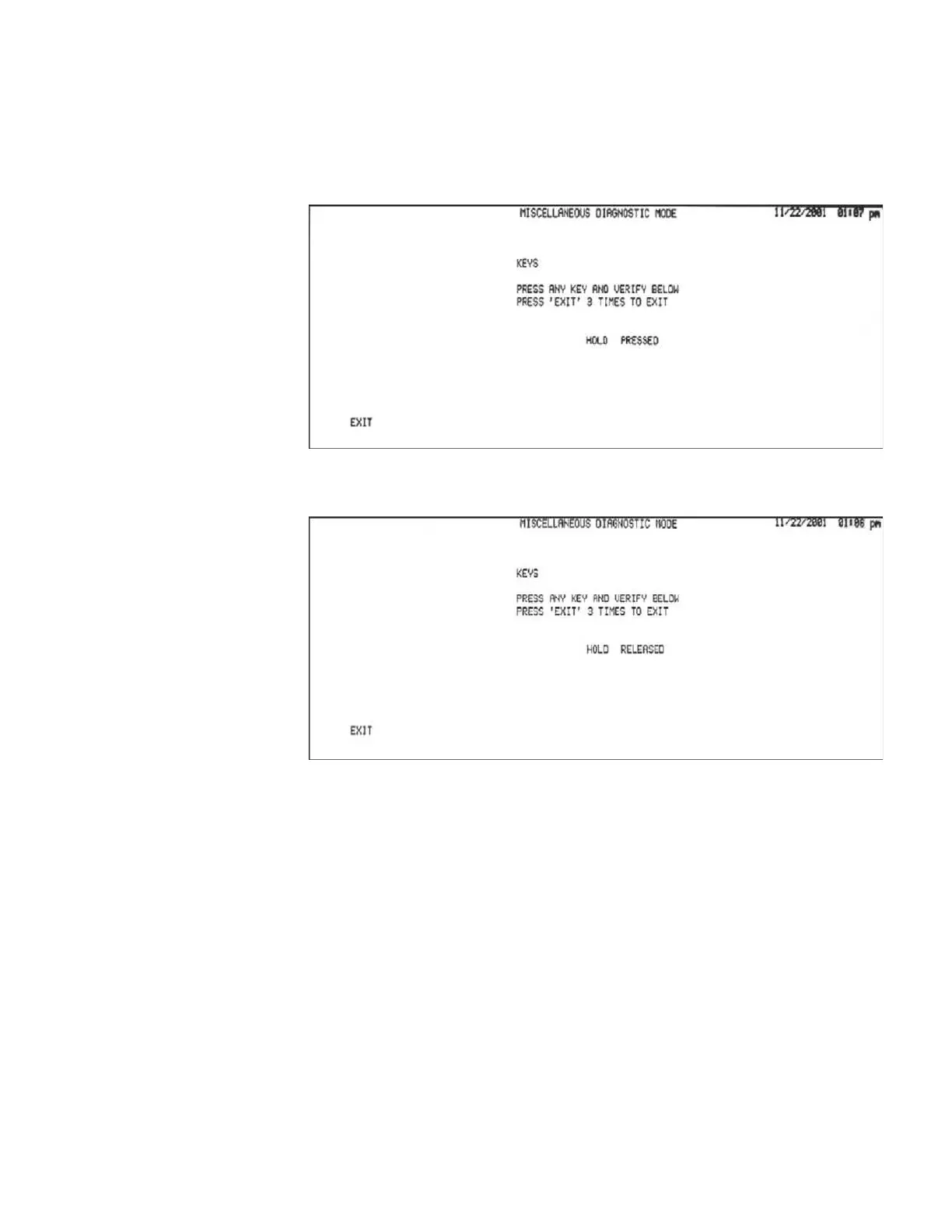
KEYS
Pressing the KEYS softkey displays instructions in the center of the screen, and
starts a test sequence that displays hardkey or softkey activations on the LCD.
Pressing and holding any hardkey or softkey causes the system to display the name
of the key, and to indicate that it is pressed.
Releasing the key changes the display to indicate that the hardkey or softkey was
released.
Pressing the EXIT softkey three times in rapid succession ends the test and displays
the Miscellaneous Diagnostic menu.
GSI TympStar Version 1 and Version 2 Service Manual 4 - 21



 To Next Page